
Yclas Friends,
We don't stop. Last week we announced the new admin panel released. And we got awesome feedback from you.
We are happy to say, that today, we are launching our new theme, so Welcome to Basecamp. It´s a fresh, stylish, and just an awesome theme, designed especially for our customers!
At the moment, we have many different themes, that are suitable for different sectors of the classifieds website. Basecamp is an ideal solution for the marketplaces.
After thinking about the features for our Basecamp, we decided, that this theme has to be a step into the world of usability
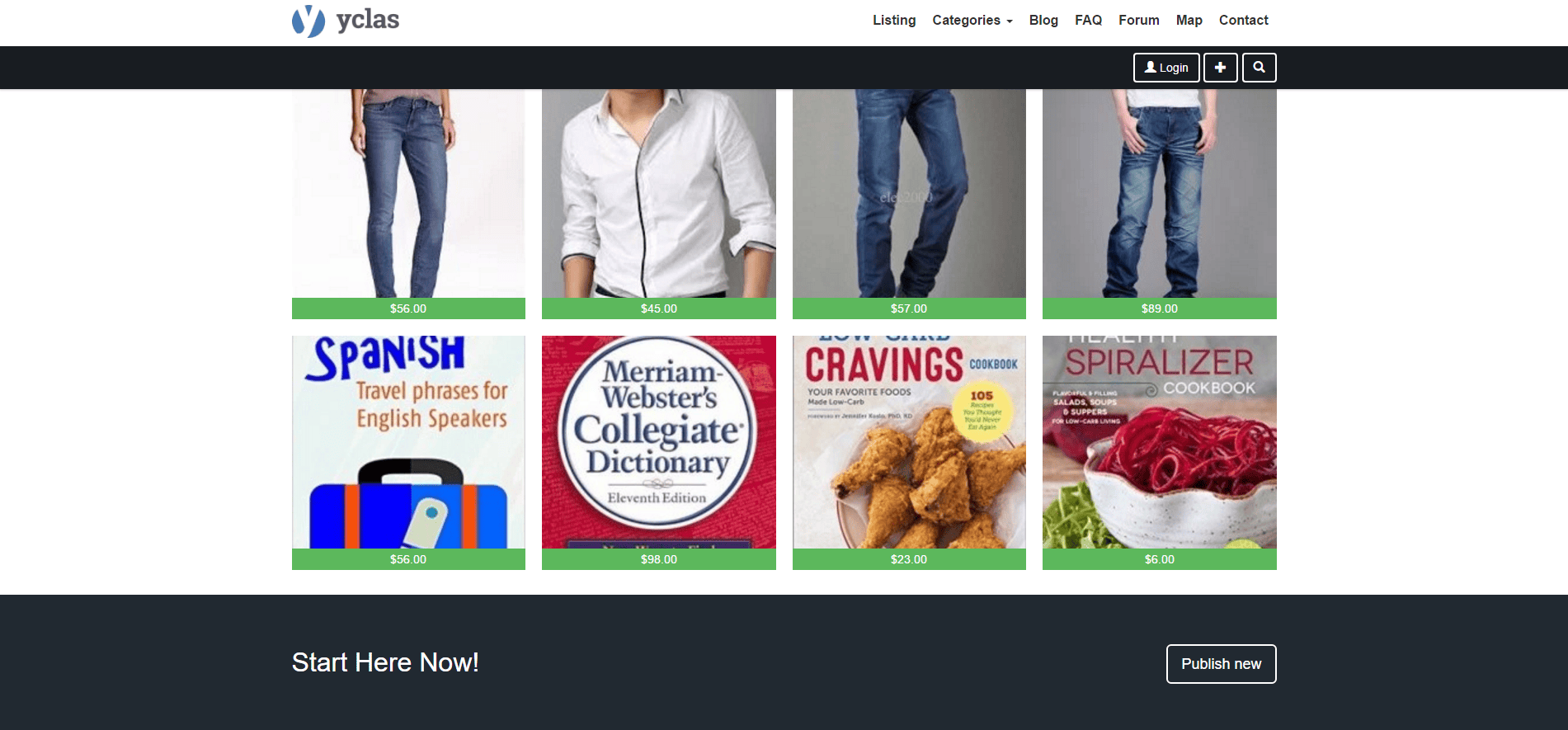
What's new?
- Basecamp is 100% responsive. Now you don’t need to worry about what devices your customers are using, just relax and enjoy the view of your business available on any screen size.
- We are following the main trends in web design, that’s why, Basecamp has a big slider, to make your marketplace look stylish.
- The most popular plan in Open-Classifieds is the Premium plan, so we developed Basecamp in a specific way that supports all the premium features and gives you more freedom.
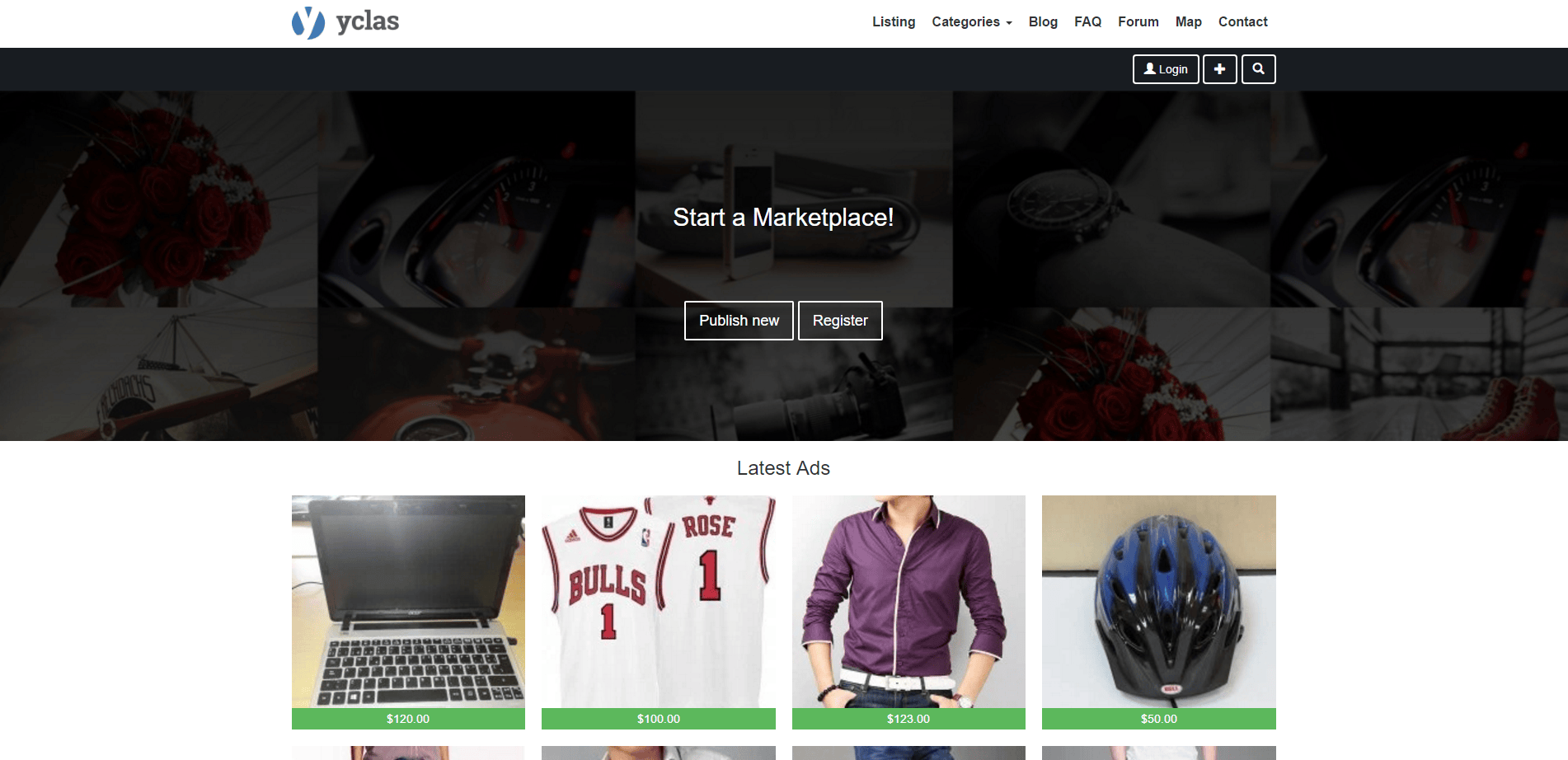
You can start using Basecamp. Go to you admin panel -> Appearance -> themes -> Activate Basecamp.
Basecamp in 2026: now "Home Camp", and how it compares with Nova
Basecamp is still available on Yclas, but it is no longer our newest theme. In the theme picker it now appears as Home Camp, and the menu path above has changed. Since October 2026 every new site starts on Nova. According to the Yclas theme guide, Nova is the default for new sites and the theme that gets new features first. Home Camp is still recommended there for property, car dealer and general marketplaces that want a homepage slider.
Home Camp (Basecamp) vs Nova
| Home Camp (Basecamp) | Nova | |
|---|---|---|
| Status | Still available, no longer the default | Default for new sites, gets new features first |
| Colours | 4 preset colour schemes: Default, Mint, Charcoal/Gold and Plumb | Your own accent and hover colours, which restyle the whole site |
| Homepage | Large slider with two calls to action | Large search hero with your own image and text, category tiles with icons, latest listings, "how it works" steps for buyers and sellers, locations |
| Listings | Classic list and grid of ads | Photo-first ad cards with favourites, filters on category pages, and a buy box with Buy now on the ad page |
Why the theme choice matters more now
When Basecamp launched, "100% responsive" set a theme apart. Today it is the baseline. StatCounter's worldwide figures for September 2026 put mobile at 58.99% of web traffic, against 39.26% for desktop and 1.76% for tablets. For a classifieds site, most buyers will see your listings on a phone first. Choose a theme for how fast someone can search, open an ad and contact the seller on a small screen, not for how the desktop homepage looks.
How to switch themes today
- In your admin panel, open Design › Themes.
- Under "Other themes", find Home Camp or Nova. If your site offers Preview, use it to see the theme with your own listings.
- Click Activate and confirm. Your listings and content stay as they are. Theme options are saved per theme: a theme you have not used before starts from its defaults, and one you used before brings its old options back.
- Go to Design › Theme Options to set your logo, colours and homepage sections, then check the site on your phone.
If you are starting a new marketplace, there is nothing to switch: new sites begin on Nova, and you can try it with the 15-day free trial.
Hope you can enjoy Basecamp as much as we do!

