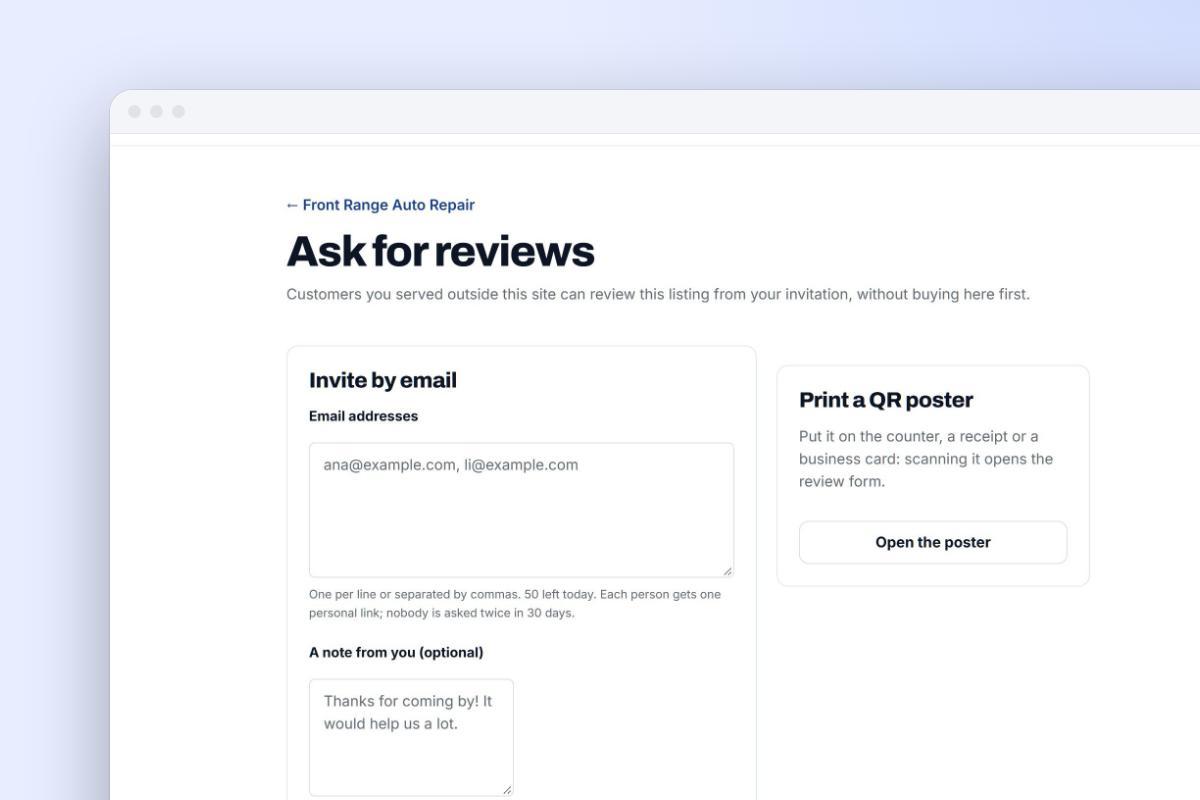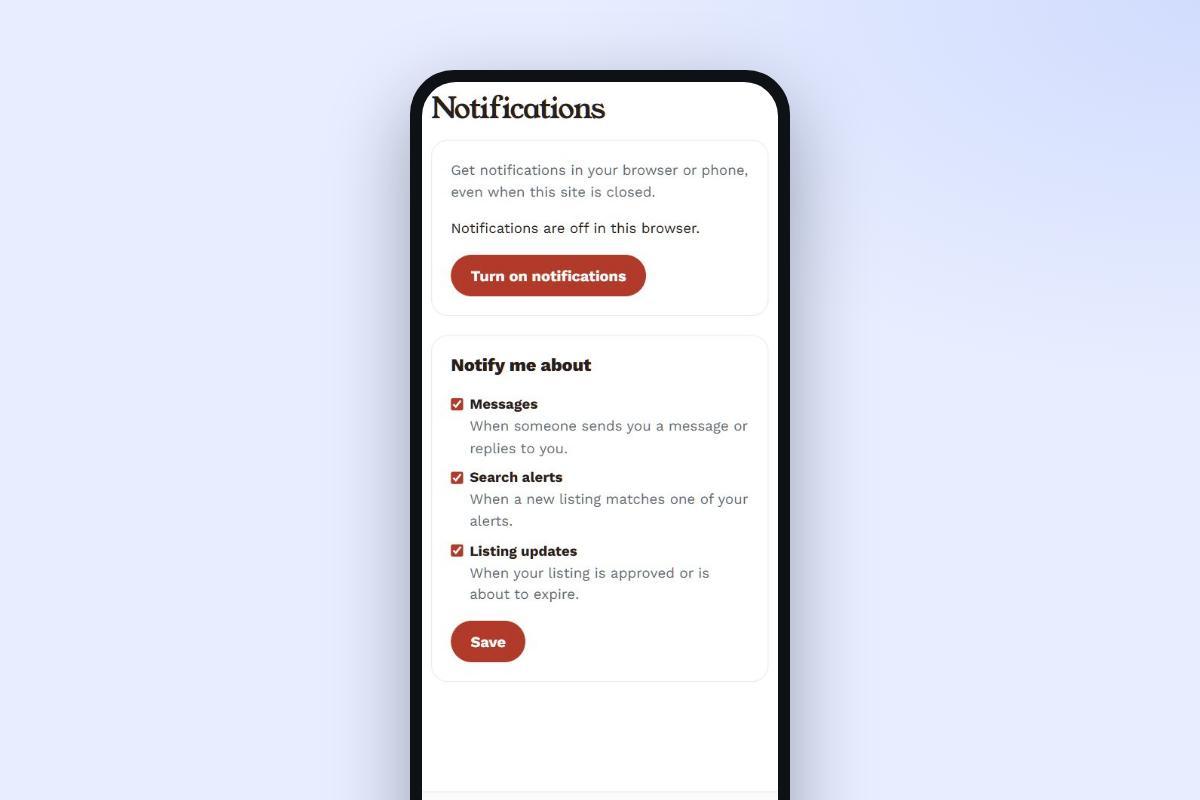
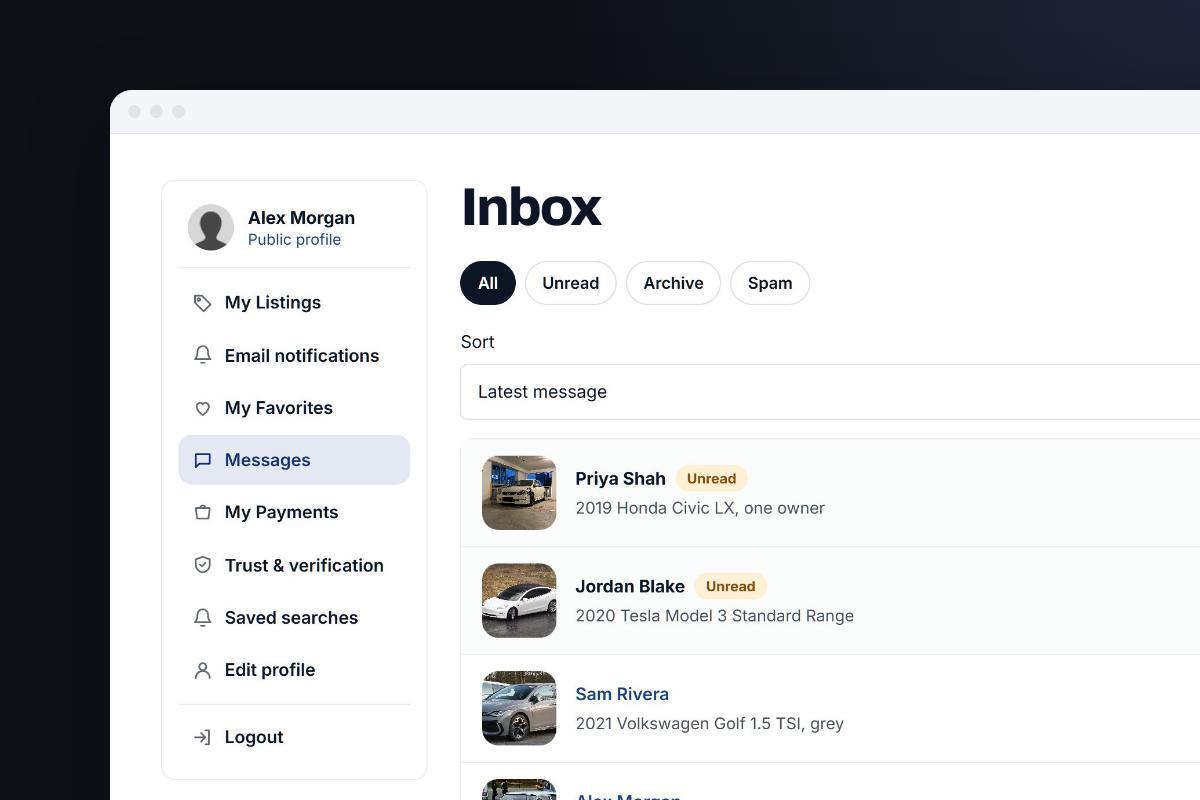
What is the role of customer support in marketplaces? It is to help both sides of every deal, buyers and sellers, get what they came for safely: answer their questions, fix problems with accounts and listings, take reports of scams and rule breaking, step in when a deal goes wrong, and apply your rules fairly to everyone. A shop supports one kind of customer. A marketplace supports two, who have usually never met, and it is judged on how it handles the moments when they disagree. This guide explains what customer support for marketplaces involves, what effective customer support for marketplaces looks like for a small team, and which parts are now legal duties.
This post is part of our guide on how to build trust in a marketplace. Support is where that trust is tested: a clear help page and a fair, quick answer when something goes wrong do more for a marketplace's reputation than any badge.
In short
- Marketplace support serves buyers and sellers at once and is the front door to moderation and disputes, so written rules applied the same way to everyone are essential.
- Start with a help center for the common questions, clear policies, and a reply target you can keep: one working day for a small team, with safety reports first.
- Route each message by type: usage questions to support, rule breaks and scams to moderation, failed deals to disputes, data requests to whoever handles privacy.
- Use AI only for FAQs and status questions, offer a way to reach a person, and label the bot as AI for EU users since 2 August 2026.
- In the EU every listing site needs a report channel and a statement of reasons for removals, and larger platforms need appeals reviewed by people.
Part of the guide Trust and safety for your marketplace · Part 9 of 9
The role of customer support in marketplaces: two sides, two sets of needs
Your support desk serves people who want different things from the same transaction. A buyer wants to know the listing is real and that someone will listen if it isn't. A seller wants their listings live, their questions answered and a fair hearing when a buyer complains. Support also has a third job that a normal shop doesn't: it is the front door to your moderation and dispute processes.
| Who | What they usually ask support about | What they need from you |
|---|---|---|
| Buyers | Is this listing or seller genuine? How do I contact the seller? What if the item isn't as described? How do I report a scam? | Safety tips, a visible way to report, clear rules on what you do and don't cover, a reply they can count on |
| Sellers | Why isn't my listing showing? How do I edit, renew or promote it? Why was it removed? How do I get verified? | Step-by-step help pages, a reason when you remove something, a way to appeal, fair treatment against bad buyers |
| Your own team | Is this a support question, a rule break or a dispute? Who decides? | Written rules, saved replies and a clear escalation path |
Keep the two sides in balance. A marketplace that always sides with buyers loses its sellers, and one that ignores buyer complaints fills up with scams. Consistent, written rules applied the same way to everyone are what make both sides trust the answers.
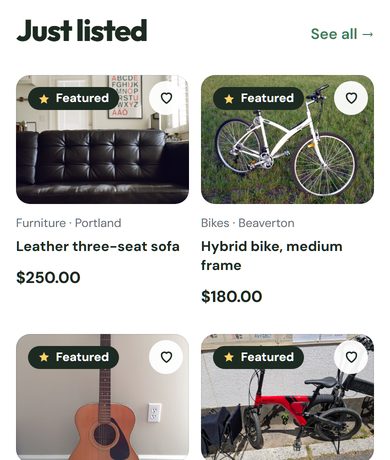
Why customer support matters more in a marketplace

Every transaction involves at least two parties plus the platform, so one bad experience can cost you a buyer and a seller at once. Support affects the business in four ways:
- Trust. People are dealing with strangers. Knowing that someone will answer if things go wrong is often what makes a first-time visitor post or reply to a listing.
- Repeat use. A problem solved quickly and fairly brings a user back. A complaint ignored usually doesn't, and it may turn into a public review.
- Safety. Users' reports and questions are often the first sign of a scam, a fake listing or a seller who is cheating people. Support is part of your fraud and spam defenses.
- Feedback. The questions people ask show you where your site is confusing. Ten tickets about the same step mean the step needs fixing, not ten replies.
The building blocks of effective customer support for marketplaces
1. A help center and FAQ that answer the common questions
Most support questions repeat. A help center (a set of short help pages) and an FAQ are your first line of support and the cheapest one. Write separate sections for buyers and sellers, and start with the questions you actually receive: how to post, edit and renew a listing, why a listing is pending, how to contact a seller, how to stay safe, how to report something, and how to delete an account. Link the relevant help page in your replies, and update it whenever the same question arrives twice.
Template
Canned support replies for common questions
Save these as saved replies in your inbox and change the steps, links and sign-off to match your own site before you use them.
Answer within one working day, and when the answer was 'we fixed it', say exactly what you changed. More free tools →
2. Clear policies people can find
Support can only be consistent if the rules are written down. Publish, in plain language, your listing rules, what happens when someone breaks them, what you do (and don't do) when a buyer and seller disagree, and, if payments go through your site, your refund and return rules. Clear policies prevent many tickets and make the rest easier to answer, because you can point to the rule instead of arguing.
3. Response times you can keep
Decide how quickly you will reply and how quickly you aim to resolve a case, and write it down (this is your service level, or SLA). Choose a target your team can meet every week, not one that sounds good: for a small team, a first reply within one working day is a realistic promise, with urgent safety reports looked at sooner. Say on your contact page when you answer, for example "Monday to Friday, replies within one working day", so people know what to expect. Then measure whether you keep it.
4. The right channels, not every channel
Each channel has a cost. Offer the ones your users prefer and you can staff; spreading a small team across every platform makes all of them slow.
| Channel | Advantages | Disadvantages |
|---|---|---|
| Contact form or email | Written record of the conversation; easy to answer in batches | Slower; people may write several times if they hear nothing |
| Live chat | Real-time answers, good for quick listing and account questions | Needs someone available during the hours you show it |
| Phone | Personal; good for upset users and complex cases | Costly; needs staff time and leaves no written record unless you take notes |
| Social media | Visible to everyone, so good replies show you care | Hard to track; never handle account or personal details in public |
| Help center and FAQ | Answers at any hour with no staff time | Only as good as it is up to date |
5. A clear escalation path to moderation and disputes
Not every message is a support question. Agree in advance what goes where, so the person reading the inbox doesn't have to make it up:
| The message is about | It goes to | What happens |
|---|---|---|
| How to use the site, an account or a listing | Support | Answer, link the help page, improve the page if the question repeats |
| A listing or user that may break your rules or the law | Moderation | Review against your published rules; if you remove or restrict something, tell the user why. See moderation and policies. |
| A possible scam, stolen account or fake seller | Moderation, as a priority | Act first (hold the listing, block the account), then investigate; warn other users if needed |
| A deal that went wrong between a buyer and a seller | Disputes | Hear both sides, ask for evidence, decide by your written policy. See our guide to marketplace disputes. |
| A complaint about one of your own decisions | A person who didn't make the original decision, if you can | Review it again and reply with the outcome |
| Personal data, such as a request for a copy of data or for deletion | The owner or whoever handles privacy | Answer within the legal deadline; see data privacy and security |
6. Proactive communication
Don't wait for complaints. Tell users before they have to ask: when a listing is pending review, when it is about to expire, when the site will be down for maintenance, or when a scam pattern is going around. When the site itself is down, see how to handle marketplace downtime. A short notice prevents a wave of tickets and shows you are paying attention.
Template
Outage notice and all-clear message
Use the first message as soon as you know something is wrong, the update if it lasts, and the all-clear once it is fixed; post them where users will look (banner, social media, email if the problem was long or serious).
Post the first notice even before you know the cause; silence makes users assume their data is lost or the site is closing. More free tools →
Customer support for a small marketplace team: a practical plan
Most marketplaces start with one or two people answering everything. That works if you set it up deliberately:
- Use one inbox. Send the contact form, the support email and any chat into one place so nothing is answered twice or missed. A shared mailbox is fine at the start; helpdesk software such as Zendesk or Freshdesk adds ticket tracking, internal notes and reports when the volume grows.
- Write your top 10 answers. Go through the last month of messages, group them, and write a help page and a saved reply for each of the ten most common questions.
- Tag every message as question, report, dispute or privacy request. Tags make the escalation path above easy to follow and show you where time goes.
- Set and publish your hours and reply target, and set an automatic reply that confirms receipt and links the help center.
- Prepare saved replies for decisions: listing removed (with the rule and how to appeal), account suspended, dispute outcome. Each should name the specific reason, not just "violation of terms".
- Look at safety reports first, every working day, before general questions.
- Prevent tickets at the source. Approving new listings, safety tips on listing pages and spam protection stop many problems before anyone has to write in.
- Give trusted helpers limited access. A moderator role for an experienced community member can cover reports at weekends without giving them control of the whole site.
- Review once a month: which questions repeated, what took longest, which help pages to rewrite.
Tools and metrics for marketplace support
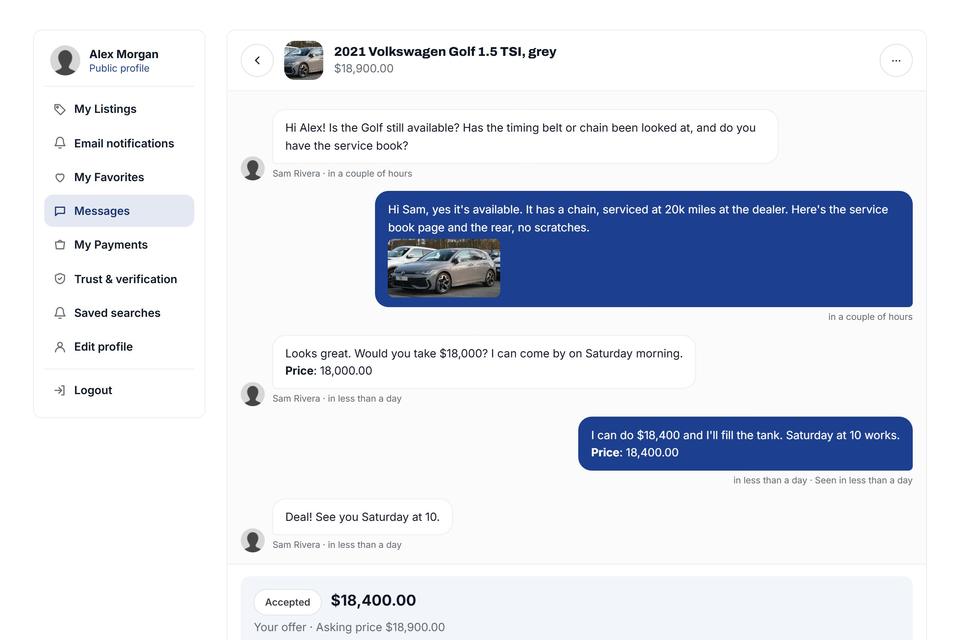
The tools are simple; the habit of measuring is what matters. Track a few numbers so you know whether support is getting better:
| Tool or practice | What to measure | What it tells you |
|---|---|---|
| Inbox or helpdesk | First response time; open versus resolved cases | Whether you keep your published promise |
| Saved replies and help pages | First contact resolution rate (cases solved with one reply) | Whether your answers are clear and complete |
| Help center and FAQ | Most-viewed pages; questions that still arrive about them | Which pages need rewriting |
| A short survey after a case is closed | Customer satisfaction score (CSAT) | How users felt about the answer, not just its speed |
| Chatbot, if you use one | Share of conversations handed to a person, and why | Where the bot fails and needs better source pages |
| Community forum, if you have one | Questions answered by other users | Whether the community is taking some of the load |
AI in marketplace support: what the evidence and the law say in 2026
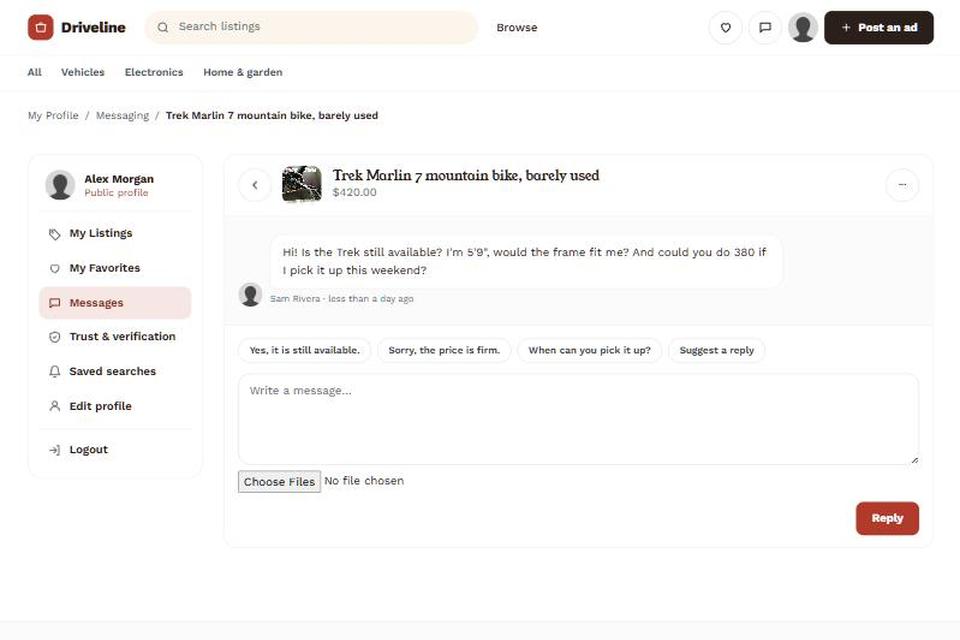
Chatbots are the tool most marketplaces reach for first. The last two years show both what they can do and where they fail, so plan for a mix of AI and people, not a replacement of one by the other.
The results: real gains, then a correction
- Klarna's AI assistant handled 2.3 million conversations in its first month, two-thirds of all its customer service chats. Klarna said that was the work of 700 full-time agents and that resolution time fell from 11 minutes to under 2 (Klarna press release, 27 February 2024).
- In May 2025 Klarna changed course. It turned back to human customer service agents, and its CEO said customers should always be able to choose to speak with a person. In November 2025 Klarna said the assistant does the work of more than 853 full-time agents and has saved $60 million (Customer Experience Dive, 20 November 2025).
- Customers are wary. In a Gartner survey of 5,728 customers carried out in December 2023, 64% said they would prefer companies did not use AI for customer service, and 53% said they would consider switching to a competitor if a company planned to use it. Their main fear was that it would get harder to reach a person (Call Centre Helper, reporting Gartner).
The liability: your bot speaks for you
In Moffatt v. Air Canada (February 2024), a British Columbia tribunal ordered the airline to pay C$812.02 (damages, interest and fees) after its website chatbot wrongly told a customer he could claim a bereavement fare after traveling. The tribunal rejected the argument that customers should check the bot's answer against other pages, and held the company responsible for all the information on its website (Dentons). For a marketplace, the risk is a bot that invents refund, fee or buyer-protection rules.
The rule: tell EU users they are talking to AI
Since 2 August 2026, Article 50(1) of the EU AI Act requires that people are told when they are interacting with an AI system, unless that is obvious from the context. The Digital Omnibus approved in 2026 pushes most high-risk AI obligations back to December 2027, but it leaves this chatbot transparency duty unchanged (Jones Walker, 16 July 2026).
A checklist for AI in marketplace support
| Do | Why |
|---|---|
| Label the assistant as AI in the chat window | Required for EU users since 2 August 2026 |
| Answer policy questions (refunds, fees, protection) only from your published policy pages | A company is responsible for what its bot tells customers (Air Canada) |
| Show a visible "talk to a person" option | The top customer fear in Gartner's survey; Klarna now says customers should always have this choice |
| Send disputes, fraud and account bans to people | High-stakes, low-volume cases where a wrong answer is costly |
| Use AI for FAQs, listing help and status questions | The high-volume, repetitive work that Klarna's gains came from |
What the law expects from marketplace support (as of October 2026)
Fast replies and clear policies used to be mainly a way to win loyalty. Several of them are now legal duties, and the support desk is usually where they are met. This is a summary, not legal advice: check with a lawyer for your country and size.
The EU Digital Services Act (applies since 17 February 2024)
According to Article 93, the DSA has applied in full since 17 February 2024. For any site that hosts user listings, Article 16 requires an easy-to-use electronic way to report illegal content, a confirmation of receipt, and a decision taken in a "timely, diligent, non-arbitrary and objective manner". If you use automated tools to process reports, you have to say so. Under Article 17, if you remove a listing or suspend an account, you must give the user a clear and specific explanation of why (a "statement of reasons").
Template
Message when you remove or reject an ad
Send this to a user whose listing you rejected or removed; pick the reason that applies, delete the others, and keep the tone helpful so they fix it and post again.
Online platforms must also run an internal complaint system. Under Article 20, users can appeal for at least six months after a decision, and appeals must be decided under the supervision of qualified staff, not solely by automated means. The European Commission reports that since 2024 users have appealed more than 165 million moderation decisions by the largest platforms through these internal systems, and almost 30% of those decisions were reversed. Appeals are not a formality.
For small operators: Article 19 exempts micro and small enterprises from the online-platform section, which includes the complaint system, and Article 29 exempts them from the marketplace rules, including trader verification. Under the EU SME definition, a small enterprise has fewer than 50 staff and either turnover or a balance sheet total of €10 million or less. The reporting channel and the statement of reasons still apply to everyone.
The US INFORM Consumers Act (in force since 27 June 2023)
The FTC's guidance explains that marketplaces must collect bank, tax ID and contact details from "high-volume" sellers within 10 days and verify them within 10 days of receiving them. A high-volume seller has 200 or more sales of new or unused consumer products and $5,000 or more in gross revenue in any continuous 12-month period during the previous 24 months; only sales processed through the marketplace count. Those sellers' listings must give consumers a phone number and an electronic way to report suspicious conduct. For high-volume sellers with $20,000 or more a year, the marketplace must also disclose their name, address and contact details. As of October 2026 the FTC page lists civil penalties of up to $53,088 per violation.
| Support practice | Rule behind it | Who it applies to |
|---|---|---|
| "Report this listing" link with confirmation of receipt | DSA Art. 16; INFORM Act | All hosting services in the EU; US marketplaces with high-volume sellers |
| Written reason when a listing or account is removed | DSA Art. 17 | All hosting services in the EU |
| Appeal channel open for at least six months, reviewed by people | DSA Art. 20 | EU online platforms above micro/small size |
| Verified seller identity | DSA Art. 30; INFORM Act | EU marketplaces above micro/small size; US marketplaces with high-volume sellers |
| "You are chatting with an AI" notice | EU AI Act Art. 50(1) | AI chatbots serving people in the EU, since 2 August 2026 |
In practice, build these into your support routine early: a report link on every listing, saved replies that explain removals with the specific reason, and an appeals queue that a person reviews. They cost little to set up, and they are the same steps that make users trust your support. Requests about personal data (a copy of their data, deletion) have their own deadlines under GDPR and US state laws; see data privacy and security.
Common marketplace support problems and how to handle them
- Too many messages for the team. Rewrite the help pages behind the most common questions, add saved replies, and consider a chatbot for repetitive questions only, with a clear way to reach a person.
- Buyer-seller conflicts over item condition, no-shows or payment. Don't take sides by instinct: ask both for evidence and decide by your written policy. Send the case to your dispute process.
- Scams and fake listings. Treat reports as urgent, hold suspicious listings while you check, and stop them earlier with listing approval, seller verification and spam protection. Verified sellers and reviews and ratings also mean fewer "is this seller real?" questions.
- Limited staff and no weekend cover. Publish your hours, use an automatic reply, cross-train whoever helps you, and give a trusted person a moderator role for reports.
- Spam and unwanted listings. Use filters and checks before posting so they never reach the inbox; see fraud, scams and spam.
- Users in other languages. Translate your main help pages and saved replies first; they answer most questions without a fluent agent.
Doing this with Yclas
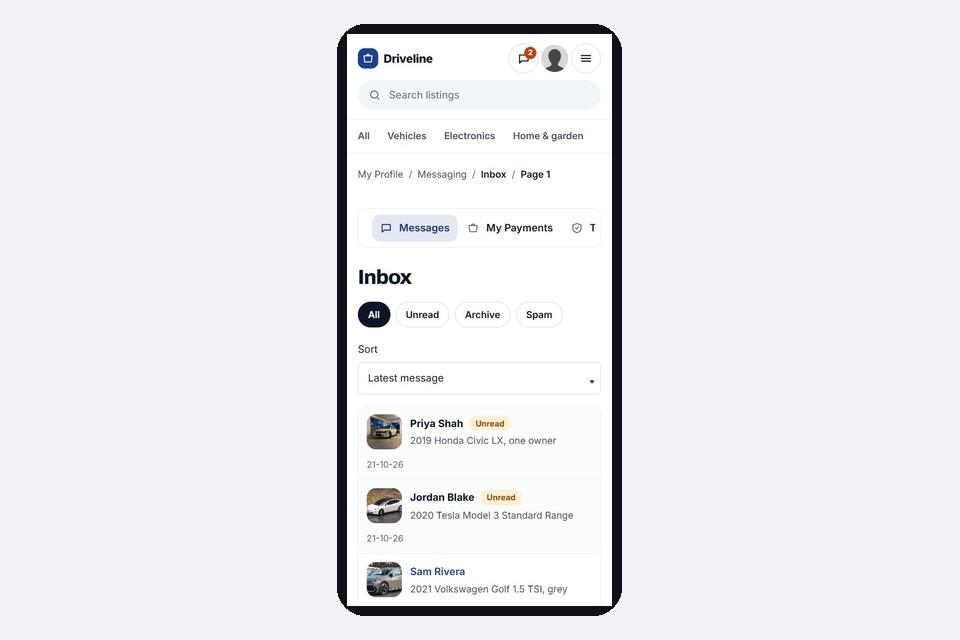
If you run your marketplace on Yclas, several of these support steps are built in:
- Reports and statements of reasons. Every listing has a Report button with DSA reasons. Reports arrive in a reports queue, and when you act, the seller is emailed a statement of reasons.
- Fewer problems reaching support. You choose how listings are published: straight away, after your approval, after the seller confirms their email, or after payment. On the Starter, Professional and Marketplace plans, an AI check screens every new listing for scam patterns and for your own rules written in plain language, and holds risky listings in a moderation queue with the reason (it never deletes anything).
- Warnings in messages. Buyer-seller messages that ask for gift cards, wire transfers or one-time codes show a warning, and listing pages show safety tips.
- Seller verification and reviews. Sellers can upload an ID or business document for your team to approve or reject (the document is deleted once you decide). Approved sellers get a Verified, ID verified or Verified business badge, and sellers can also earn Top rated, Fast responder and Member since badges. Seller reviews are built in.
- Help from others. Moderator and translator roles let trusted people help without full admin access, and an audit log that nobody can edit or delete records what was done.
- Privacy requests. Users can download their data and delete their account (confirmed by email) themselves.
See all the trust and safety features in Yclas, or try them on a free 15-day trial.
Frequently asked questions
What is the role of customer support in marketplaces?
To help buyers and sellers complete deals safely: answer their questions, fix account and listing problems, take reports of scams and rule breaking, pass them to moderation or disputes, and explain your decisions. In a marketplace, support serves two sides at once and is the entry point to your trust and safety processes.
How is marketplace support different from support for an online shop?
A shop helps its own customers with its own products. A marketplace helps two groups who deal with each other, so support also has to judge reports and disagreements between users fairly, under rules both sides can read.
How fast should a small marketplace reply?
As fast as you can promise every week. For a small team, a first reply within one working day, with safety reports checked first, is a realistic target. Publish it and measure whether you keep it.
Should I use an AI chatbot for support?
For repetitive questions, it can help. Answer policy questions only from your published pages, offer a clear way to reach a person, keep disputes and bans with people, and tell EU users they are talking to AI, which has been required since 2 August 2026.
What support do I have to offer by law?
In the EU, any site hosting user listings needs a way to report illegal content and must explain removals with a statement of reasons; larger platforms also need an appeals system. US marketplaces with high-volume sellers have INFORM Act duties. This is general information, not legal advice.
Which metrics should I track?
First response time, first contact resolution rate, customer satisfaction after a case is closed, and the questions that keep coming back. The last one tells you which help pages to fix.
Thinking of starting a buy-and-sell site of your own? See our marketplace website builder, software for a second-hand marketplace and how to start an online marketplace.