
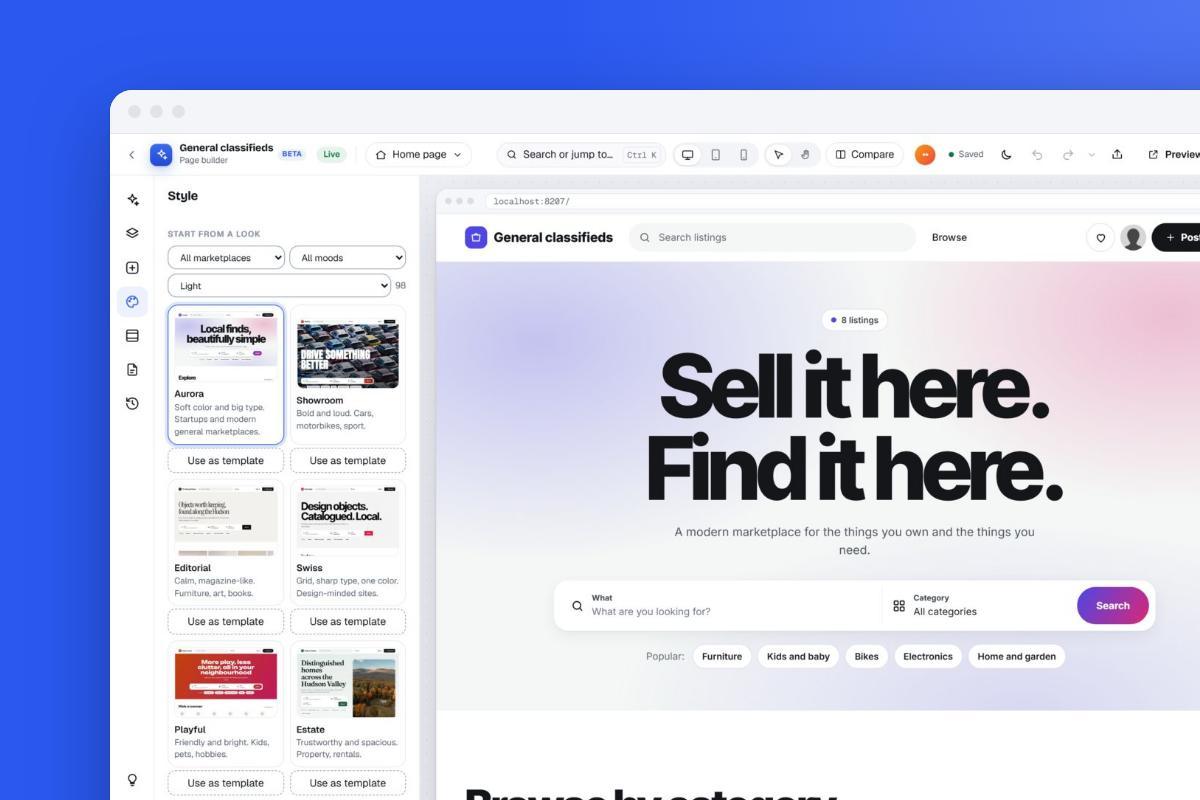
Did you know that without writing a single line of code, you can create a completely functional and attractive website for your business using the Yclas application?
In this article, we'll show you how to create a classified website, how to make it with your brand's visual identity, and why using this application is the ideal approach to build a great code-free site. Now let's begin.
Why Yclas?
Let us start with brief details on why Yclas should be on your list.
First, Yclas is a MaaS (marketplace as a service), marketplace website creation platform that creates websites in less than 1 minute. Yes, you heard it right, and it is not an exaggeration when we say 1 minute.
With Yclas, it gives you almost everything you need in running a classified website.
How do we get started?
Let us start with creating an account first. You can go to Yclas.com and click get started.
Bonus: Note that Yclas allows you to use the platform free for the first 15 days.
So why not take advantage of it and play around for 15 days in creating your ideal classified website?
In short
- Yclas builds a hosted classifieds site without code, with a free 15-day trial that needs no credit card.
- Self-hosting means handling PCI DSS, PHP and Node.js end-of-life dates, backups and patching yourself, which a hosted plan does for you.
- Aim for Core Web Vitals of LCP 2.5 s, INP 200 ms and CLS 0.1 or better, and fix listing images first.
- New sites use the Nova theme and include custom fields, moderation, CSV import and gateways such as Stripe and PayPal.
- Plans are Starter at $69 a month (5,000 listings), Professional at $99 (100,000) and Marketplace at $149 (unlimited).
Part of the guide Starting a marketplace
Hosted or Self-Hosted: Costs, Tech Stack, Speed and Vendor Checks
This page also replaces our older posts comparing hosted and self-hosted marketplace software, on picking a tech stack, on scalable architecture for a growing marketplace and on whether classifieds software vendors are reliable. Here is what those posts still add before you choose how to build your site.
What the alternatives cost (October 2026)
| Option | Type | Published price and what you still manage |
|---|---|---|
| Sharetribe (transaction marketplaces) | Hosted | Build $39/month (development and testing only); Live $259/month, or $199/month billed yearly. No transaction fees; 1M usage credits a month, with extra usage billed separately. |
| WooCommerce | Self-hosted (open source) | Core free, 0% revenue share. Hosting $25-$350/month; extensions $29-$299/year each; WooPayments about 2.5-2.9% + 30 cents per transaction (WooCommerce's own estimates). A multi-vendor marketplace needs extra extensions. |
| Adobe Commerce / Magento Open Source | Self-hosted or Adobe cloud | Each 2.4.x release gets a three-year standard support window: 2.4.6 ends 11 August 2026 and 2.4.7 on 31 May 2027, so budget for major upgrades. |
| Osclass (open-source classifieds script) | Self-hosted | Maintained by OsclassPoint; version 8.4.0 came out on October 2, 2026 (Osclass changelog). |
The hidden work of self-hosting
- Card security. If your server touches payments, you fall under PCI DSS. The PCI Security Standards Council retired version 3.2.1 on 31 March 2024, and the v4.0 requirements became mandatory on 31 March 2025.
- End-of-life dates. Node.js 18 and 20 are end of life, and 22 and 24 are the LTS versions to use (Node.js releases). PHP 8.1 and older get no security fixes, and PHP 8.2 gets them only until December 31, 2026 (php.net). AngularJS support ended in January 2022 (AngularJS docs). Write down every date you depend on and upgrade before it.
- Hiring. In the 2025 Stack Overflow Developer Survey, PostgreSQL (55.6%) and MySQL (40.5%) lead databases, and Node.js (48.7%) and React (44.7%) lead web frameworks. Uber moved from PostgreSQL to MySQL in 2016, so copy the reasoning behind a famous company's stack, not the stack itself.
- Your own time. Backups, uptime monitoring, spam control and server patching are someone's job. On a hosted plan the provider does it.
Measure growth by speed, not only uptime
Google's Core Web Vitals set the targets, measured at the 75th percentile of page loads (web.dev): Largest Contentful Paint 2.5 s or less, Interaction to Next Paint 200 ms or less (it replaced First Input Delay on March 12, 2024) and Cumulative Layout Shift 0.1 or less. According to the HTTP Archive Web Almanac 2025, only 48% of mobile origins passed all three. In a study Google commissioned from Deloitte, a 0.1-second improvement in mobile site speed raised retail conversion rates by 8.4%. For a listings site, fix images first: resized, compressed and lazy-loaded photos served from a CDN are usually the cheapest win, and ads and banners need reserved space so they don't push content down.
How to judge a vendor
- Release history: a public changelog with recent dates.
- Your data: ask how you export listings and users before you sign up, not when you want to leave.
- Clear pricing: the full monthly cost, transaction fees and what your payment provider charges on top.
- Legal basics: in the EU, micro and small companies (fewer than 50 staff and under 10 million euros turnover) are exempt from most Digital Services Act platform duties but still need clear terms and a contact point for authorities (TechCrunch, February 2024).
- Try before you pay: build a real category in the trial, post listings from your phone and check the notification emails.
In short: listings with buyer-seller contact usually suit a hosted classifieds platform; bookings or payments with commissions suit a hosted transaction tool such as Sharetribe; highly custom workflows with an in-house developer and an upgrade budget suit self-hosted open source.
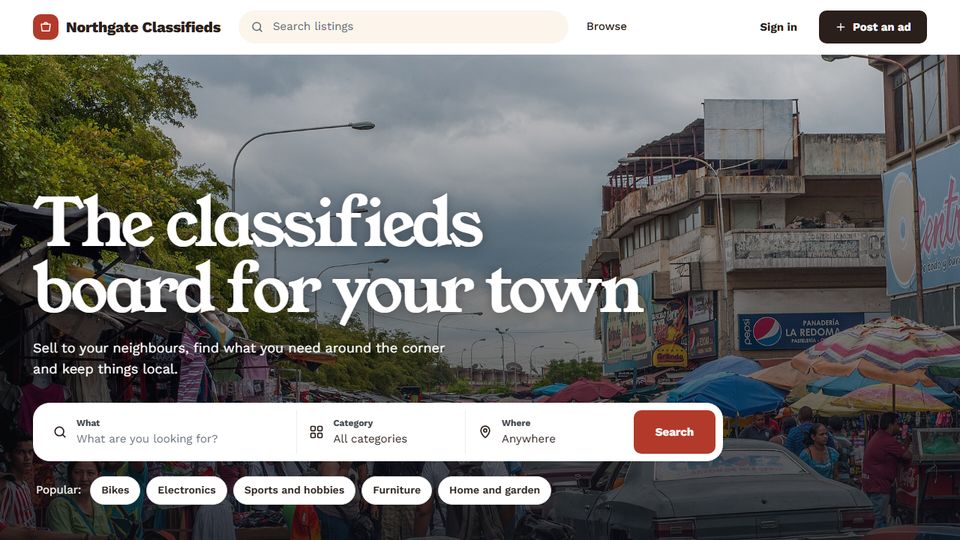
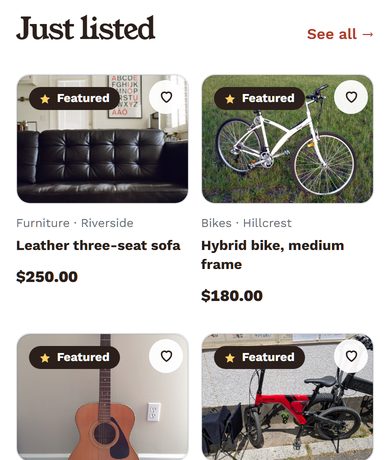
What Setting Up a Yclas Classifieds Site Looks Like in 2026
The steps below still work, but the product has changed since this guide was first published. Here is what to expect today, based on the Yclas features page and pricing page (October 2026).
1. Start the trial
Sign up at yclas.com/create-website.html. The free trial lasts 15 days and needs no credit card. Your site starts on a free yoursite.yclas.com address and stays hidden from search engines during the trial, so you can build it before anyone finds it. Yclas is fully hosted: hosting, updates and backups are handled for you.
2. Design without code
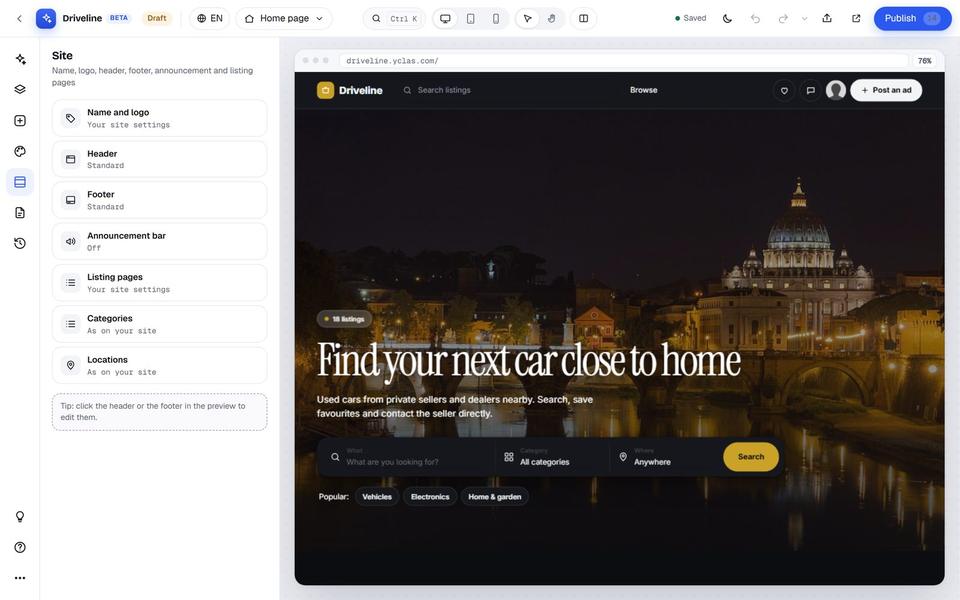
New sites use the Nova theme by default. It is built for phones, and a single accent color restyles the whole site. A homepage builder lets you arrange the hero, categories, latest listings and a "how it works" section, and you can create pages, a blog, an FAQ and a forum, and edit the email templates. Custom CSS is there if you want it but not required.
3. Shape your listings
- Nested categories and locations, each with its own icon
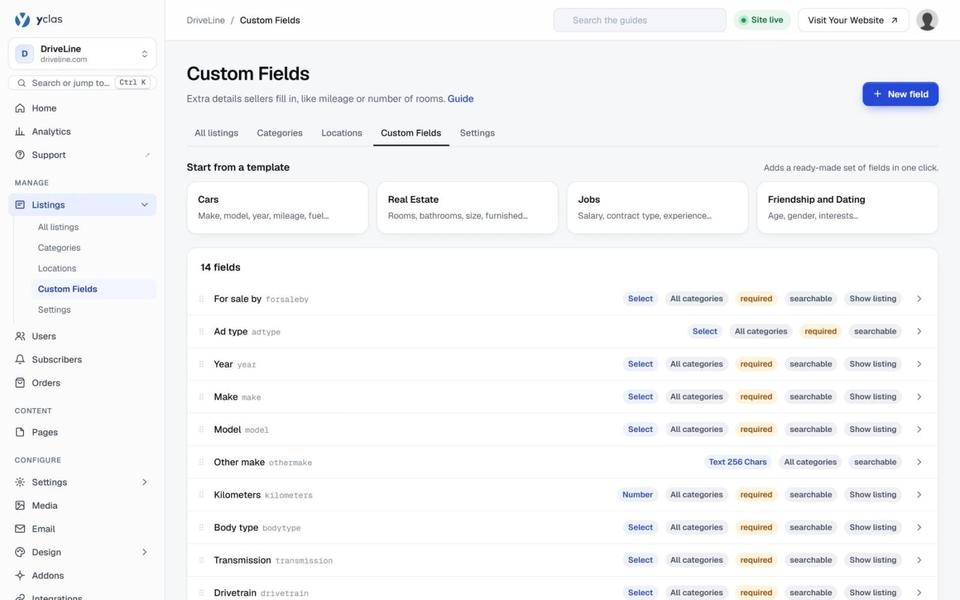
- Custom fields: text, numbers, lists, yes/no, dates
- Moderation: approve each listing first or publish straight away; reCAPTCHA, Akismet and blocklists against spam
- CSV import for listings and users, useful if you are moving from another site
4. Turn on revenue
Supported gateways include Stripe, PayPal, Mollie, Razorpay, Mercado Pago, PayFast, PayTabs, 2Checkout, BitPay and Escrow.com. You can charge for featured listings, bump-to-top, posting in paid categories or memberships, and sell banner ads.
5. Pick a plan before the trial ends
| Plan | Price | Listings | Photos per listing |
|---|---|---|---|
| Starter | $69/month (current offer: $19/month for the first 3 months) | Up to 5,000 | 5 |
| Professional | $99/month | Up to 100,000 | 20 |
| Marketplace | $149/month | Unlimited | 30 |
All plans include SSL, unlimited users and traffic, social login, reviews, maps and automatic backups. Paid plans let you connect your own domain. Every paid plan has a 30-day money-back guarantee, and you can cancel at any time. Prices and offers can change, so check the pricing page for the latest.
How to choose
- Testing a local or niche idea? Starter is enough. 5,000 listings is a lot for a new community.
- Selling cars, property or equipment, where buyers expect many photos? Professional's 20 photos per listing usually matters more than the listing cap.
- Migrating a large existing site? Check your listing count against the limits before importing by CSV.
Step by step: create your classified website
1. Start the free trial
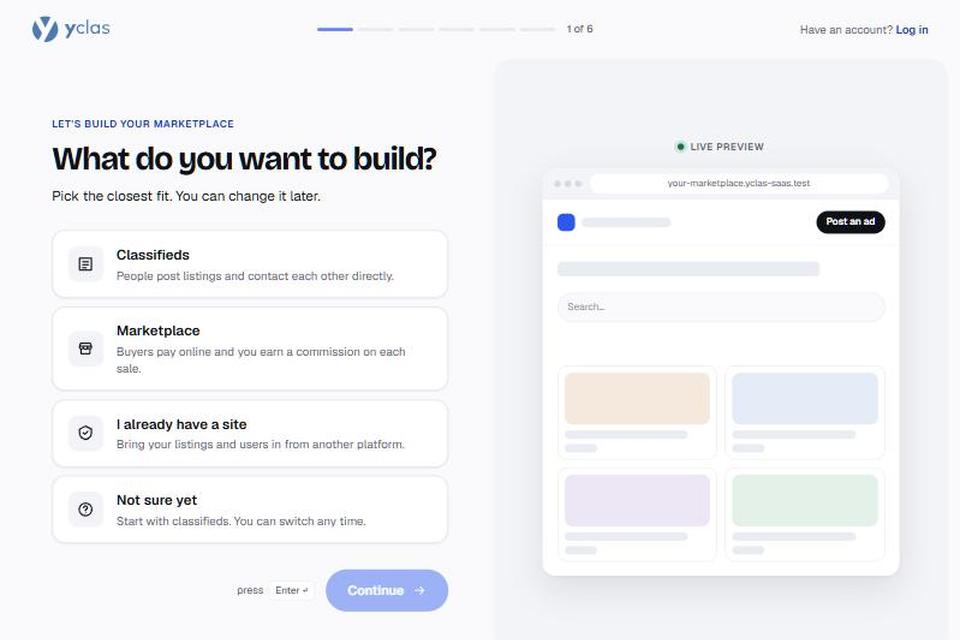
Click Create your website and describe the marketplace you have in mind. The 15-day trial is free and needs no credit card. The AI setup uses your description to suggest a name, categories and settings.
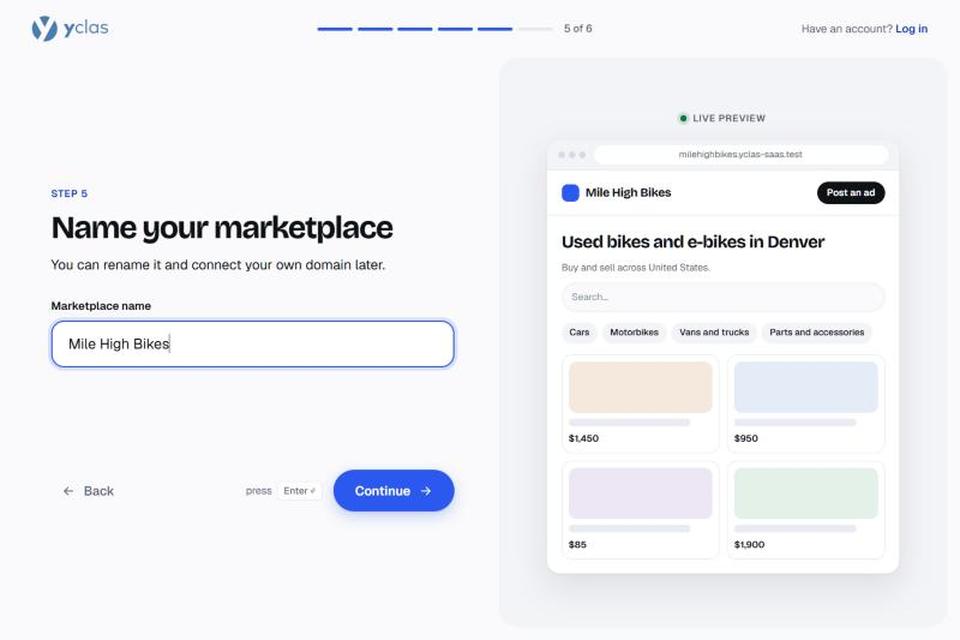
2. Name your site
Choose your site's name and address. It starts on a free yclas.com subdomain (for example yourname.yclas.com); on a paid plan you can connect your own domain later.
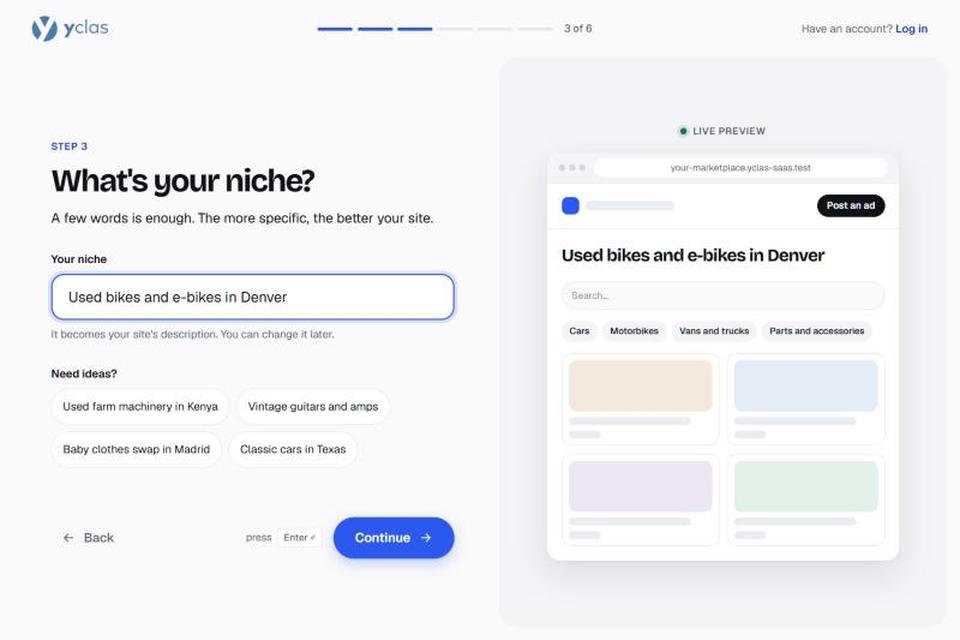
3. Say what your marketplace will sell
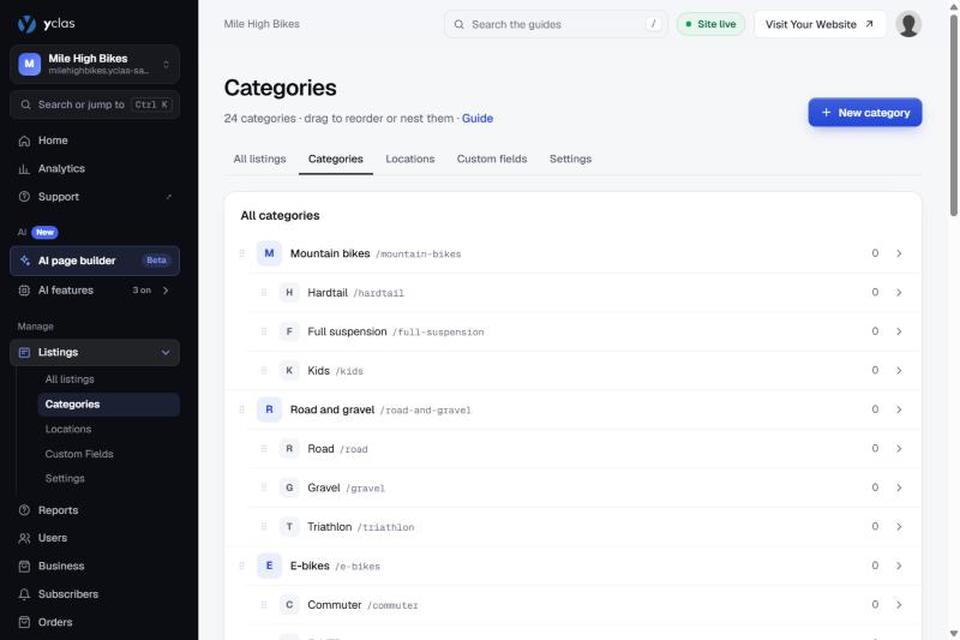
Pick what people will buy and sell on your site. The setup suggests categories to match, and you can rename, add or remove them at any time.
4. Finish the setup
Your site is live a few seconds later, with its categories and pages in place.
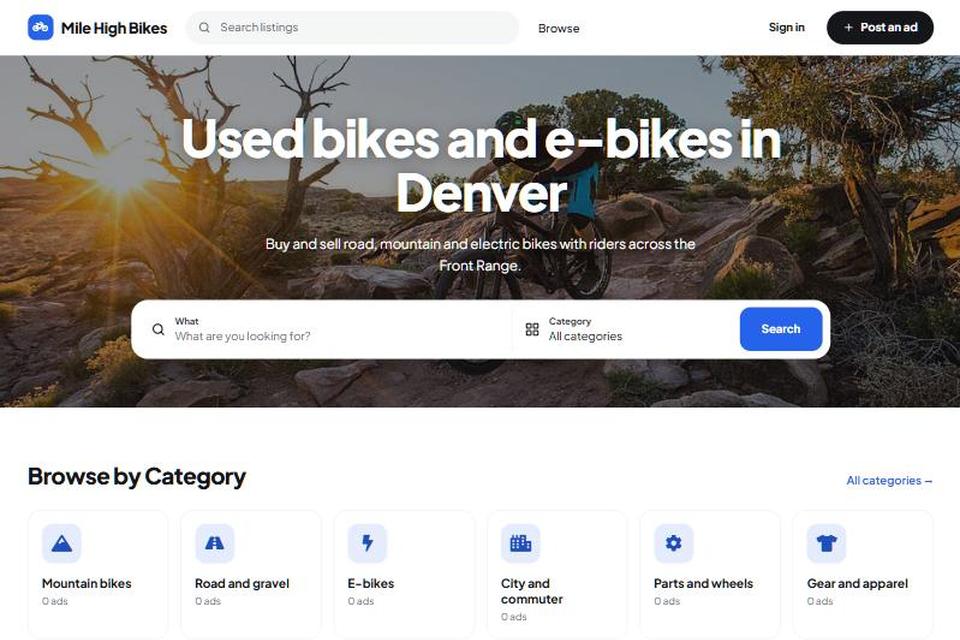
5. Choose a theme
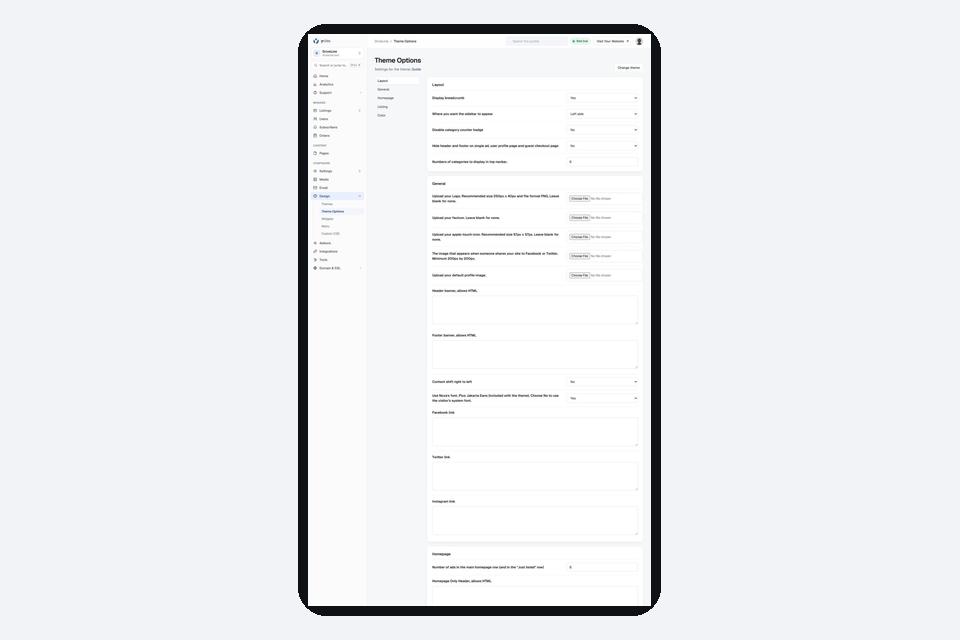
In your admin panel, open Themes to preview the designs and activate the one you like. Each theme has its own settings for colours, logo and layout.
6. Add the fields buyers filter by
Custom fields add details such as size, condition or year to every listing, and let buyers filter by them.
7. Set up payments and post your first listings
If you plan to charge for listings or take payments, connect a payment provider such as Stripe or PayPal in the panel. Then post a few listings yourself, so your first visitors find something to browse.