
Search
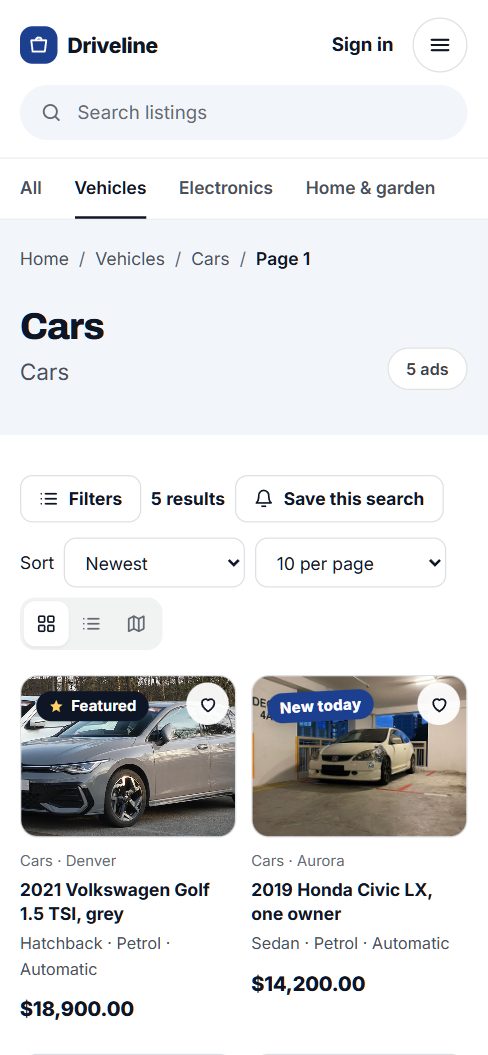
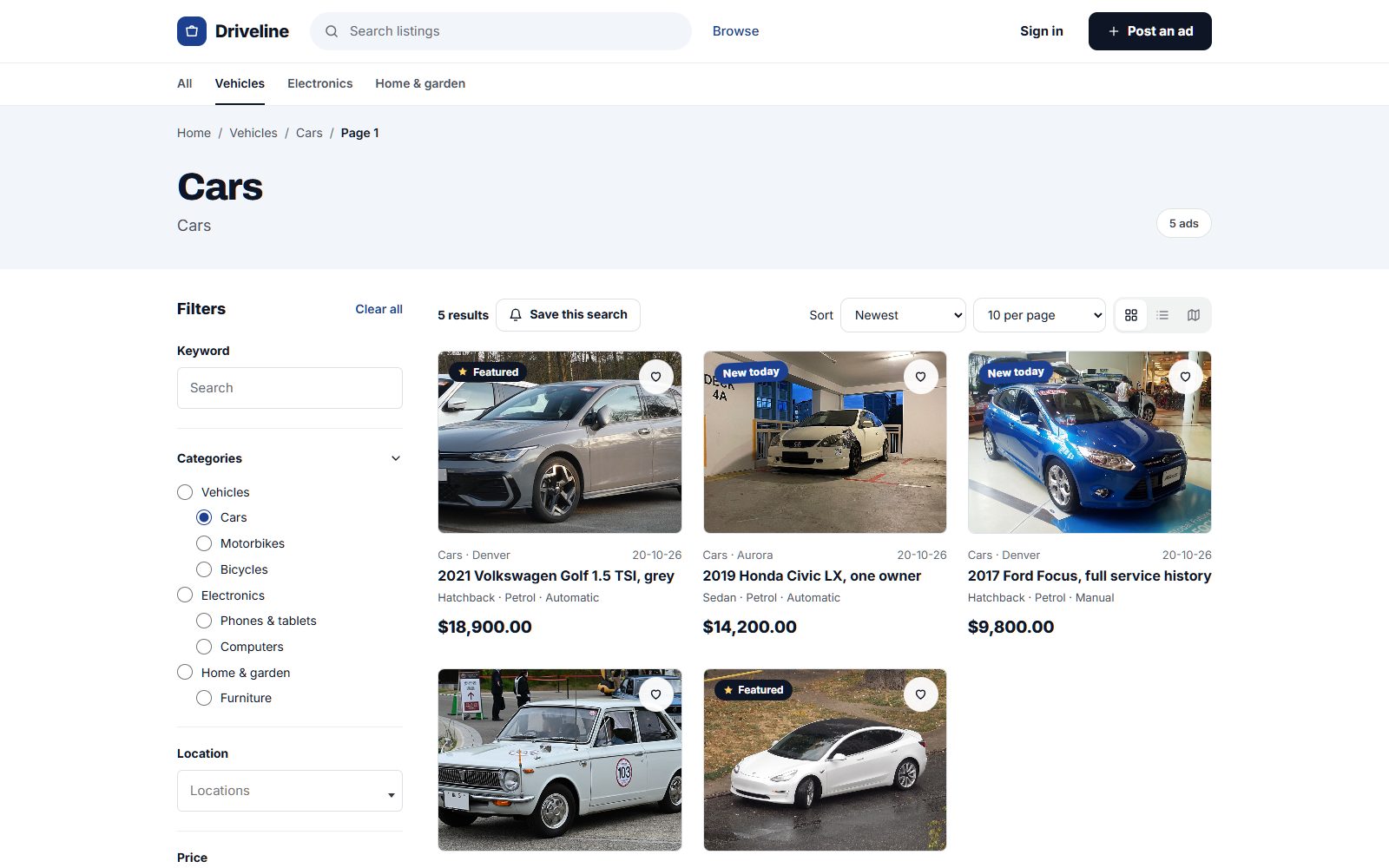
Filters that fold away.
Filters, sorting and grid or list sit in one bar, with "Save this search" right next to them.
Add the details your buyers care about, let them filter by every one of them, on a list or a map, and tell them the moment something new matches.
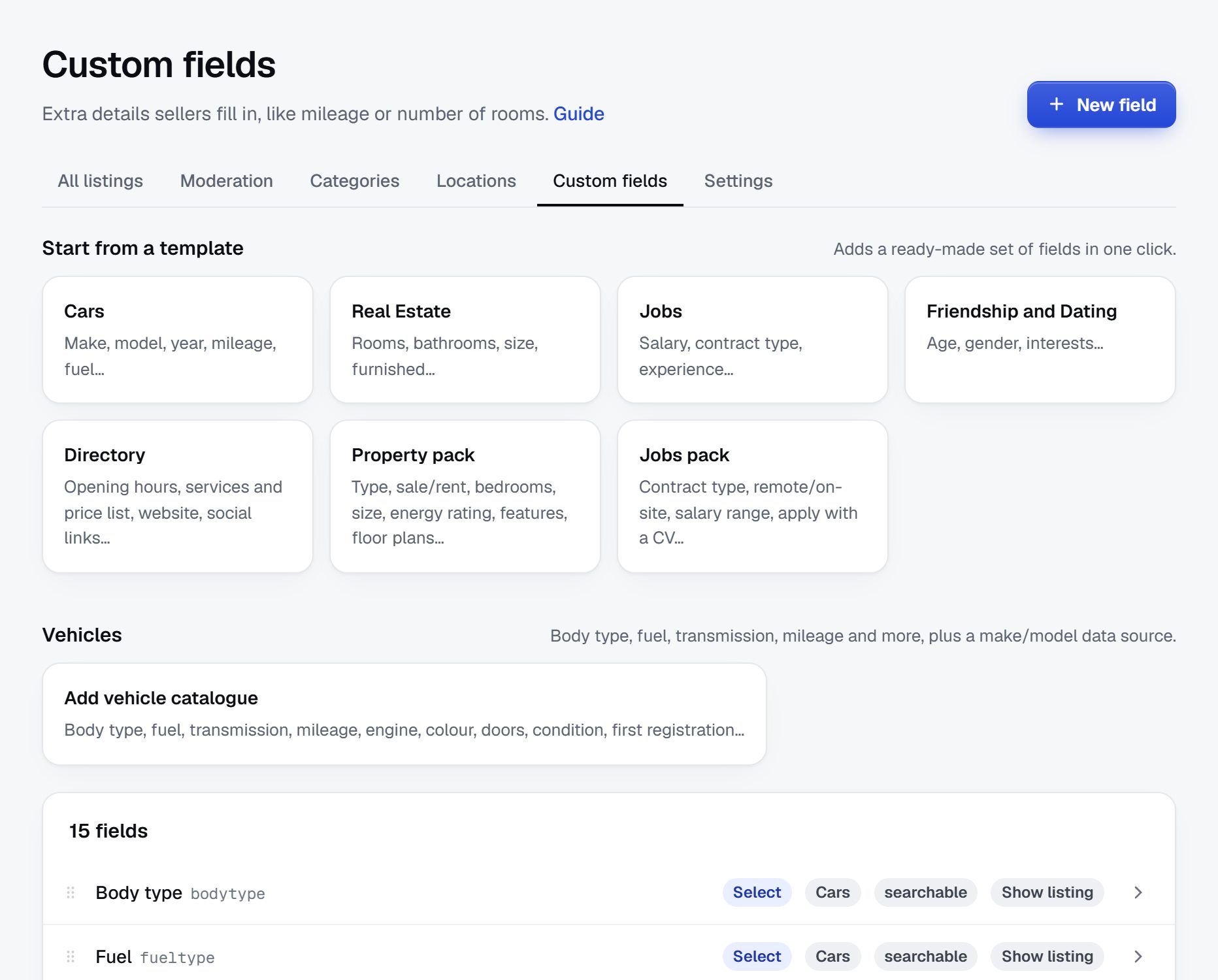
Start from a template for your trade, organise your categories, plug in the vehicle catalogue and see what buyers save.
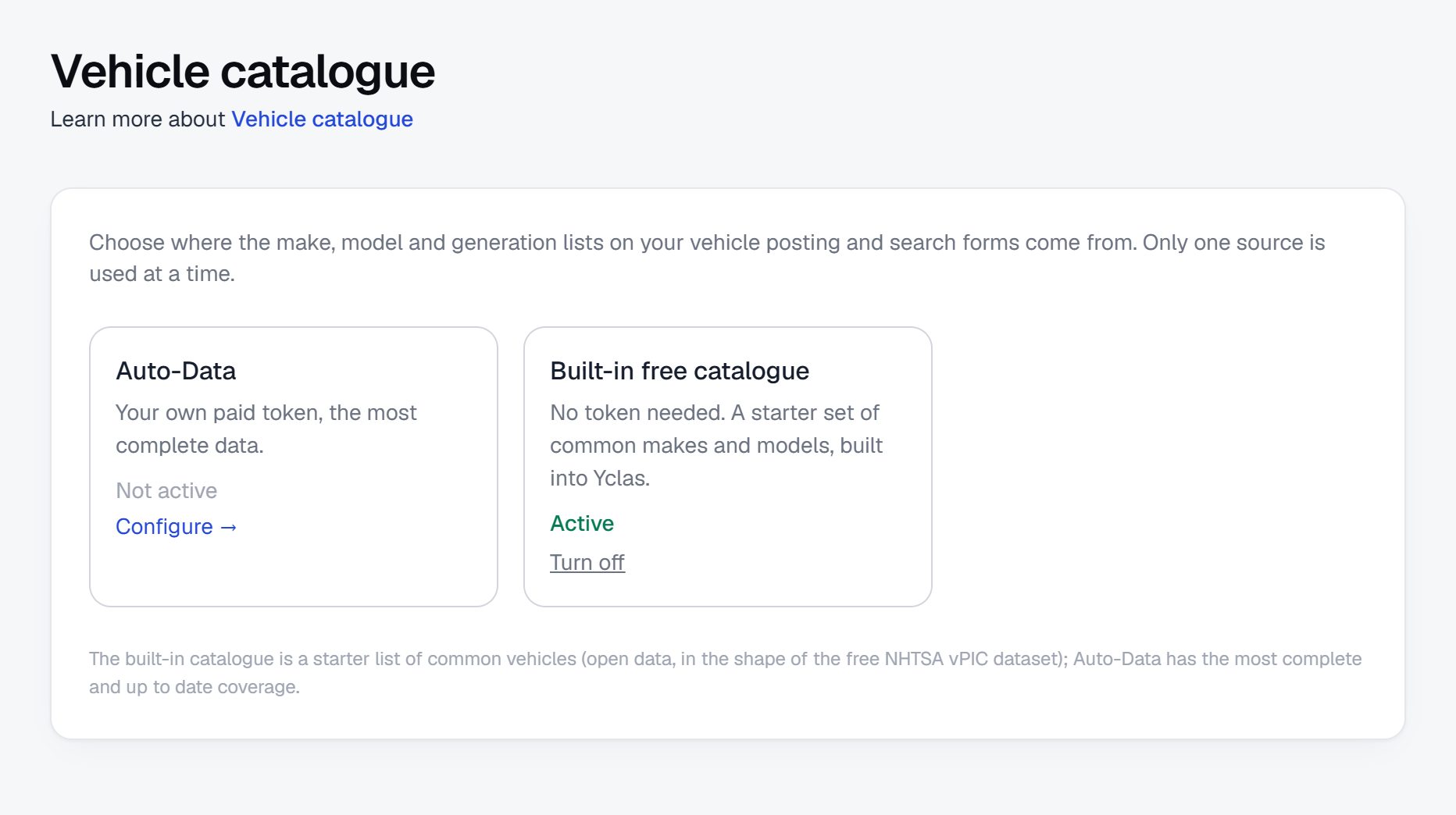
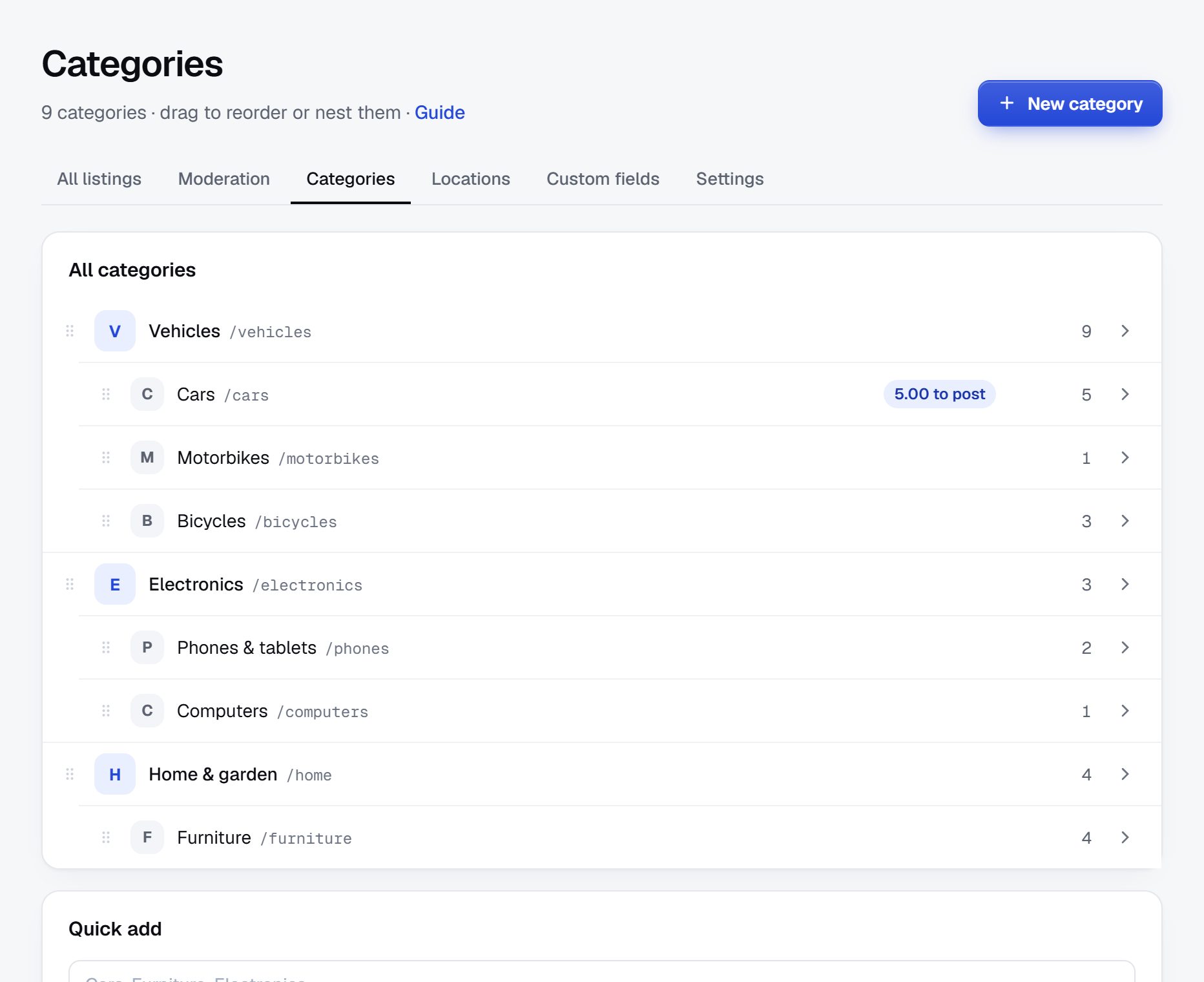
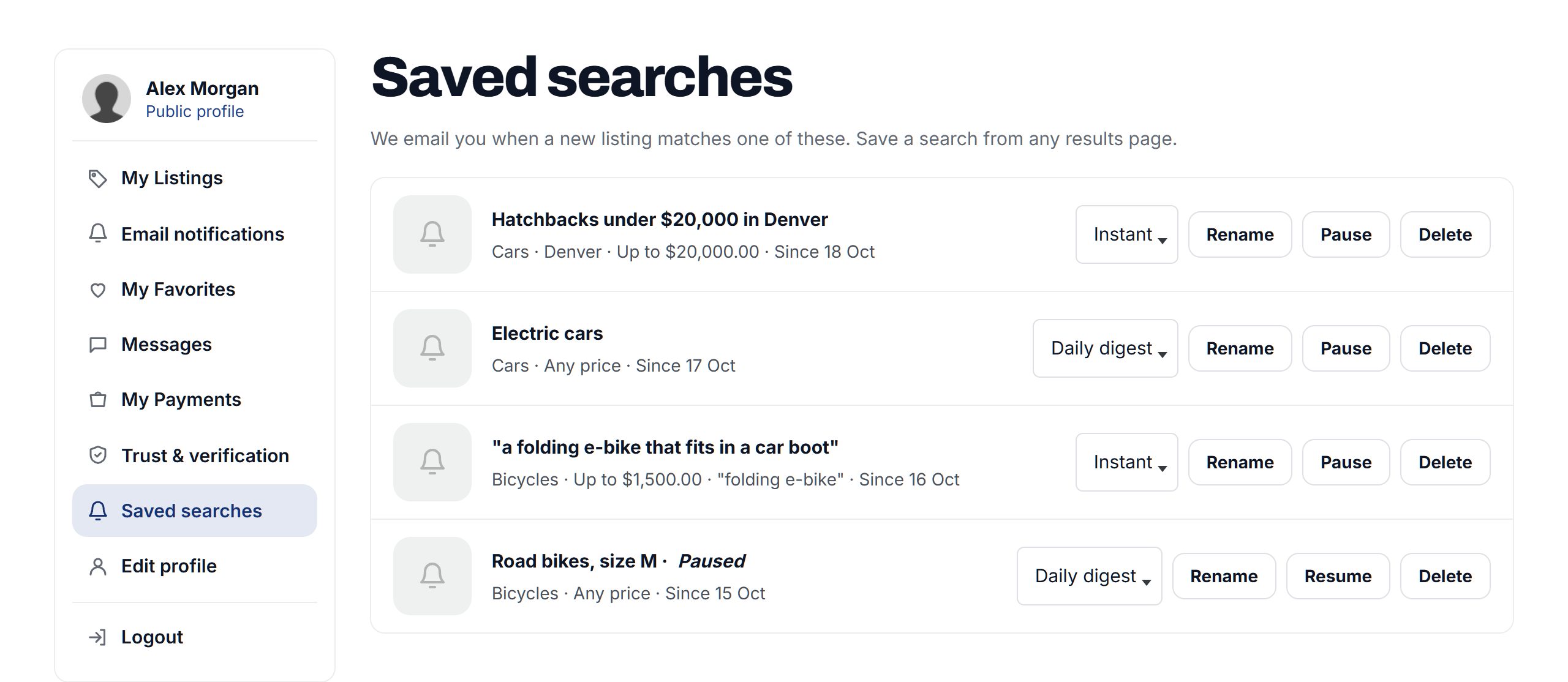
Screenshots of a demo site.
Filters, sorting and grid or list sit in one bar, with "Save this search" right next to them.
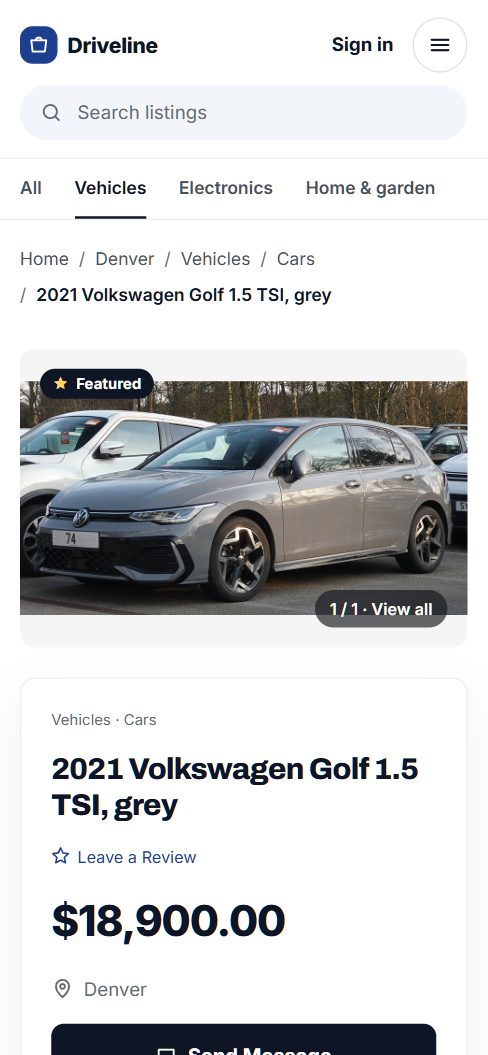
Photo, price, place and a button to message the seller, before anyone has to scroll.
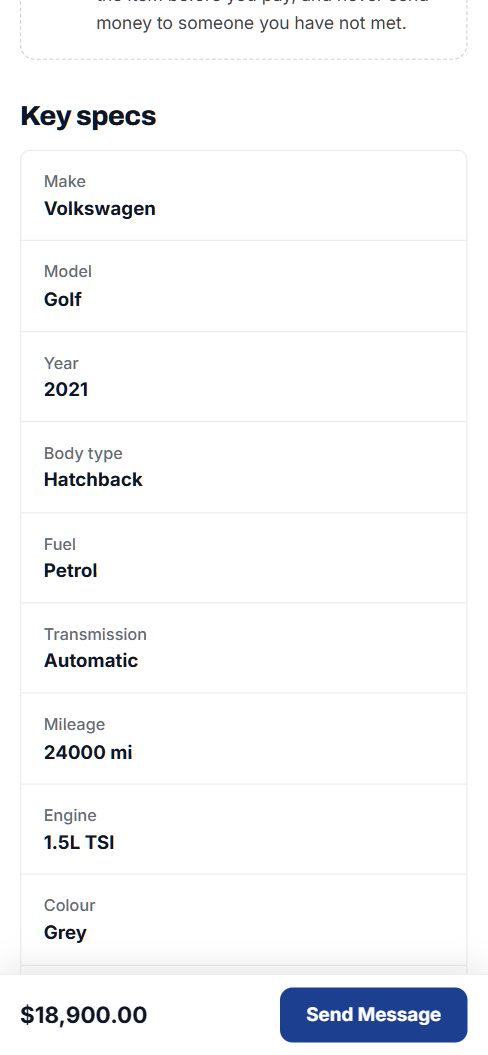
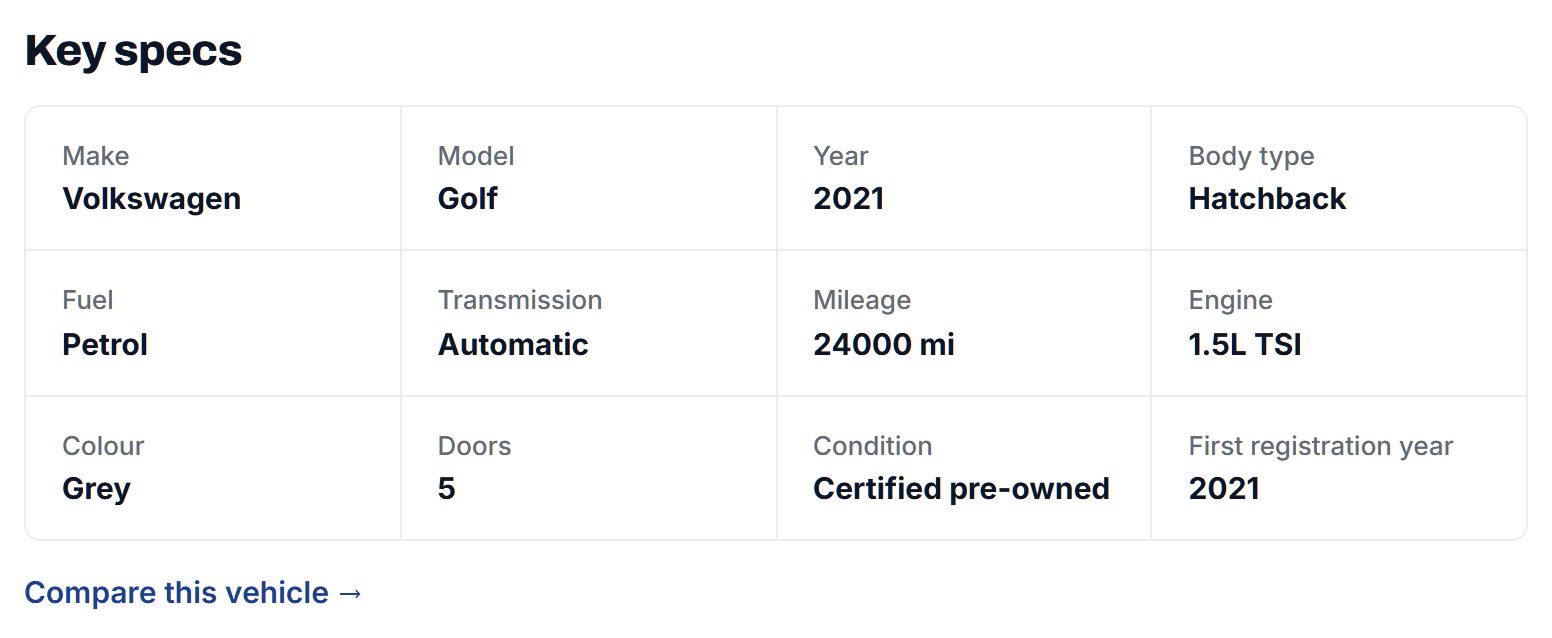
Vehicle listings show make, model, year, mileage, fuel and more in a clear grid.
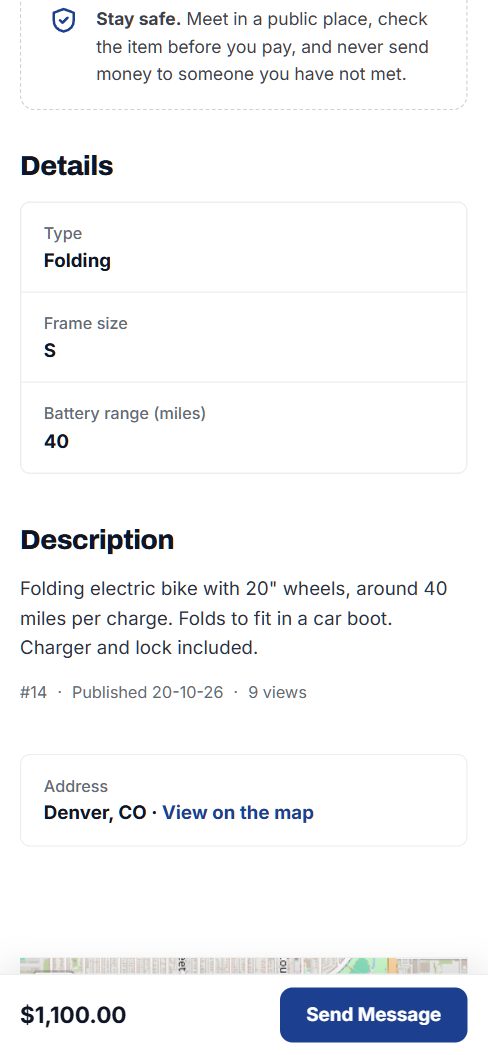
A folding e-bike shows its battery range; a mountain bike doesn't ask for one.
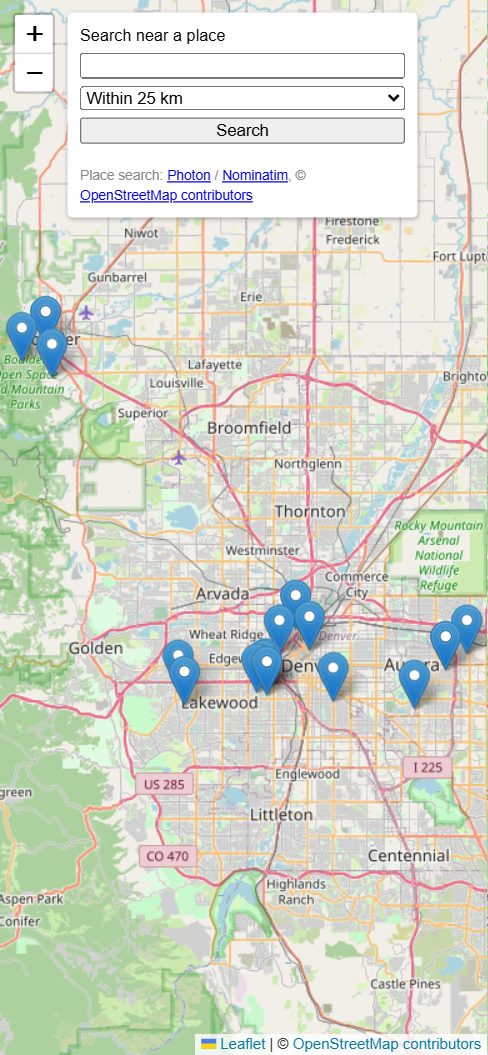
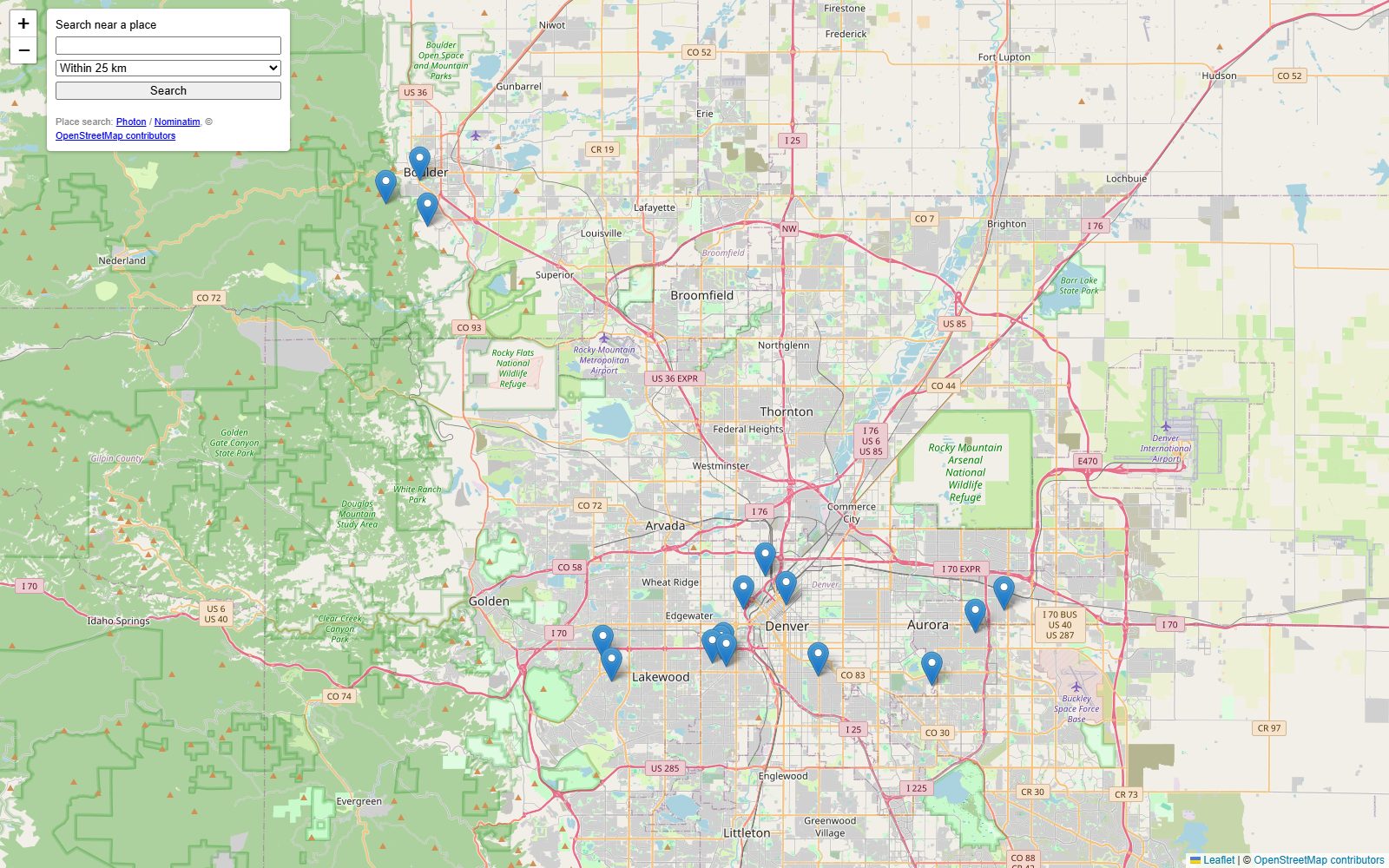
Every listing on the map, with search near a place and a radius.
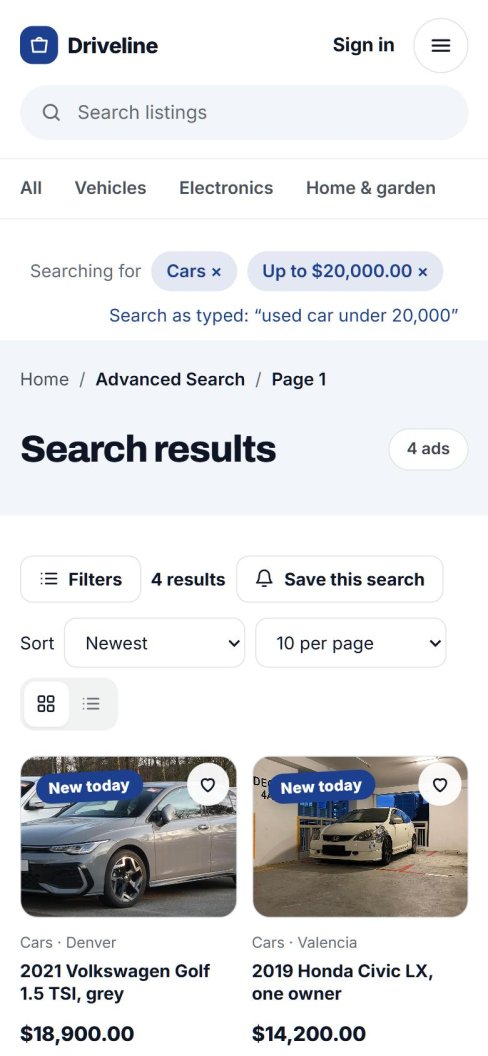
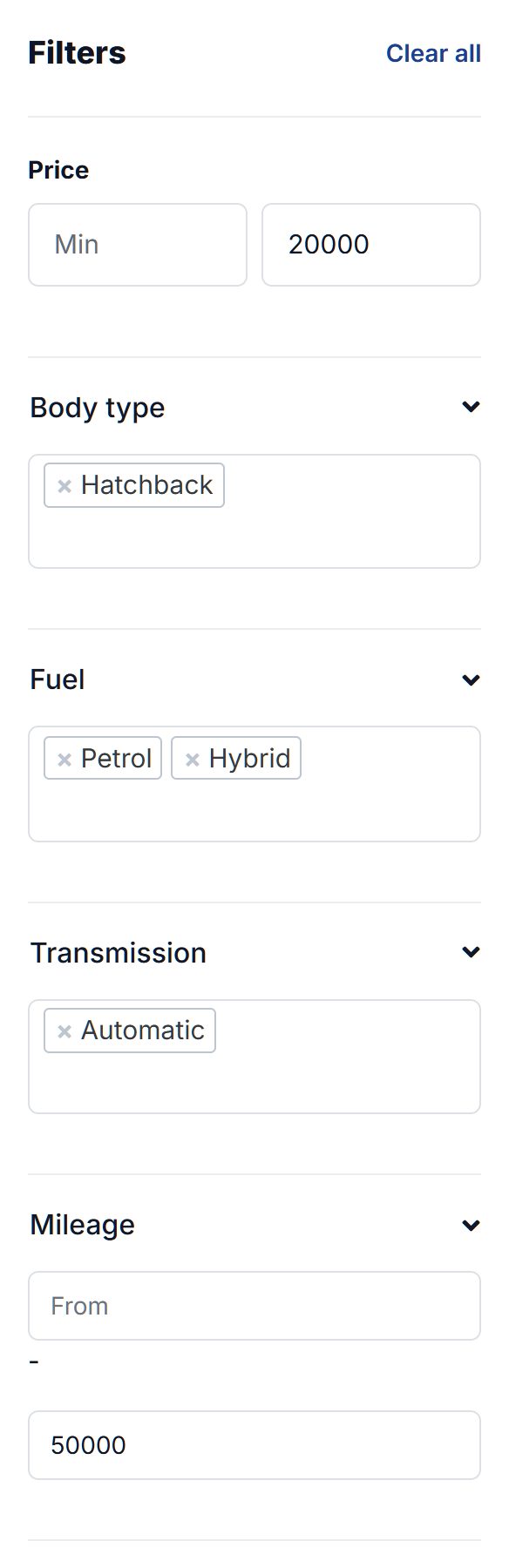
"Used car under 20,000" becomes the Cars category and a price limit, ready to save as an alert.
See AI search →Add the fields your trade needs and choose which categories use them. Sellers fill them in when they post; buyers see them on the listing, in results and in the filters.
Battery range shows only because this bike is a folding e-bike.
Buyers search by keyword and filter by category, place, price and any field you made searchable. Results sort by newest, price or distance, in a grid or a list.
Turn on maps and every listing gets one, with a map search page where buyers pan around, search this area or look within a distance of any place.
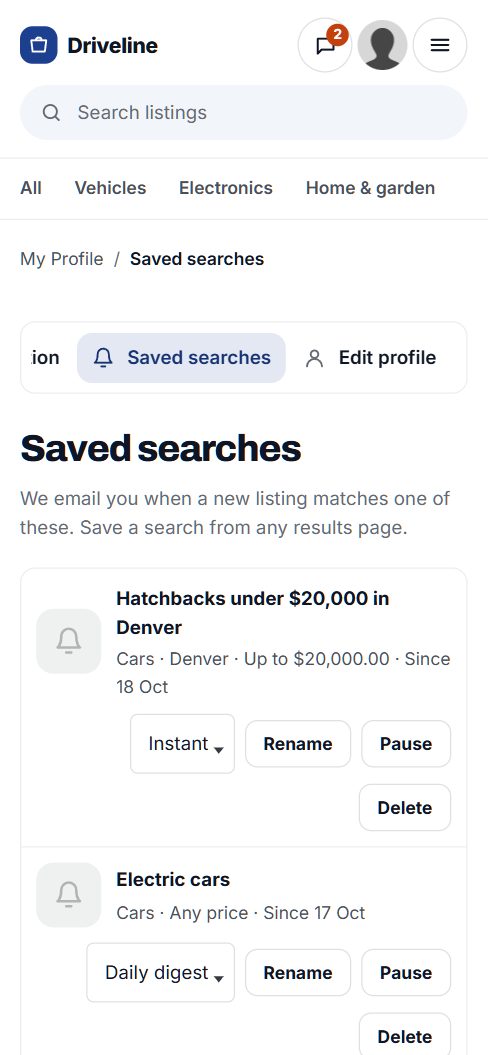
Any search can be saved, including an AI search. Buyers choose instant or daily emails, get a push notification for instant ones, and pause or rename their searches whenever they like.
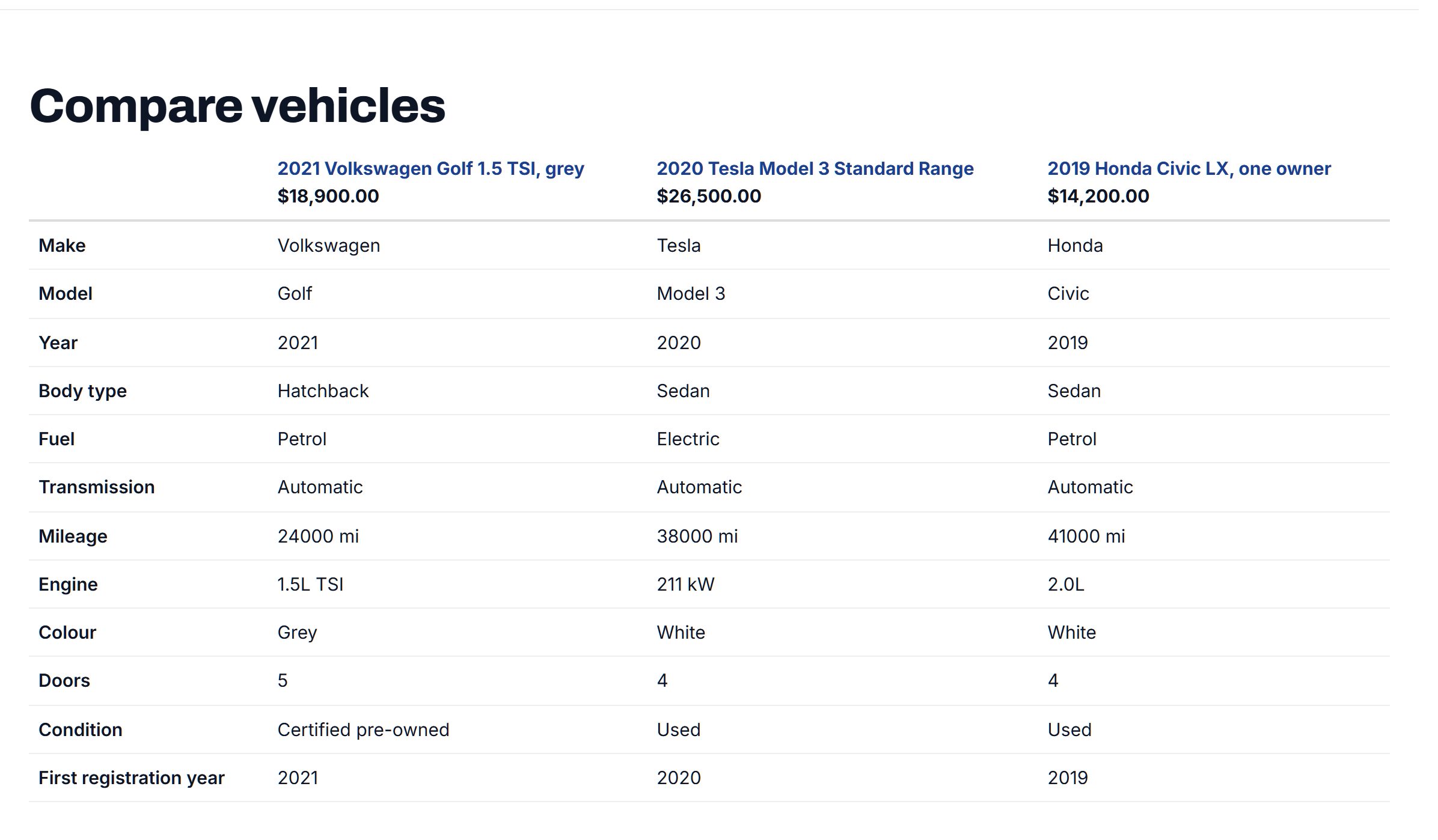
Add the vehicle catalogue and Cars gets make, model and year lists plus the standard vehicle fields in one click. Listings show their key specs, buyers compare up to three side by side, and US sellers can fill in details from the VIN.
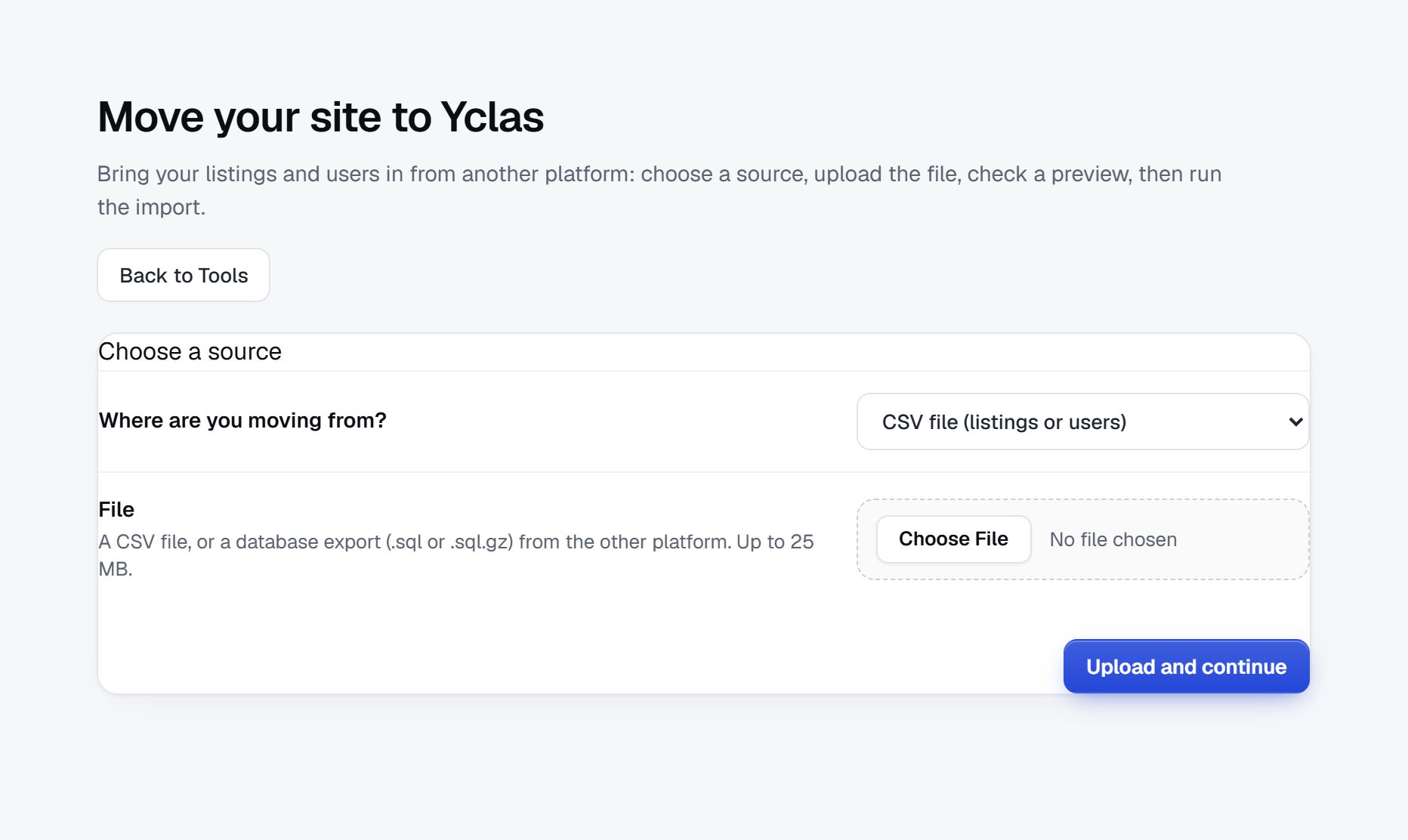
Upload a CSV with photo links, match its columns to your fields, see a preview, then import. If something looks wrong, undo it. Moving from Osclass, Flynax or LaraClassifier works the same way.
Yes, as many as you need, on every plan. Each field can be limited to some categories, required, shown in results and used as a search filter.
Yes. Mark a field searchable and it appears in the search filters, with min and max boxes for number ranges.
No. Maps use OpenStreetMap with nothing to set up. If you prefer Google Maps, add your own Google key.
Up to 5 on Starter, 20 on Professional and 30 on Marketplace. You choose the limit for your sellers within that.
Yes. Upload a CSV with photo links, or a file from Osclass, Flynax or LaraClassifier, preview it, and import. You can undo an import.
On every paid plan: 500 searches a month on Starter, 1,000 on Professional and 2,000 on Marketplace.
Free for 15 days. No credit card.
Start free trial