
A marketplace your IT and finance teams will sign off on.
Single sign-on, required two-step sign-in, a full audit log, company accounts with purchase approvals and pay by invoice. No separate plan: tell us what you need and we switch it on for your site.
Your company account opens your marketplace.
Connect your identity provider once, and your staff and members sign in with the account they already have. When someone leaves, removing them there removes them here.
- Single sign-on with OpenID Connect: Microsoft Entra ID, Google Workspace, Okta and others
- New people from your email domain get an account and a role you choose
- Two-step sign-in required for everyone with admin access
- See every signed-in device and sign a person out everywhere
- The admin signs out after a period of inactivity, and opens only from your own IP addresses if you like
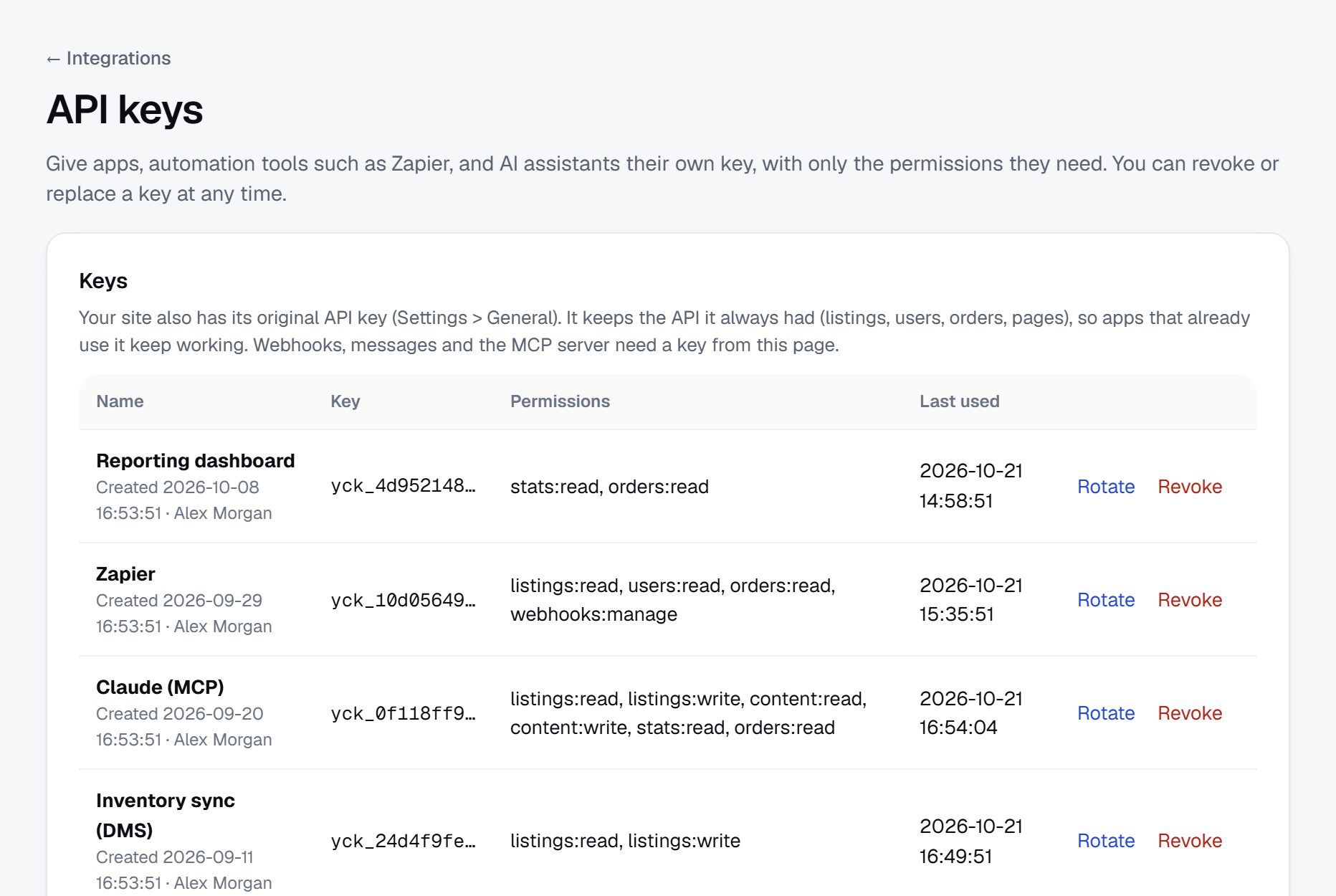
API keys with their own permissions, on a demo site.
Everyone does only their part, and every change is on record.
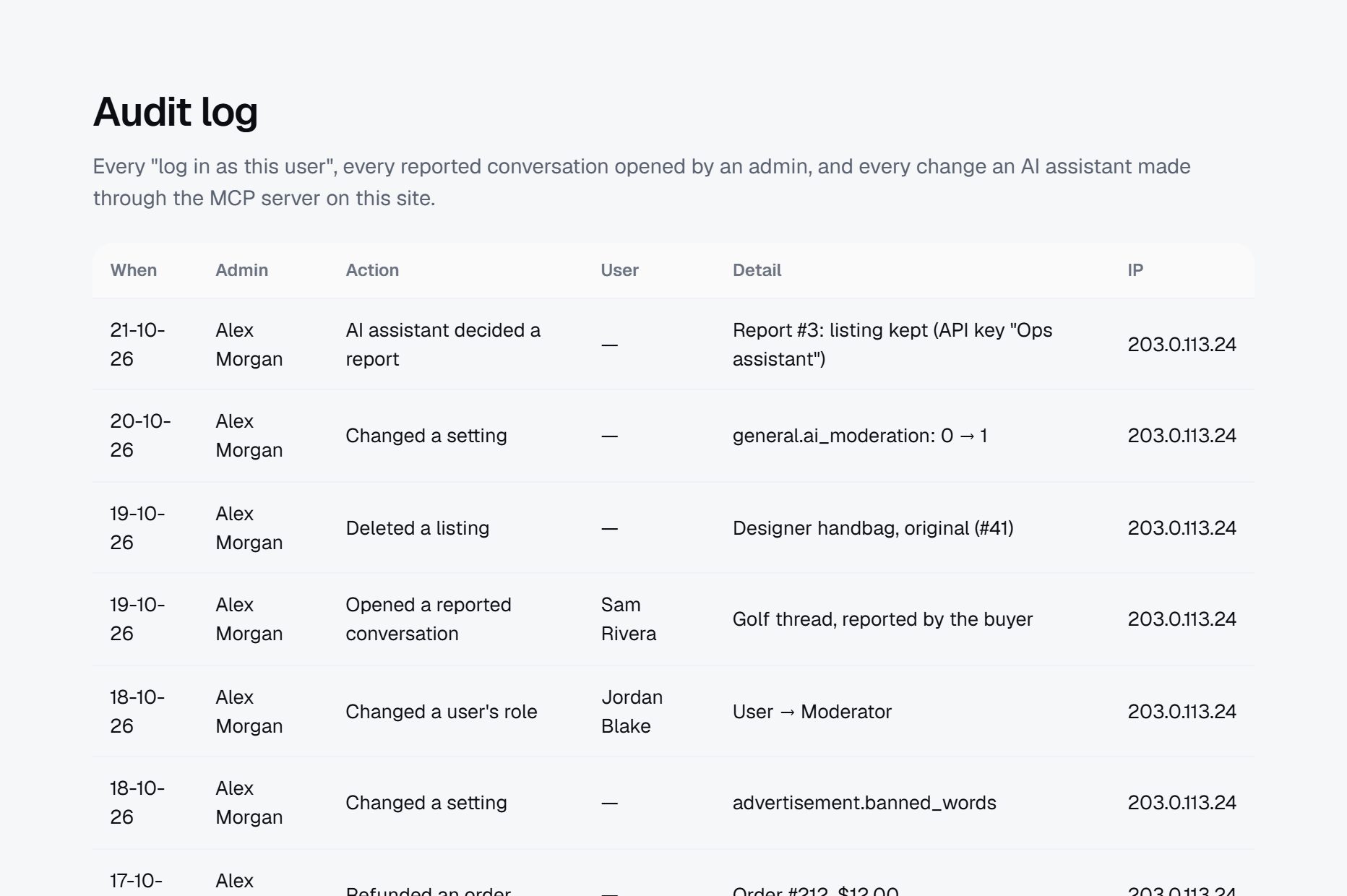
Give moderators, support staff and finance their own roles with only the rights they need. Every change the team makes is written to the audit log, which nobody can edit or delete.
- Your own roles, with access page by page
- Settings, roles, users, deleted listings, refunds, disputes and every "log in as this user" in the audit log
- Filter the log by person, action and date, and download it as CSV
- Store teams: sellers add editors and managers to their store, and what each one does is logged
- API keys and AI assistants limited to the permissions you give them
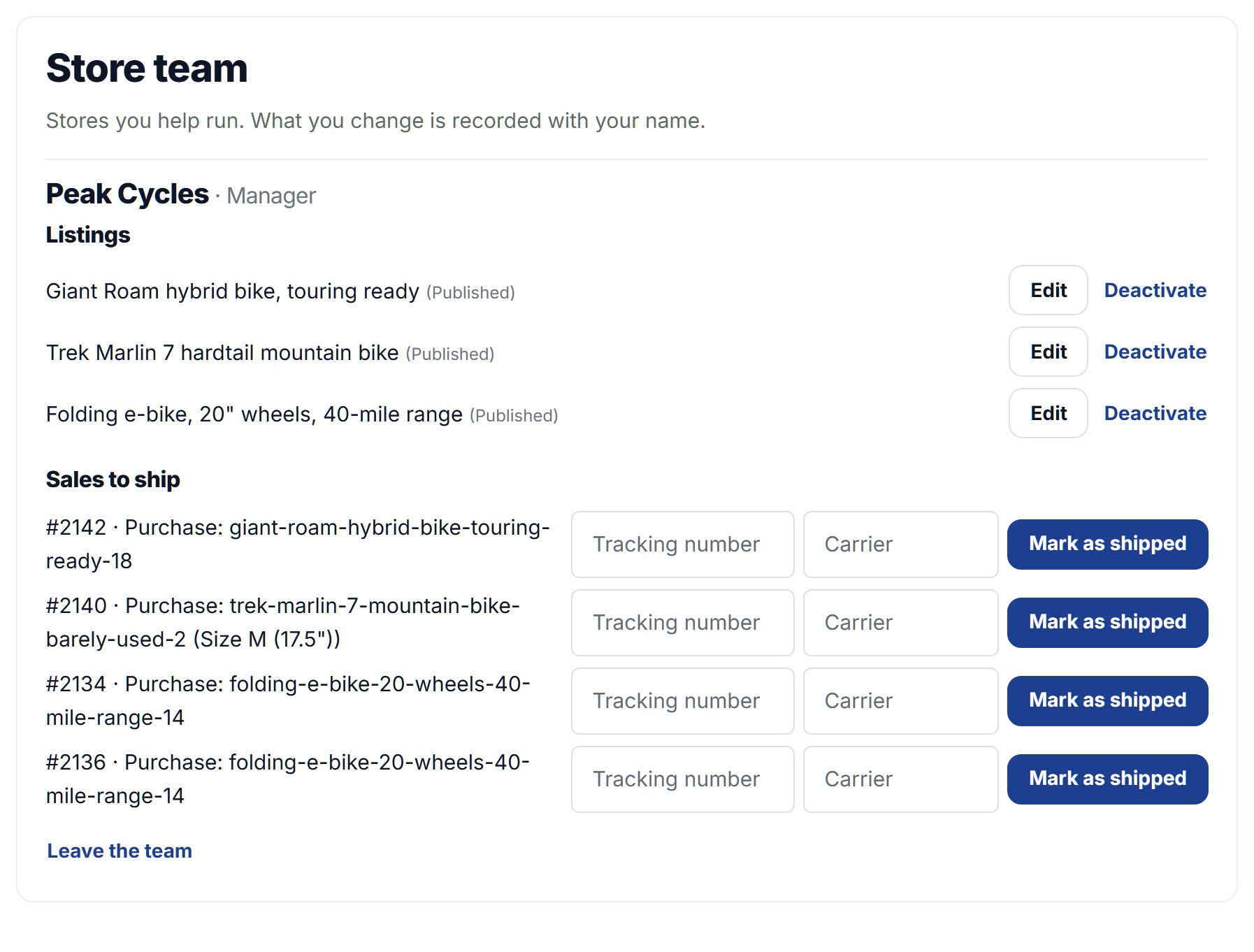
Screenshot of a demo site.
Buying for a company works the way companies buy.
A business opens one company account and adds its people. Buyers order, approvers say yes above the amount the company sets, and approved companies pay by invoice on terms.
- Company accounts with buyer, approver and admin roles
- Purchase approvals above an amount each company chooses, with nothing charged before approval
- Pay by invoice on 15, 30 or 60-day terms, with reminders before and after the due date
- A purchase-order number on the order and the invoice
- Categories only some groups can post in or see, like dealers-only or members-only
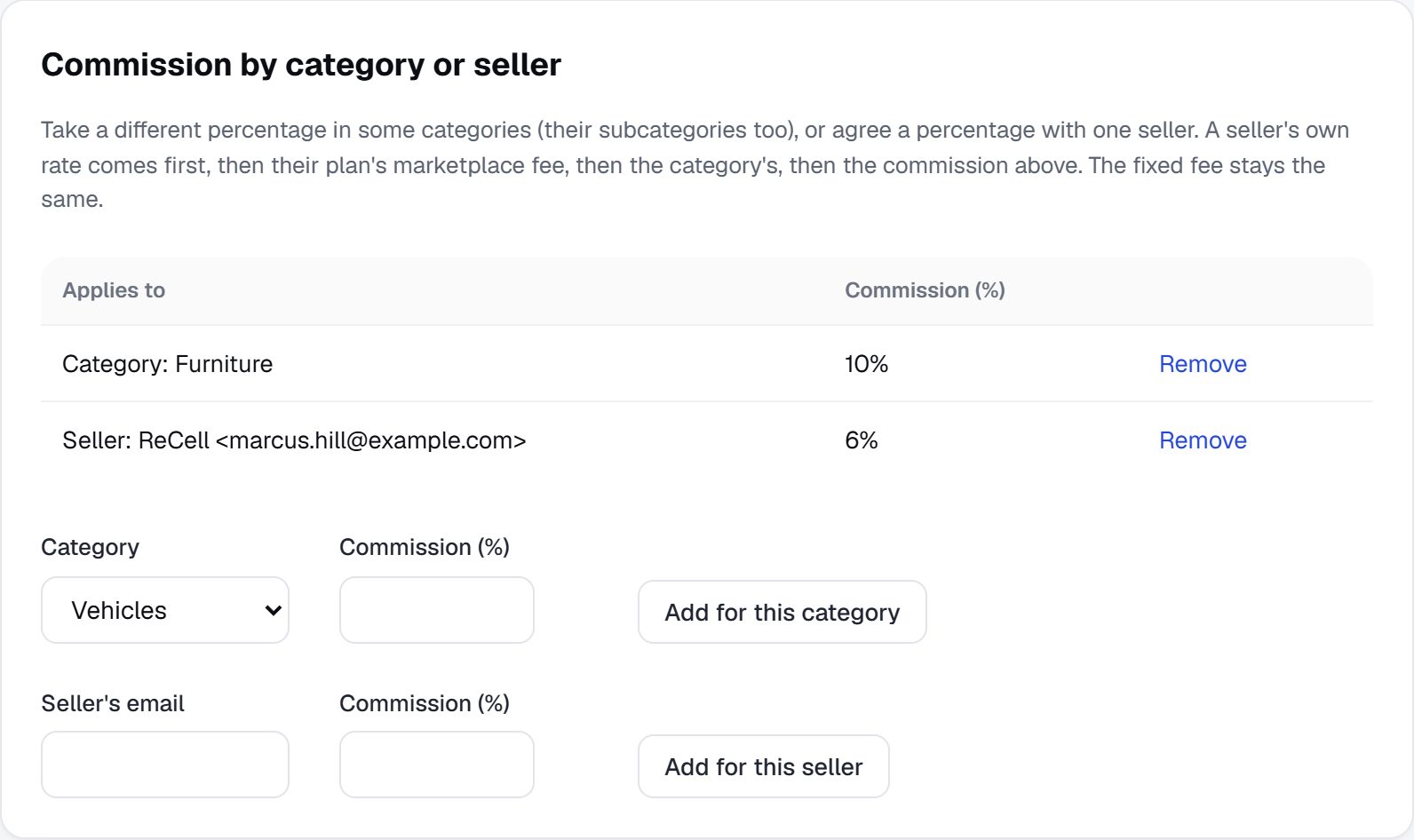
Commission rules on a demo site. Commission can also go down as a seller sells more.
Connected to your systems, and yours to take.
Send customers and orders to the software your company already runs on, and download everything whenever you want.
- Salesforce, Klaviyo and ShipStation, plus HubSpot, Mailchimp, Zapier, Make, Google Sheets and Slack
- A REST API and signed webhooks for your own systems
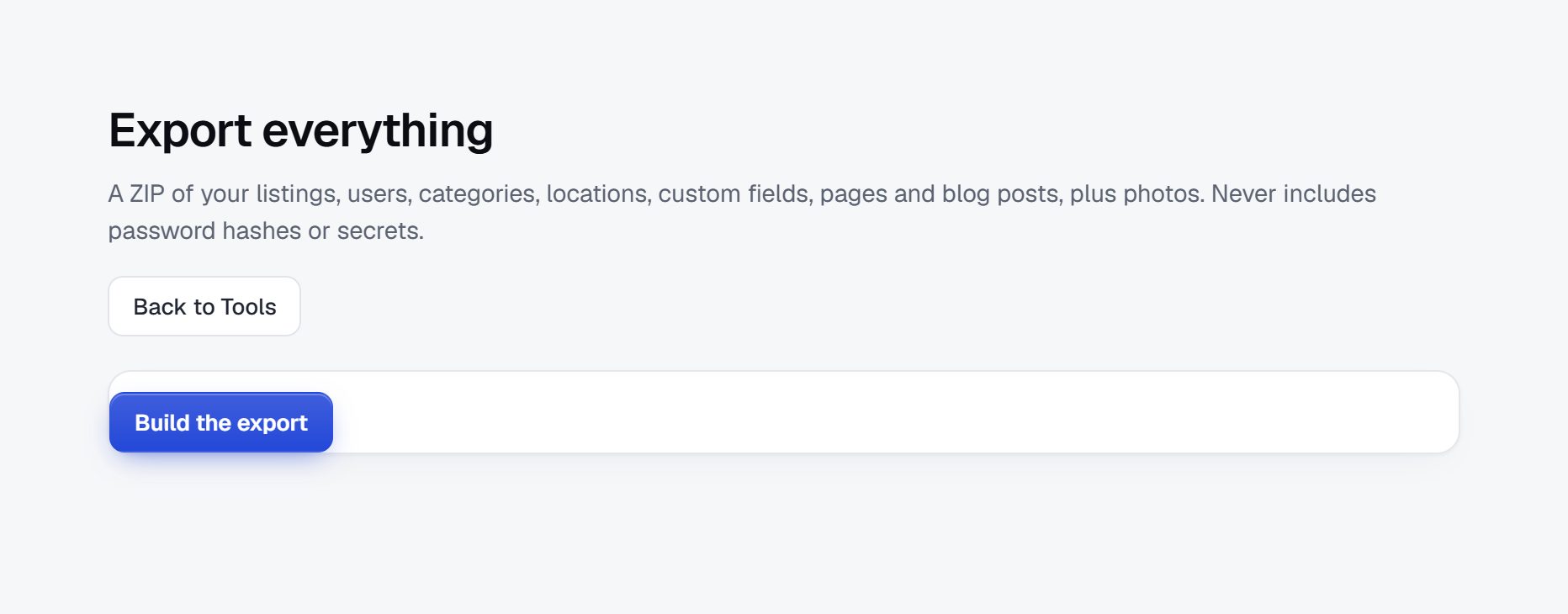
- Export everything as one ZIP: listings, users, pages and photos, with no passwords or secrets
- Each member can download or delete their own data
- Regional storefronts: several domains, each with its own language, currency and region, sharing one set of listings and members
- Hourly backups, kept for 7 days
Questions people ask
Is there an Enterprise plan?
No. Enterprise works on top of the plan you choose. Contact us, tell us what your organisation needs, and we switch the Enterprise features on for your site.
Can I switch on only some features?
Yes. Once Enterprise is on, your admins choose each feature on the Enterprise page of the admin, and every one is off until they switch it on.
Which identity providers work with single sign-on?
Any provider that supports OpenID Connect, including Microsoft Entra ID, Google Workspace and Okta. SAML is on the way: tell us if you need it.
Can our members use their own accounts too?
Yes. You decide whether single sign-on is for your team only, or for members as well, and whether admins must use it.
Do you help us set it up?
Yes. We help connect your identity provider and set up roles, company accounts and invoice terms with your team.
More of what Yclas does
Tell us what your organisation needs.
We switch Enterprise on for your site and help your team set it up.
Talk to us about Enterprise