
AI feature
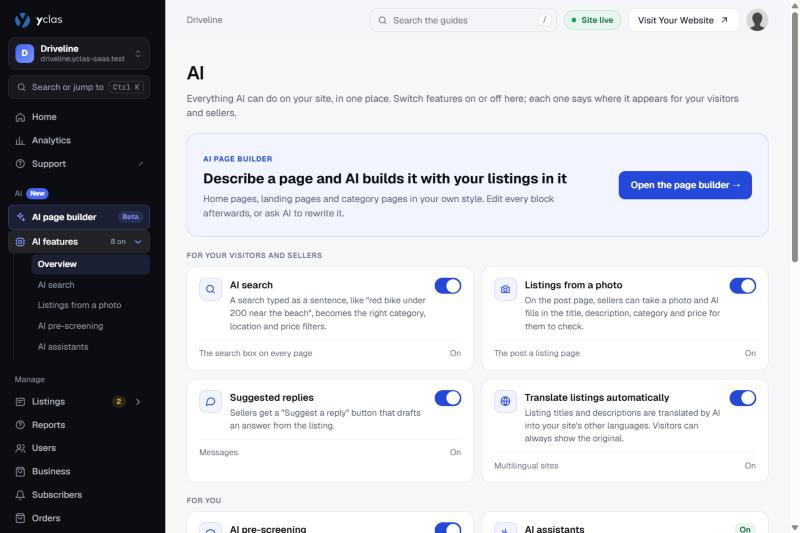
AI suggested replies
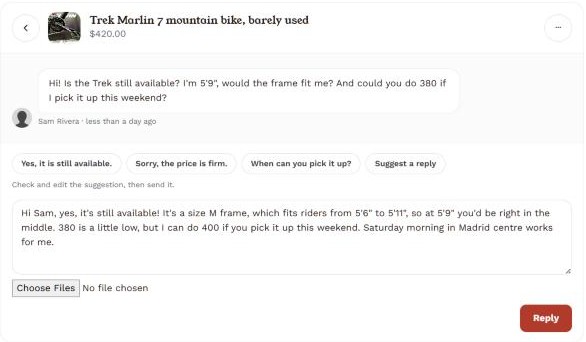
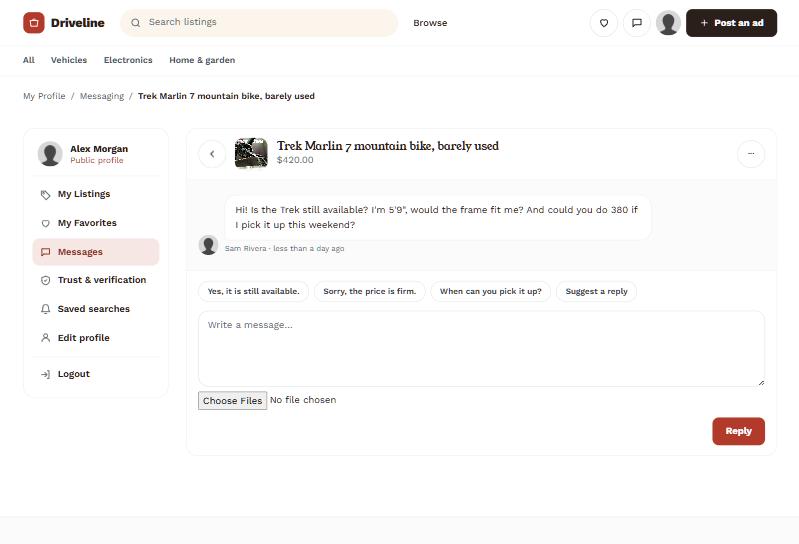
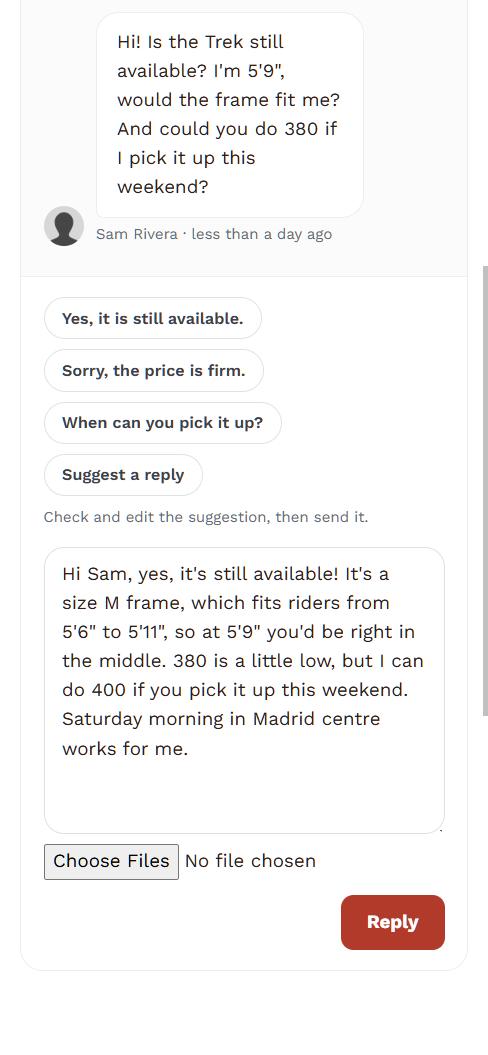
When a buyer messages about a listing, the seller gets a "Suggest a reply" button that drafts an answer from the listing and the conversation so far. They edit it, or send it as drafted.
Where it shows up: Messages, once you turn on buyer-seller messaging.
How it works
Step by step.
- A buyer sends a seller a message about a listing.
- The seller taps "Suggest a reply"; the AI drafts an answer from the listing details and the conversation.
- The seller edits the draft or sends it as it is.
See it for yourself
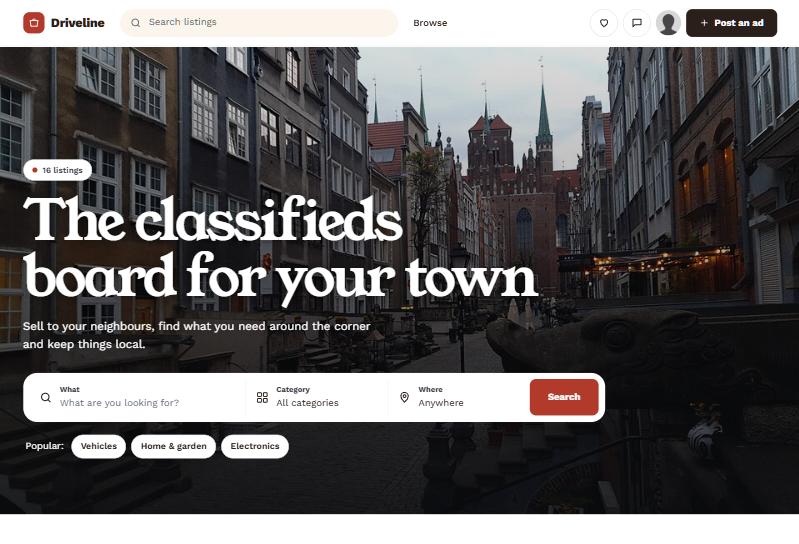
On a real Yclas site.
Easy to turn on
One switch. Nothing to configure.
On every paid plan, suggested replies is one switch on the AI page of your admin, once messaging is on. Every seller gets the button in their messages straight away.
Questions
Questions people ask
Other AI features:
Does the AI ever reply on its own?
No. A seller always chooses to ask for a draft, and always sends the message themselves.
Do I need messaging turned on first?
Yes, suggested replies need buyer-seller messages to be on for your site.
Can a seller turn this off?
The site owner switches it on or off for the whole site from the AI page in the admin.
See it with your own listings.
Free for 15 days. No credit card.
Start free trial