
Employee classifieds only your staff can see.
Yclas runs employee classifieds for companies, hospitals, universities and public bodies: an internal marketplace for employees where staff sell cars, lend tools, offer rooms to new starters and give things away. Sign-up limited to your company email domain, or a fully private site, and nothing shown to search engines.
Free for 15 days · No credit card · Private by email domain or invitation
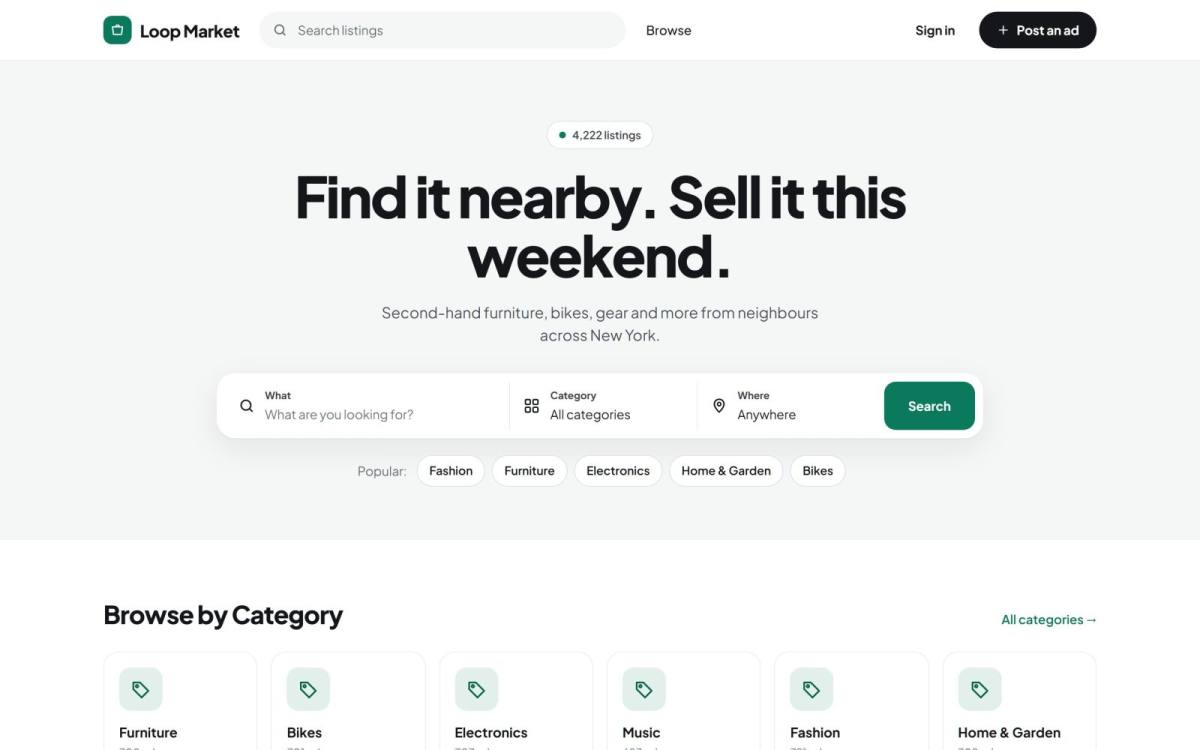
A perk run by HR, internal comms or a staff club.
Staff already trade with each other on noticeboards and in group chats. A site of your own makes it searchable and keeps it inside the company.
Employee classifieds, as staff see them.
Real screenshots of Loop, our neighbourhood demo. A staff site uses the same pages with your categories, offices and logo.
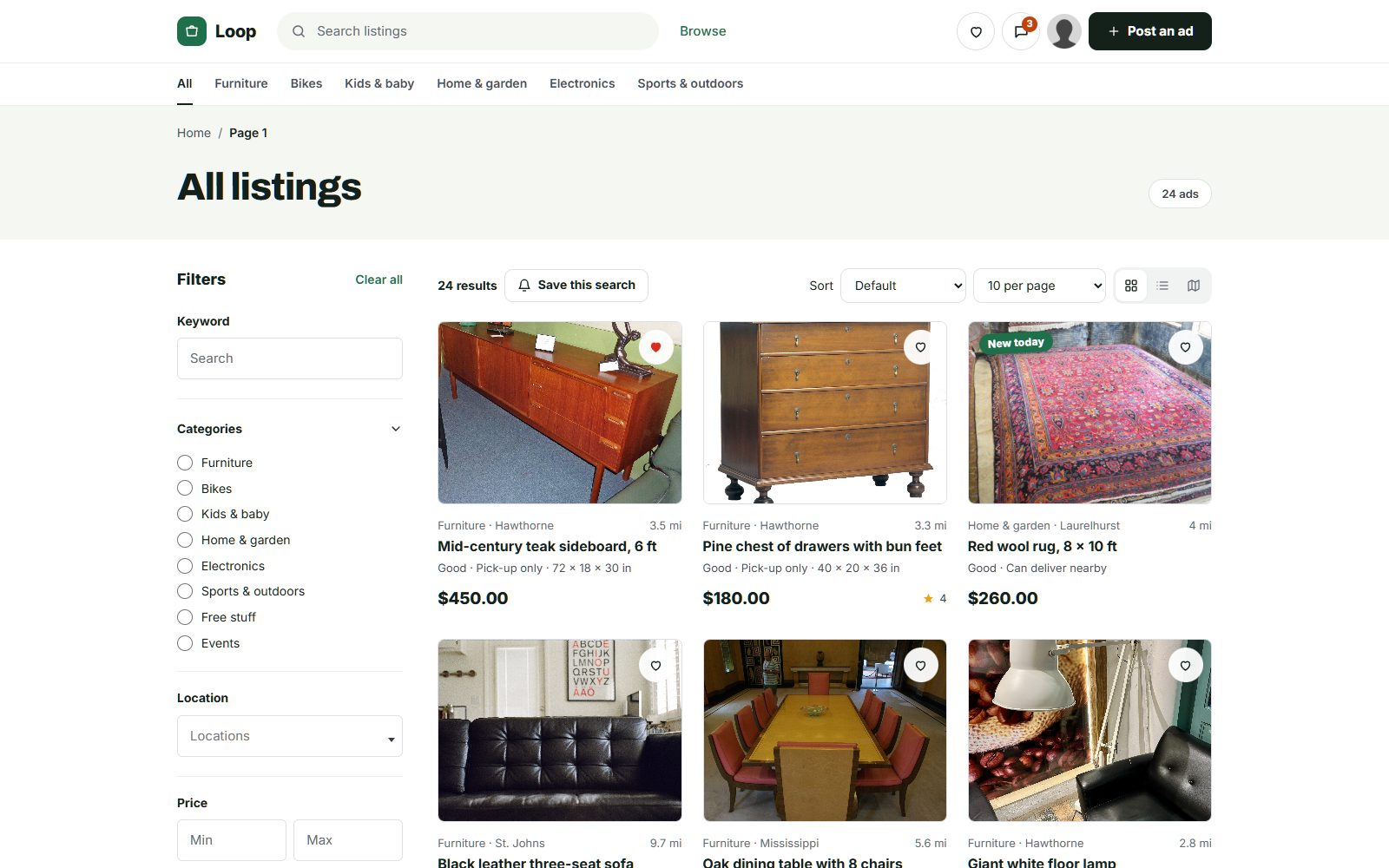
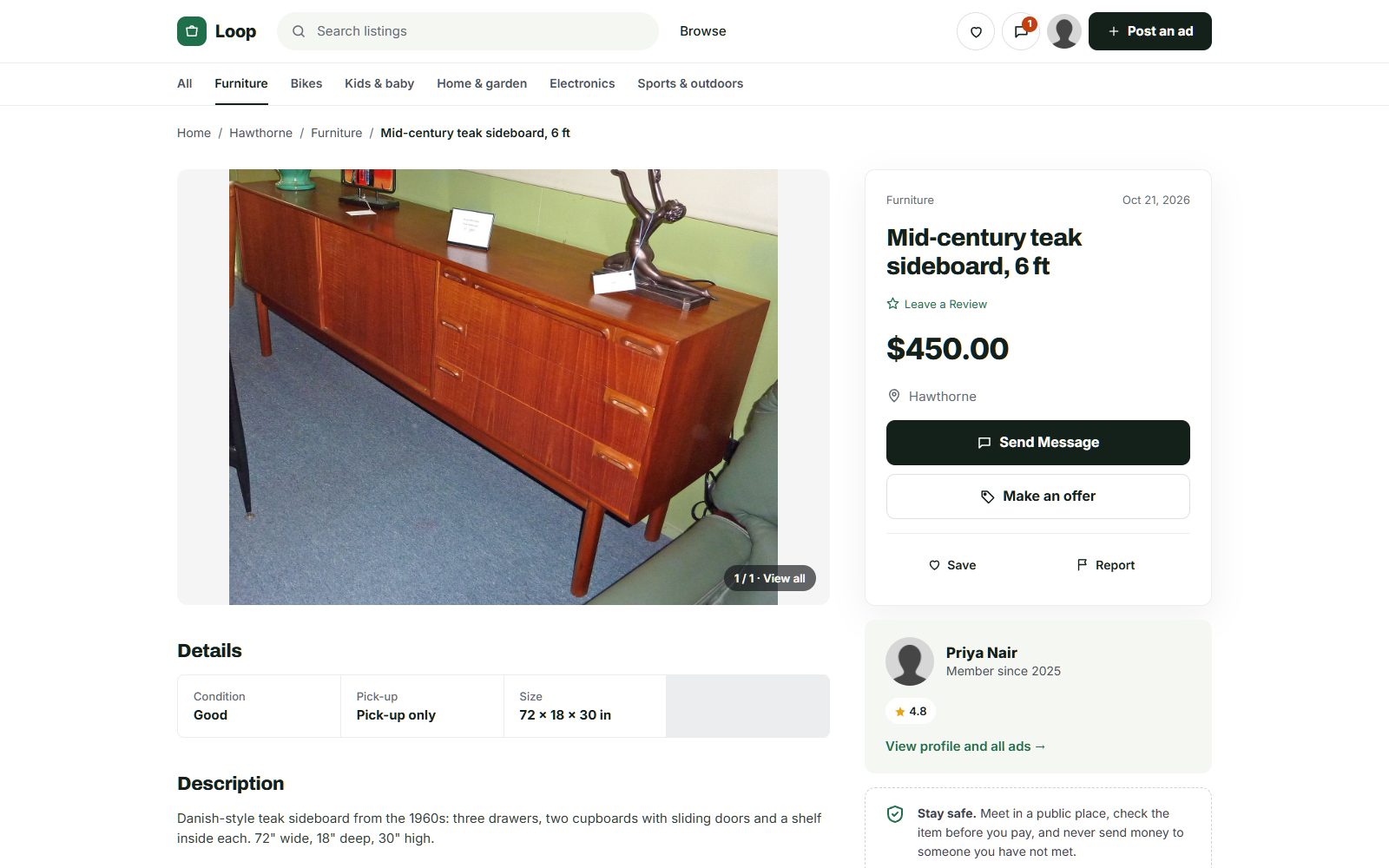
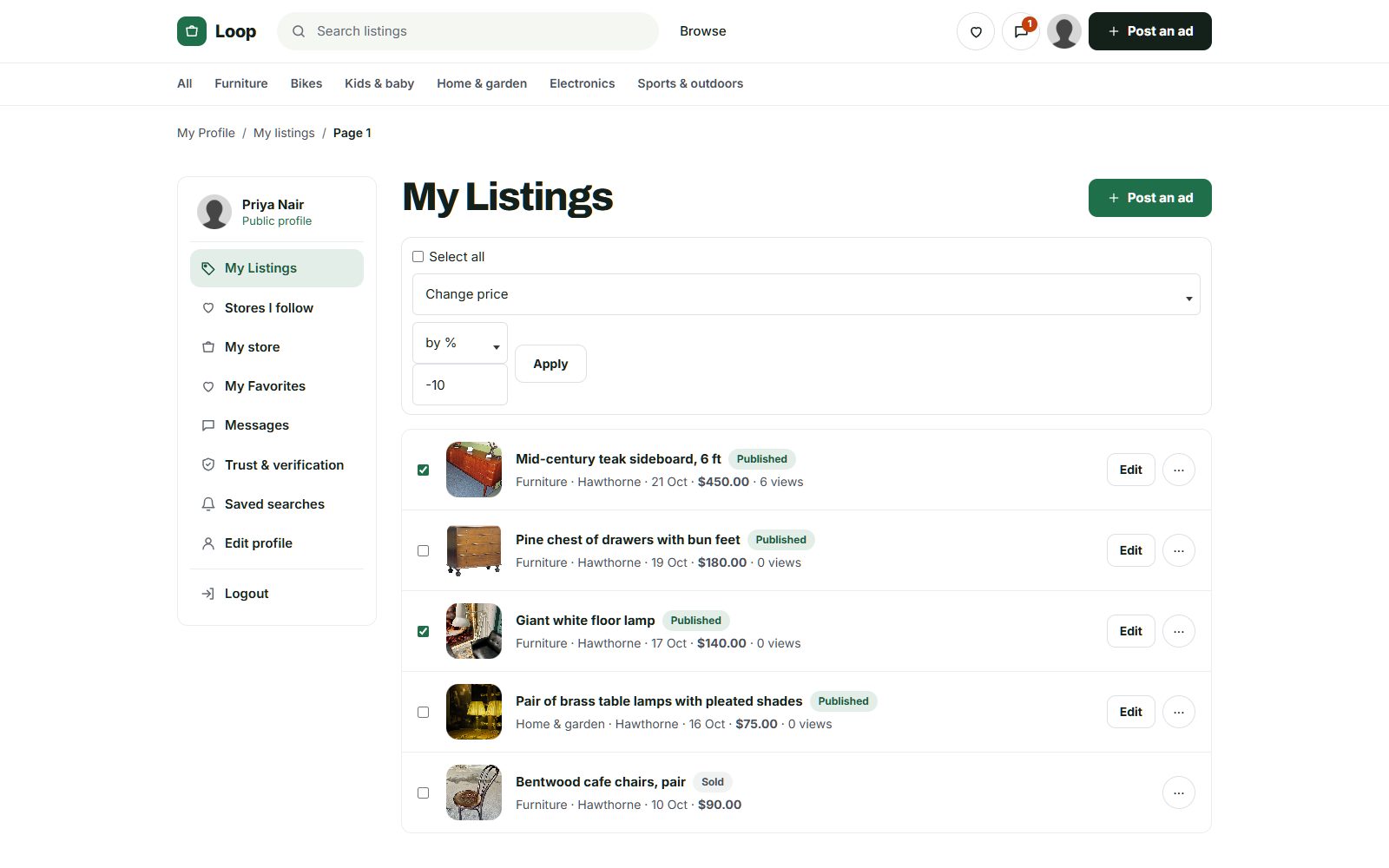
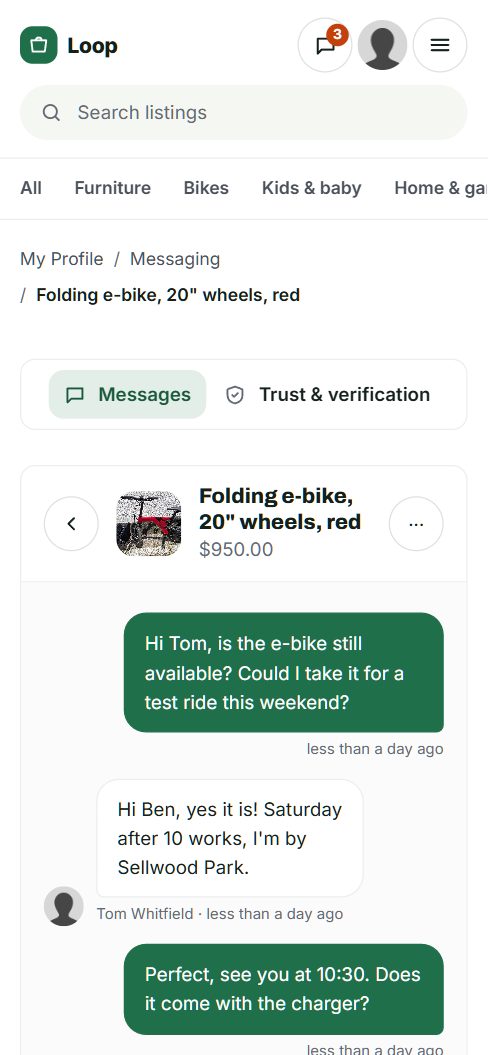
Only company addresses can sign up.
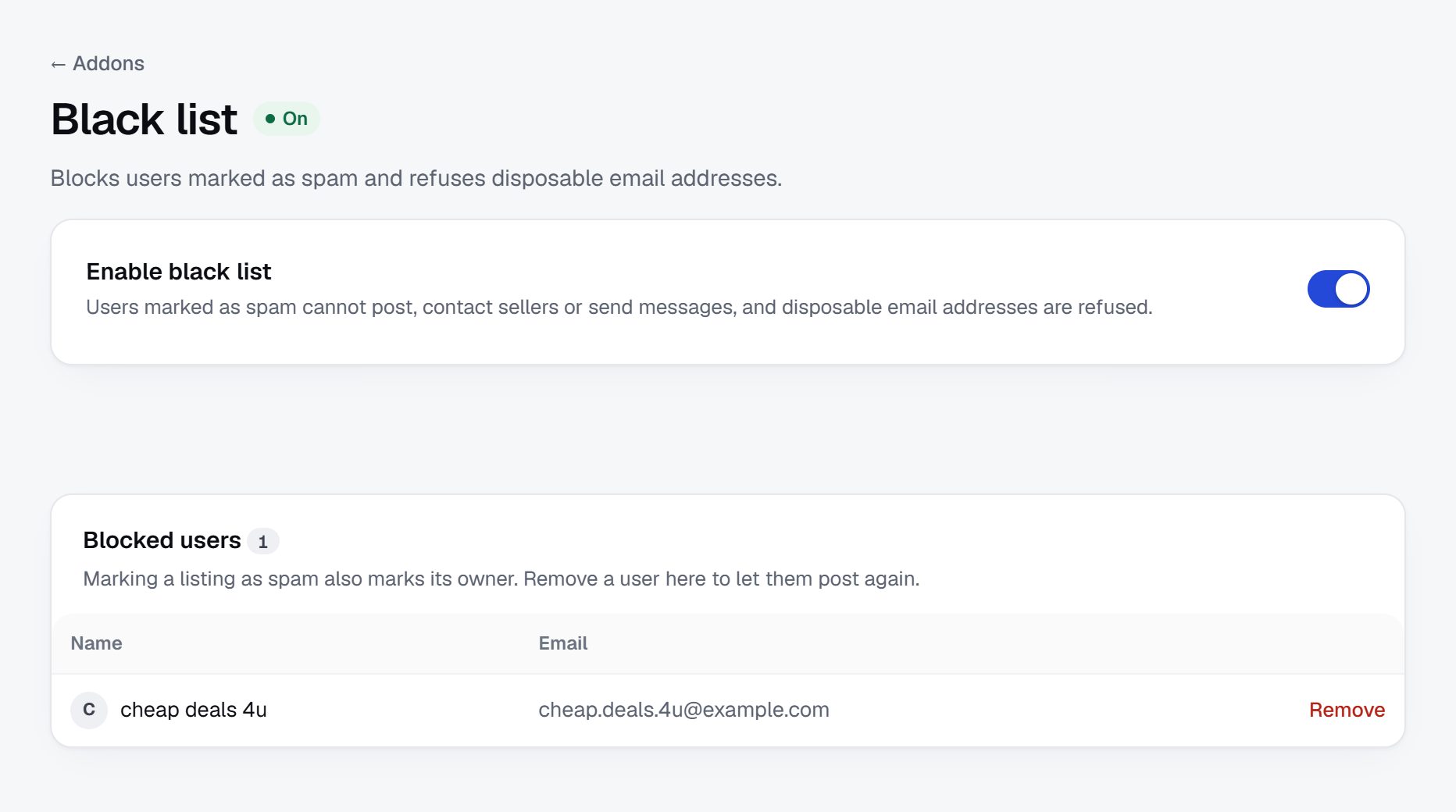
List your company's email domains under Allowed email domains, such as yourcompany.com and yourcompany.co.uk, and switch on email verification. Staff sign up themselves, and nobody else can. Then require a login to open a listing and to message, and ask search engines not to list the site.
- Block subdomains and single addresses when someone leaves.
- Category pages stay visible to visitors in this option; use a private site to hide everything.
Nothing visible without signing in.
With Private site on, visitors who are not signed in see only a page you write, your legal pages, and a form to request access, which emails you. Nobody creates an account alone: you add staff in the admin, import them from a CSV file, or answer the requests.
- Two-step login for extra safety.
- Privacy and data tools for GDPR requests.
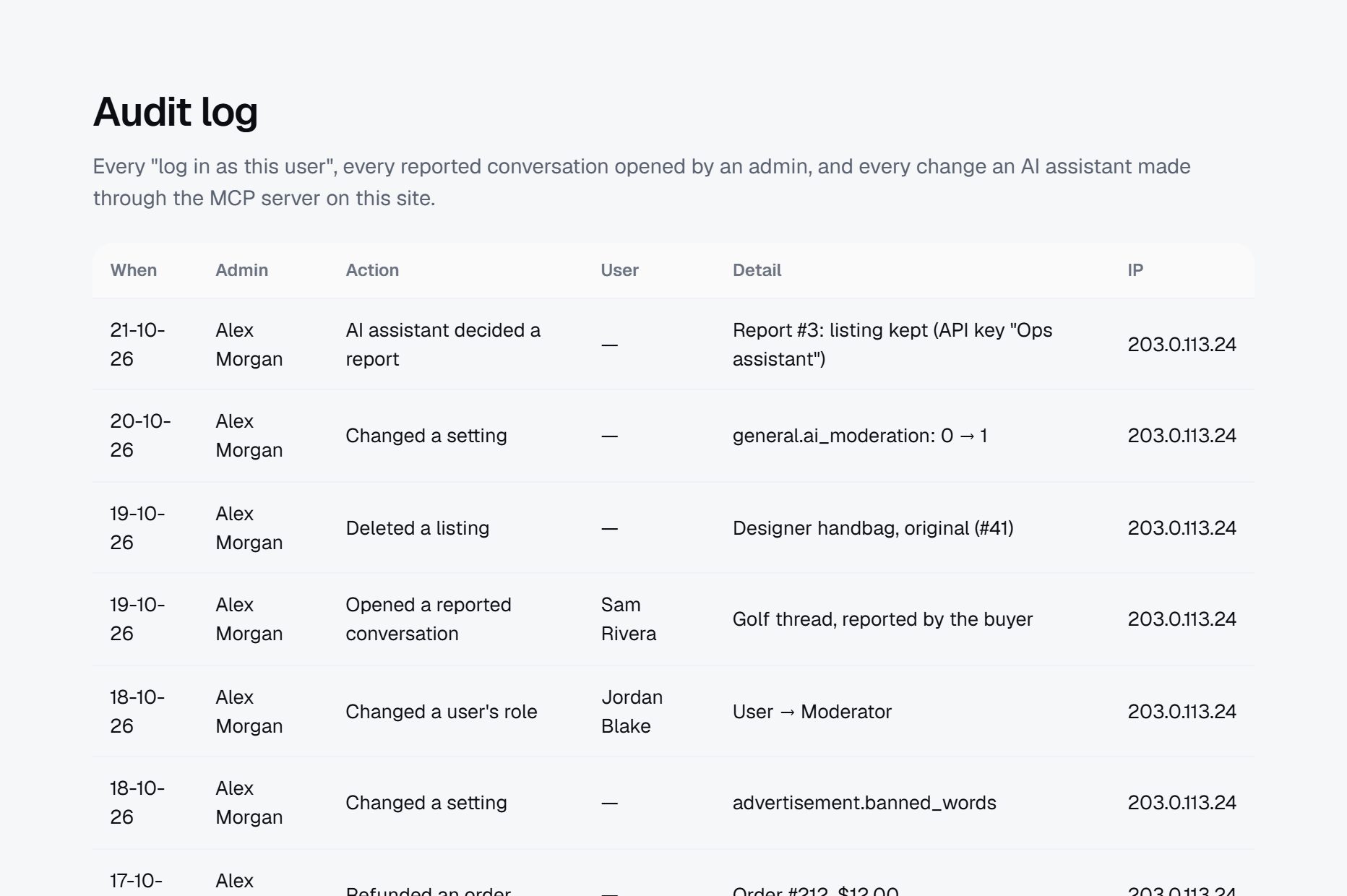
There is no single sign-on with your company directory (SAML, Azure AD or Google Workspace). Staff use their work email and a password.
Rules once, then a few minutes a week.
Write the house rules as a page and in the posting terms. Approve listings before they go live, or let them publish and check reports. AI checks hold listings that break your rules, such as "No commercial resale". On Professional, several colleagues can moderate with their own roles.
- Offices and sites as locations, with a map.
- Categories you choose: cars, rooms for new starters, carpooling, free stuff, lost property.
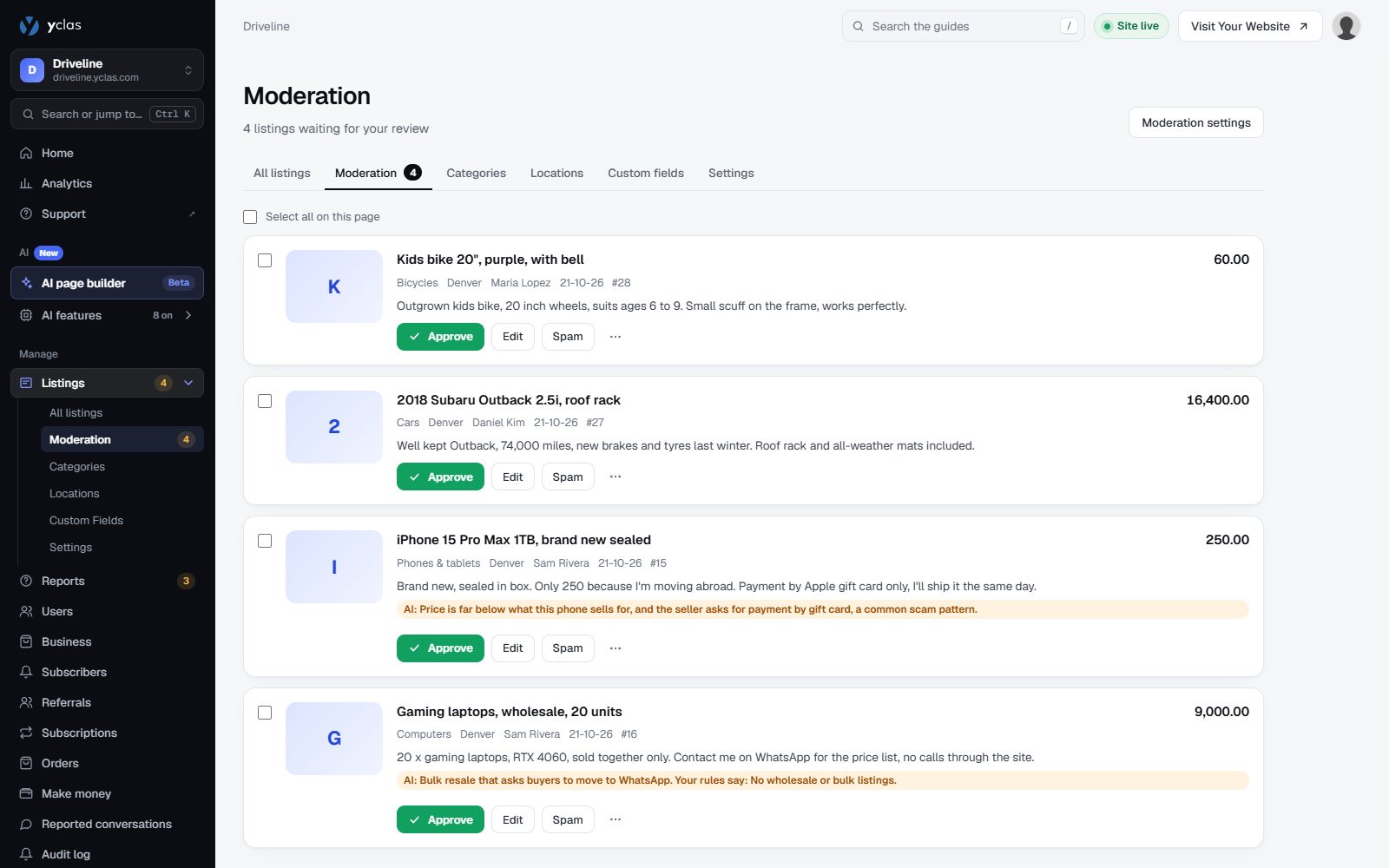
Everything an internal marketplace for employees needs.
Starter is $19 a month for up to 5,000 listings; Professional adds moderator roles and a multilingual site.
Keeping it internal
- Allowed email domains
- Email verification
- Private site with access requests
- Login to view, contact or post
- Hidden from search engines
- Two-step login
For staff
- Search by office and category
- Messages and offers
- Saved searches
- Free tag for giveaways
- Works on every phone
For HR
- Import staff from a CSV file
- Moderation and AI checks
- Audit log and data tools
- Your logo, colours and domain
- Newsletters and a weekly digest
From sign-up to launch in the staff newsletter.
- Choose the access modelEmail domains for self sign-up, or a private site.
- Set categories and officesCars, rooms, carpooling, free stuff, and each site as a location.
- Write the rulesA short page and your rules for the AI checks.
- Announce itA link on the intranet and in the staff newsletter.
What are employee classifieds?
A buy, sell and give-away board for the staff of one organisation: colleagues list cars, furniture, rooms and spare tickets, and only people from the organisation can see or join it.
How do I keep employee classifieds internal?
Either allow sign-up only from your company email domains with email verification, or make the whole site private so only people you add can sign in. Both can be hidden from search engines.
Does it work with our single sign-on?
No. There is no SAML, Azure AD or Google Workspace sign-in. Staff sign up with their work email.
Can it sit inside our intranet?
It runs on its own address, such as market.yourcompany.com, and you link to it from the intranet.
What happens when someone leaves?
Block or delete their account in the admin, or block their address. With the domain option, a closed work mailbox can no longer receive sign-in emails.
Can staff pay each other on the site?
Not usually needed: colleagues settle in person. Online payment is on the Marketplace plan.
Is our data kept private?
Your site has its own database, data tools for GDPR requests, and you can export users and listings.
Related pages.
The parts of Yclas this leans on.
A staff marketplace, live before the next newsletter.
Choose who can join, add your categories and announce it. Free for 15 days.
Start my staff marketplace