How to build a kids activities directory that parents check every term.
This guide is for founders who want to run a directory of classes, clubs, camps and play spaces for children in one town or area. It covers what parents search for and why scattered flyers and school newsletters fail them, the age and schedule fields they filter on, how featured providers and camp season pay, seeding the first providers, child safety, search pages and a launch timed to sign-up seasons.
Free for 15 days · No credit card · Plans from $19 a month
Parents search by age, day and distance, and nothing lists all three.
A parent looking for an activity has a very specific puzzle to solve. The child is six. It has to be on a weekday after school, within twenty minutes of home, and ideally the younger sibling can do something nearby at the same time. The options are spread across swim schools, dance studios, martial arts gyms, the parks department guide, the library calendar, church programs and a stack of flyers in a school bag. Nobody puts them side by side.
General review sites list businesses but not ages, schedules or prices. Parks departments publish a guide once a season, as a long document. Parent groups online answer the same question about swim lessons every week.
Who searches it
- Parents of young children looking for toddler classes, playgroups and indoor play.
- Parents of school-age children planning after-school activities, weekend sports and summer camps.
- Grandparents and caregivers looking for things to do on school breaks.
- Parents planning birthdays, who need party venues and entertainers.
Choose an angle
Kids activities are local by nature: few parents drive more than half an hour for a weekly class. Start with one town, one suburb cluster or one school district. Some founders narrow further to one type, such as summer camps only, or activities for children with special needs, which parents find especially hard to research.
Give every listing an age range and a schedule: that is what parents filter on first.
Categories by activity type, with age and schedule as the main filters.
Keep the categories broad and familiar to parents. The fields should answer the questions parents ask before they phone: is my child old enough, when does it run, what does it cost, and do I have to stay.
- Minimum age and maximum age as numbers, so a parent can filter for a four-year-old and see only what fits.
- Days as checkboxes (Monday to Sunday) and time of day: morning, after school, evening, weekend.
- Format: weekly class, term course, drop-in, day camp, overnight camp, one-off workshop.
- Price as text, per session, per term or per week, because providers price in different ways.
- Parent stays or drop-off, which matters a lot for toddlers.
- Free trial class, sibling discount, indoor or outdoor.
- Additional needs welcome, and for camps: start date, before and after care, lunch provided.
Yclas custom fields can be numbers, dropdowns, checkboxes or dates, required or optional, and they show up as search filters, so a parent can find Saturday morning classes for a five-year-old in one search.
| Category | Example providers | Fields parents filter on |
|---|---|---|
| Sports and swimming | Swim school, soccer club, gymnastics gym, martial arts | Age range, days, skill level, free trial |
| Arts, music and dance | Ballet studio, piano teacher, art studio, drama club | Age range, term dates, price per term, recital |
| Learning and STEM | Coding club, robotics team, tutoring, language school | Age or grade, format, group size, online or in person |
| Summer and holiday camps | Day camp, sports camp, overnight camp | Camp dates, hours, before and after care, lunch |
| Toddler and baby classes | Music and movement, baby swim, playgroup | Age in months, parent stays, time of day |
| Parties and play spaces | Indoor playground, trampoline park, party entertainer | Party size, private room, age range, opening hours |
Use grade as well as age for school-age activities, because many programs group children by grade.
Providers pay when sign-up season is close and places are still empty.
Kids activity providers live on enrollment. A dance studio with empty spots in its Tuesday class, or a camp with weeks still open in March, will pay to fill them. Their busy marketing times are predictable: winter for summer camps, late summer for fall classes, and early January for new-year terms. List every provider free at the start, because parents only come back to a directory that feels complete.
What pays
- Featured places during sign-up seasons: a camp pays to be first on the summer camps page from January to April.
- Provider memberships for studios and clubs that want photos, term schedules, offers and a highlighted profile.
- Questions and quote requests: a parent asks about a birthday party or a tutor, and the request reaches the providers who offer it.
- Banner spaces for family businesses: pediatric dentists, children's clothing stores, family photographers, tutoring centers.
- Sponsored camp guide: a yearly summer camp guide with paid placements, labeled clearly.
Keep the line clear between what is paid and what is not. Parents notice when every top result is an advertiser, and they stop trusting the list.
| Model | Works when | Switch it on |
|---|---|---|
| Free provider listing | For every class, club and camp in the area | From launch |
| Featured camps and classes | Parents use the site in sign-up season | January for camps, August for fall classes |
| Provider memberships | Providers claim pages and update schedules | After the first full season |
| Party and tutor requests | Parents send requests through the site | Once party and tutoring categories fill |
| Family business banners | Local parents visit regularly | When visits are steady |
Start from the guides parents already read, then win over the studios.
Most of the first hundred providers can be found in a few afternoons, because they already publish schedules somewhere. The hard part is turning each one into a listing with ages, days and prices filled in.
Where to find providers
- Parks and recreation guides: the seasonal activity guide lists classes, camps and sports leagues run by the town.
- Libraries and community centers run story times, clubs and holiday programs.
- Youth sports leagues: soccer, baseball, basketball and swim teams post registration dates.
- Studios and schools: dance, music, martial arts, art and swim schools in the area.
- School newsletters and PTA lists of after-school clubs.
- Google Places: Yclas imports businesses from Google Places with your own Google key, giving names, addresses and opening hours. Photos are not imported, and ages and schedules must be added by hand.
A spreadsheet helps: one row per program with columns for ages, days, price and format, then import it as a CSV.
Getting providers to claim pages
Email each provider to say their page is live and they can claim it free to add their timetable, photos and replies to reviews. Studio owners are often teaching in the evenings, so call in the late morning. Offer to update their schedule for them the first time; many will claim the page after seeing it done right.
Schedules go stale every term, so make updating them easy for providers.
Children's safety and privacy come before everything else.
Parents are trusting your directory with decisions about their children, so the bar is higher than for most directories. Be clear about what you check and what you do not.
What not to claim
Do not say that providers are vetted, safe or background-checked unless you actually verify it. Instead, add fields where providers state their own information, such as staff background checks, first aid training, insurance or license status, and label them as stated by the provider. Rules for childcare, camps and coaching differ by state and country, so check the rules where you operate and tell parents to ask providers directly.
Photos and privacy
- Photos of children: ask providers to upload only photos for which they have parents' permission, and remove any photo on request.
- No children's accounts: the site is for parents and providers. Check the rules where you operate about collecting data from children.
- Messages go between parents and providers through on-site messages, not to children.
Reviews and moderation
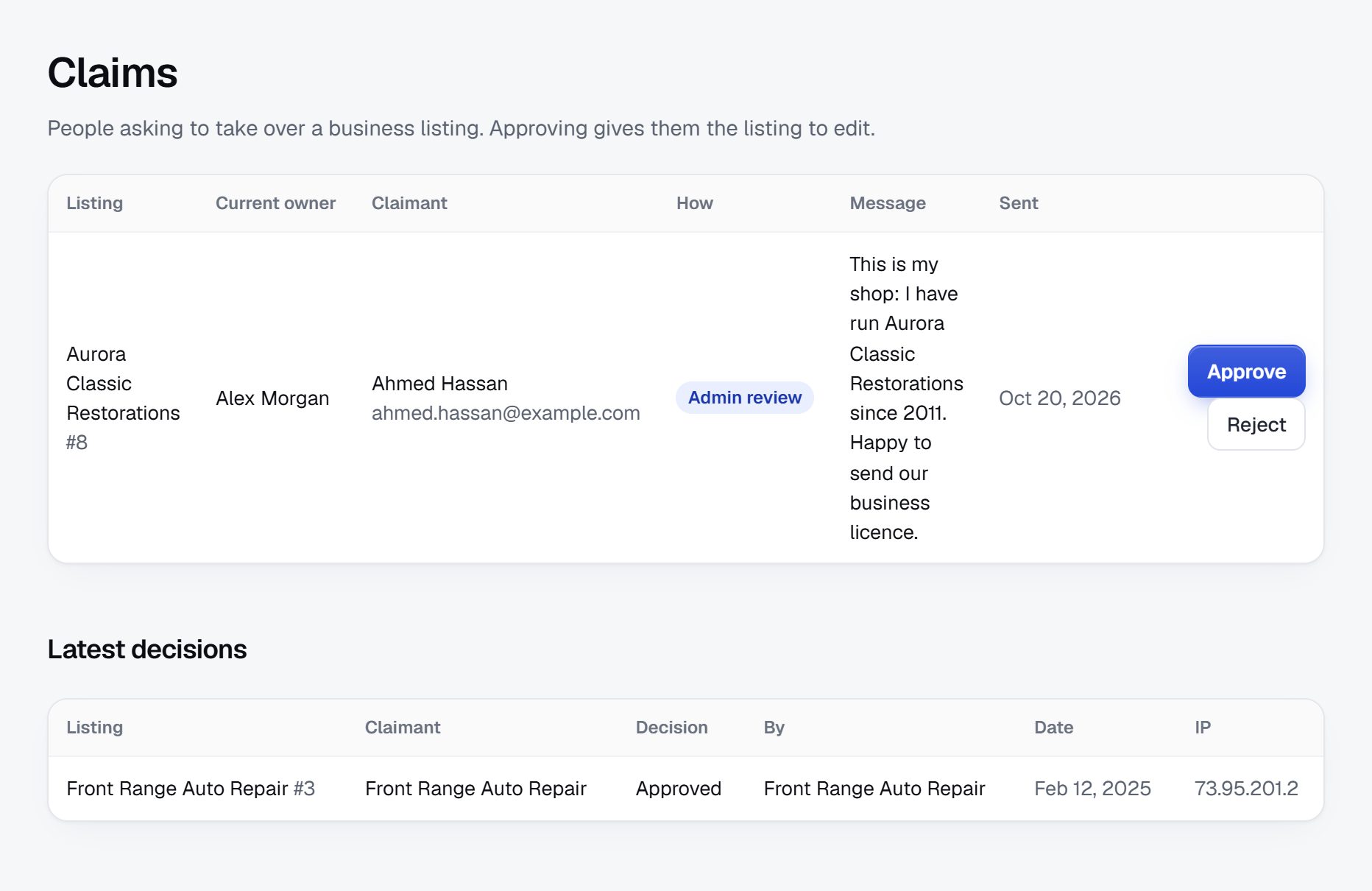
Reviews about kids activities can turn personal, naming a coach or teacher. Moderate reviews before they appear, remove accusations about individuals, and point anyone reporting a safeguarding concern to the provider and the proper authorities rather than a public review. Let providers reply to reviews. Watch for fake providers advertising cheap camps or tutoring with payment up front, and hold new listings for approval.
Parents search by age, activity and town, often in a hurry.
Searches in this niche are precise and local. Expect phrases like "swim lessons for toddlers Plano", "after school programs Park Slope", "summer day camps near me", "ballet classes for 4 year olds", "coding camp for kids Seattle", "kids birthday party places Orlando" and "things to do with kids this weekend". Each search is a page you can build.
Pages to build
- Activity plus town pages: swim lessons, dance classes, soccer, art, coding, in each town or neighborhood. Every category and location in the directory already has its own page.
- Age pages: activities for toddlers, for preschoolers, for tweens, for teens.
- Season pages: summer camps, spring break camps, winter break programs, fall classes.
Content ideas
- A yearly summer camp guide, organized by week, age and camp type.
- A guide to choosing a first activity for a three-year-old.
- Rainy-day and school-holiday lists: indoor play, museums, workshops.
- A birthday party planner by age, with venues, sizes and what is included.
- Price guides: what swim lessons or music lessons typically cost in your area, if you can collect real ranges from providers.
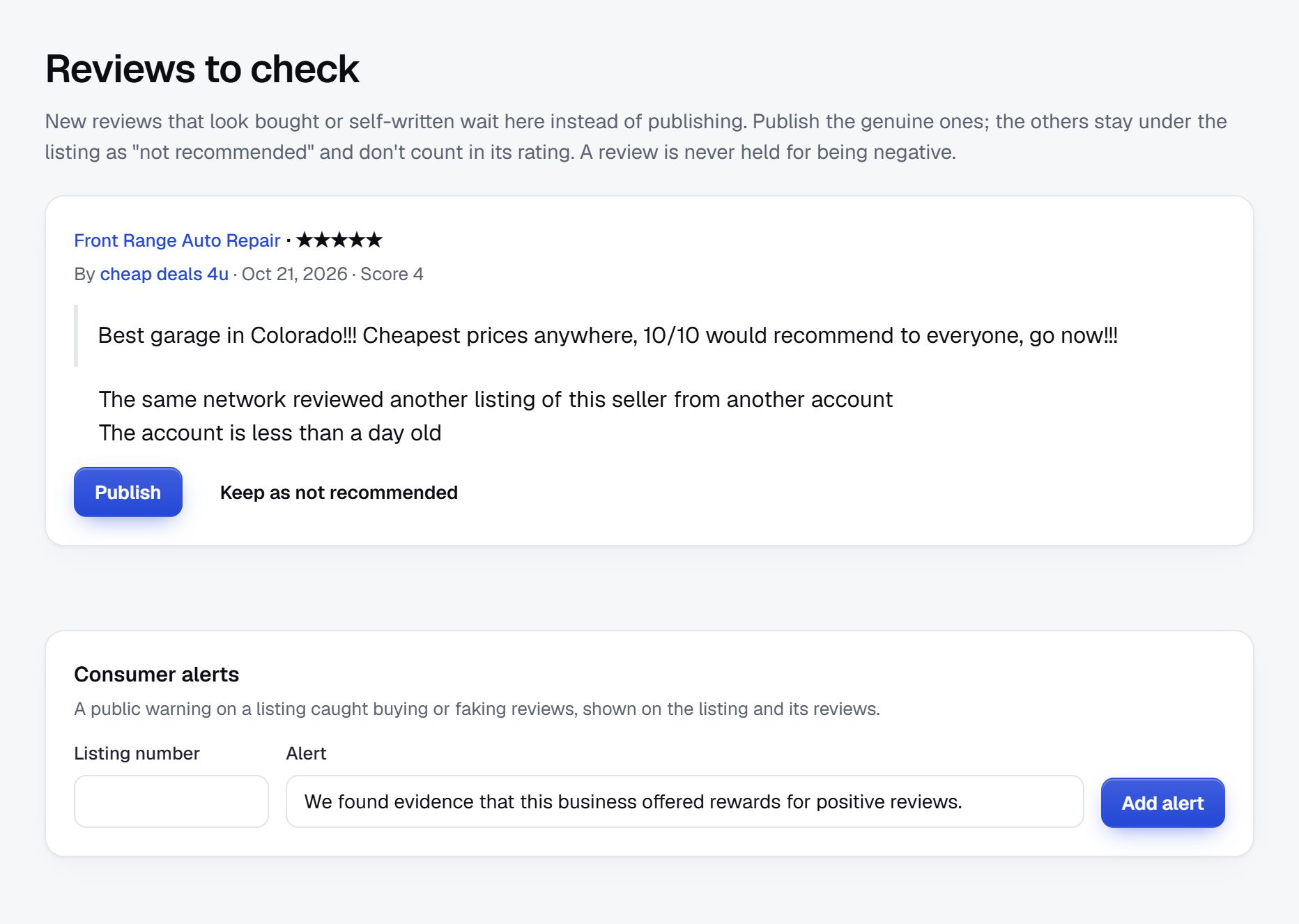
Set the SEO title pattern once, for example "activity name, town: ages and schedule", so parents see the ages before they click.
Time the launch to the next sign-up season.
Kids activities follow the school calendar. Parents look for fall classes in August, new-term activities in early January, and summer camps from January through April, when popular camps fill. Pick the next of these windows and work backwards: providers listed six weeks before, guides written four weeks before.
First area
Start with one town or school district where you know families. Cover the parks department program, the main studios and clubs, and every summer camp. Parents trade recommendations at school pickup, so one well-covered district spreads faster than a thin county.
Partners and events
- PTAs and parent groups: offer a free listing for school clubs and a page they can share.
- Libraries and community centers: post your camp guide on their boards.
- Camp fairs and back-to-school events, where providers and parents meet.
- Pediatricians, dentists and children's stores, who see parents every day and may take your cards.
- Local parent groups online, where you answer the weekly question with a link to the right list.
Checklist
- Pick the area and the age range you cover.
- Set up categories and age, schedule and price fields.
- Seed providers from the parks guide, leagues and studios.
- Write the summer camp guide or fall class guide.
- Invite providers to claim pages and update schedules.
- Moderate reviews and new listings.
- Sell featured spots before sign-up season.
A worked example: Backpack to Bedtime, in the south Minneapolis suburbs.
Backpack to Bedtime is an imaginary directory, used here to show a kids activities site working in a real place. It covers Edina, Bloomington and Richfield on the south side of Minneapolis: suburbs with busy two-income families, long winters that push activities indoors, and a strong tradition of town-run classes and youth hockey.
Categories
- Sports
- Swimming
- Hockey and skating
- Soccer and gymnastics
- Arts and music
- Dance studios
- Music lessons
- Learning and STEM
- Camps
- Summer day camps
- No-school day programs
- Toddlers and parties
Who it serves
Working parents use it most, searching for after-school programs that end late enough for a commute and summer camps with before care from 7 am. Parents of toddlers look for indoor classes to survive January and February. Grandparents who pick children up on weekdays check it for drop-in options near their own homes, and parents planning birthdays compare party venues by group size. Families who have just moved into the area are a small but loyal group: they arrive knowing nobody, and the directory replaces the school-gate advice they have not had time to collect.
How it started
The founder, a parent of two, built a spreadsheet of summer camps organized by week, with before-care and after-care times, because no single source showed whether a family could cover all ten weeks of summer. She shared it in a school parent group and was asked for the update every spring. The first real listings came from the community education catalogs that each district publishes, the parks and recreation guides and the youth hockey and soccer associations. Studios and swim schools followed, entered by hand with ages, days and prices, and the spreadsheet itself was imported as a CSV.
How it makes money
Every program is listed free. Camps pay for featured places from January to April, when parents lock in summer. Dance studios and swim schools buy memberships to show term timetables and trial-class offers, and birthday party and tutoring requests go to providers who accept them. Banner spaces are sold to a pediatric dentist and a children's shoe store. The directory handles no sign-ups: each listing sends parents to the provider's own registration page.
| Program | Price | Ages and schedule |
|---|---|---|
| Little Blades Learn to Skate, Bloomington | $140 per 8-week session | Ages 4 to 7, Saturdays at 9 am, helmet required |
| Starfish Swim School, Edina | $28 per lesson | 6 months to 12 years, weekdays after 3:30 pm, parent in the water under age 3 |
| Robot Garage Coding Club | $195 per term | Grades 3 to 6, Tuesdays 4 to 5:30 pm, laptops provided |
| Lakeside Adventure Day Camp, Richfield | $265 per week | Ages 6 to 12, June to August, before care from 7 am |
| Tumble Town Toddler Gym | $12 drop-in | Ages 1 to 4, weekday mornings, parent stays |
These programs are fictional; real prices vary widely by area.
The first 90 days: ready for the next sign-up season.
The school calendar sets your deadline. Pick the next sign-up window, whether August for fall classes, early January for new terms, or January to April for summer camps, and start twelve weeks before it. Parents will not wait for you, and providers who miss your directory in one season will not think of it until the next.
Two habits matter more here than in most directories. Every listing needs ages, days and dates before it goes live, because a program without an age range wastes a parent's time. And every listing must pass through approval, because a page about children cannot carry a fake provider or a review naming a coach, even for an hour.
Keep a simple weekly count: programs with complete age and schedule fields, providers who have claimed their pages, and parents who arrive from search or school newsletters. By week twelve the first should be complete for your area and the other two should be climbing. If one district takes longer than planned, finish it before starting the next.
| Weeks | Focus | Done when |
|---|---|---|
| Weeks 1-2 | Area, categories and age, day and price fields | Minimum and maximum age, days, format and price filter correctly on ten sample programs |
| Weeks 3-4 | Parks guide, community education and youth leagues | Every town-run class, league and camp is listed with ages and dates |
| Weeks 5-6 | Studios, swim schools and private camps | Every studio and camp in the area shows next term's schedule |
| Weeks 7-8 | Provider claims and schedule updates | Every provider has been emailed and called, and 30 pages are claimed with current timetables |
| Weeks 9-10 | Season guide and age pages | The camp guide by week is published, plus pages for under-fives and for teens |
| Weeks 11-12 | PTAs, parent groups and a moderation routine | Five PTAs have shared the directory and every new listing and review is approved within a day |
Building a kids activities directory: the routes and their trade-offs.
Parents filter on combinations no general directory handles well: a five-year-old, on a Tuesday or Thursday, after 3 pm, within the district. So the software needs number fields for minimum and maximum age, checkboxes for days, date fields for camp weeks, and filters that combine them. It also needs approval before any listing or review goes live, claimed pages so providers can update timetables each term, and quote requests for birthday parties and tutoring. It should not take registrations or payments: providers already run those, and holding families' and children's data adds duties you do not need.
A developer-built site
Custom code lets you build a week-by-week camp planner or a sibling scheduler. The cost is high, and there is a pull toward adding registration, which brings children's data and refunds with it.
A plugin or script on your own hosting
Directory plugins handle listings and maps. Filtering by age range, where a four-year-old must match a program for ages 3 to 6, is often weak or missing, and approval queues may need an add-on.
A hosted builder
A hosted builder such as Yclas offers custom number, checkbox and date fields shown as search filters, approval of every listing, claimed pages and quote requests sent to businesses, so the work goes into schedules and providers rather than code.
| Route | Fits when | Watch out for |
|---|---|---|
| Developer-built site | You want planners and tools built around the school calendar | Cost, and the drift toward handling registrations and children's data |
| Plugin or self-hosted script | Your family events blog already runs on WordPress | Weak age-range filtering and approval queues that need add-ons |
| Hosted builder | Most of your effort should go into schedules and providers | Shaping your ideas to the fields and features available |
What a kids activities directory costs to run.
The software is the smallest part of the bill. Most of the cost is your time in the first months: finding the first listings, answering questions and checking what gets posted.
Costs are mostly your time keeping schedules current each term, plus Google API usage for importing providers and printed flyers for schools and libraries. A table at a camp fair or back-to-school night is usually cheap and reaches both parents and providers.
| Cost | Typical range | On Yclas |
|---|---|---|
| Domain | $10 to $20 a year | Your own, with SSL included |
| Software and hosting | $0 to $100+ a month, plus plugins and updates | Starter $19 a month, Professional $99 |
| Design | $0 to $100 for a theme, or a designer | 109 looks included |
| Payment fees | About 3% per payment | Your Stripe or PayPal fees; Yclas takes nothing |
| Business data | Free if you collect it, or a few cents per page of Google results | Paid to Google, with your key |
| Your time | 5 to 10 hours a week at the start | Finding listings, moderation, support |
Mistakes that lose parents' trust in a kids activities directory.
- Publishing programs without ages. A parent who clicks a promising class only to find it starts at age eight will not click the next one. Make minimum and maximum age required fields, and use grades as well where schools group children that way. For toddler classes, ages in months matter, since a class for 18 to 30 months is very different from one for three-year-olds.
- Calling providers safe or vetted. Unless you actually check backgrounds, insurance and licensing, never suggest that you have. Let providers state their own checks, label them as provider-stated, and tell parents to ask directly.
- Leaving last season's camps live. Nothing undermines a directory faster than a camp page showing last summer's dates in March. Store camp weeks as dates, archive programs once they end, and ask providers for next season's dates in the fall.
- Covering a whole metro area thinly. A parent wants every option within twenty minutes, not a sample from across the region. Cover one district completely before moving to the next, and tell neighboring districts when you arrive.
- Handling registrations or payments. Sign-up forms bring medical notes, emergency contacts and refunds, along with rules about children's data that vary by place. Send parents to each provider's own registration and stay a directory. Providers prefer it too, because their rosters, waivers and payments already live in their own systems.
- Showing photos of children without clear permission. A provider's marketing photo may include children whose parents never agreed to it appearing elsewhere. Ask providers to upload only photos they have permission to share, and remove any photo the moment someone asks.
- Forgetting families with additional needs. Parents of children with disabilities, sensory needs or medical conditions often struggle most to find suitable programs. A provider-stated field for additional needs, and a page listing those programs, serves them and earns word of mouth among parent support groups, which share good resources widely and remember who made them.
- Selling featured spots in the middle of a term. Providers buy visibility when they have empty places to fill, which is the run-up to each sign-up season. Pitch in December for camps and in July for fall classes, not in October, when classes are full and owners are busy teaching.
- Letting reviews name coaches and teachers. A frustrated review can quickly turn into a public accusation against one adult. Moderate before publishing, keep reviews about the program, and direct any safeguarding concern to the provider and the proper authorities.
Terms parents and providers use, defined for founders.
Use these terms in your fields and filters the same way parents and providers use them.
| Term | What it means |
|---|---|
| Drop-off program | A class or camp where the parent leaves and staff look after the child. |
| Caregiver-and-child class | A class for babies or toddlers in which a parent or caregiver takes part alongside the child. |
| Term or session | A block of weekly classes, often eight to twelve weeks, paid for up front. |
| Drop-in | A single class or open play time paid per visit, with no term commitment. |
| Day camp | A camp where children go home each evening, usually run by the week. |
| Overnight camp | A residential camp where children stay for a week or longer, also called sleepaway camp. |
| Before and after care | Supervised time before a camp or program starts and after it ends, for working parents. |
| No-school day | A weekday when schools close for staff training or holidays and many providers run one-day programs. |
| Community education | Classes and camps run by a school district or town for local families, often at lower prices. |
| Trial class | A free or reduced-price first class so a child can try an activity before the family commits. |
| Rec league | A recreational sports league open to all children, as opposed to a selective travel team. |
| Waitlist | A queue for a full program, filled in order when places open up. |
| Staff-to-child ratio | How many children each adult supervises, a figure parents often ask about for young age groups. |
The same steps for a kids activities directory on Yclas.
- Describe your directoryThe setup wizard writes the categories, an About page and example listings from one sentence.
- Add fieldsHours, services, areas served, prices: the details people search by, as filters.
- Fill itImport businesses from a spreadsheet or Google Places, then check them.
- Bring owners inOwners claim their page, update it and answer reviews.
- EarnSwitch on featured places, banners or memberships when visits arrive.
What should I budget to launch a kids activities directory?
The cash needed is modest; the bigger cost is time, because every provider needs ages, days and prices entered and updated each term. Most founders start with one district and a few hundred listings.
Do I have to background-check providers?
You do not have to, but never claim checks you have not done. Let providers state their own checks, training and insurance, label it as provider-stated, and check the rules where you operate.
Can I use photos of children on the site?
Only photos that providers confirm they have parents' permission to share, and remove any photo when asked. Avoid photos where a child can be named or located.
How do I get the first providers on board?
List them yourself from the parks guide, league sites and studio schedules, then invite each one to claim the page for free. Doing the first schedule update for them helps a lot.
How does this kind of directory make money?
Featured places during sign-up seasons, memberships for studios and clubs, party and tutoring requests, and banners for family businesses. Camp season is usually the first time providers pay.
How do I compete with parent groups and review sites?
Parent groups give opinions but no searchable list, and review sites skip ages and schedules. A directory filtered by age, day and price saves parents real time.
How do I keep schedules current?
Ask providers to update before each term, show when each schedule was last confirmed, and archive camps once their dates have passed.
Should I list programs run by schools, churches and libraries?
Yes. Free and low-cost programs are some of the most searched, and parents expect to see them alongside paid ones. They rarely pay for visibility, but they make the directory feel complete and bring parents back. Library story times and church-run vacation programs are often the first activities a new parent looks for.
What age range should the directory cover?
Most founders start with babies through age twelve, where parents choose activities for their children. Teen programs work differently, because teenagers choose for themselves, so add them later as a separate section. Teen pages need a different tone too, with volunteering, part-time jobs and college-prep programs alongside clubs and sports.
Can online classes be listed?
You can, as a separate category or a format field, but keep the focus local. Parents come to a local directory for things within driving distance, and a flood of online tutoring can bury the neighborhood studio. A good rule is to list online programs run by local providers, whose families may also join in person, and leave national online schools out.
Should individual tutors and babysitters be allowed to list?
Tutors and coaches who run classes fit well. Babysitting and childcare are a different service with their own licensing and safety rules, which vary by place, so check the rules where you operate before adding them.
How should programs with waitlists be shown?
Let providers mark a program as full or waitlist only, with how to join, rather than removing it. Parents still want to know it exists for next term, and providers like a directory that sends them names for later. Ask providers to switch the status back as soon as places open, or parents will stop trusting the label.
Related pages.
The parts of Yclas this leans on.
You know the families in your area. Now build the place they check every term.
Describe your site in a sentence and the setup wizard writes the categories, example listings and a look. Free for 15 days, no credit card.
Start my directory