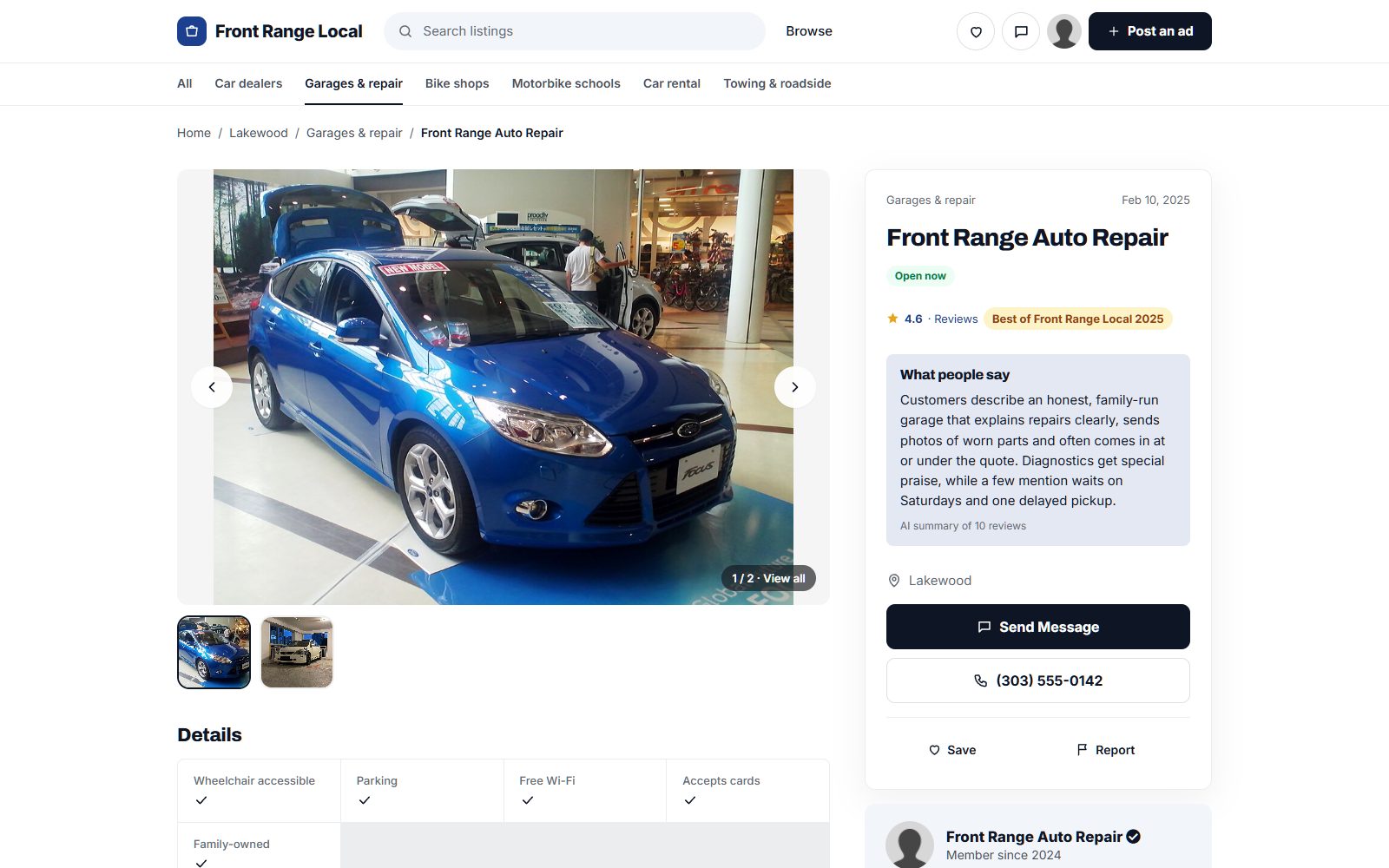
How to build a trade association directory that makes membership worth renewing.
This guide is for associations that want a public, searchable member directory: why a find-a-member search beats the PDF list, the member details the public filters on, how the directory supports dues and sponsorship, how to load the member database, lapsed members and misuse of the member logo, the searches to rank for, and a launch tied to your annual conference.
Free for 15 days · No credit card · Plans from $19 a month
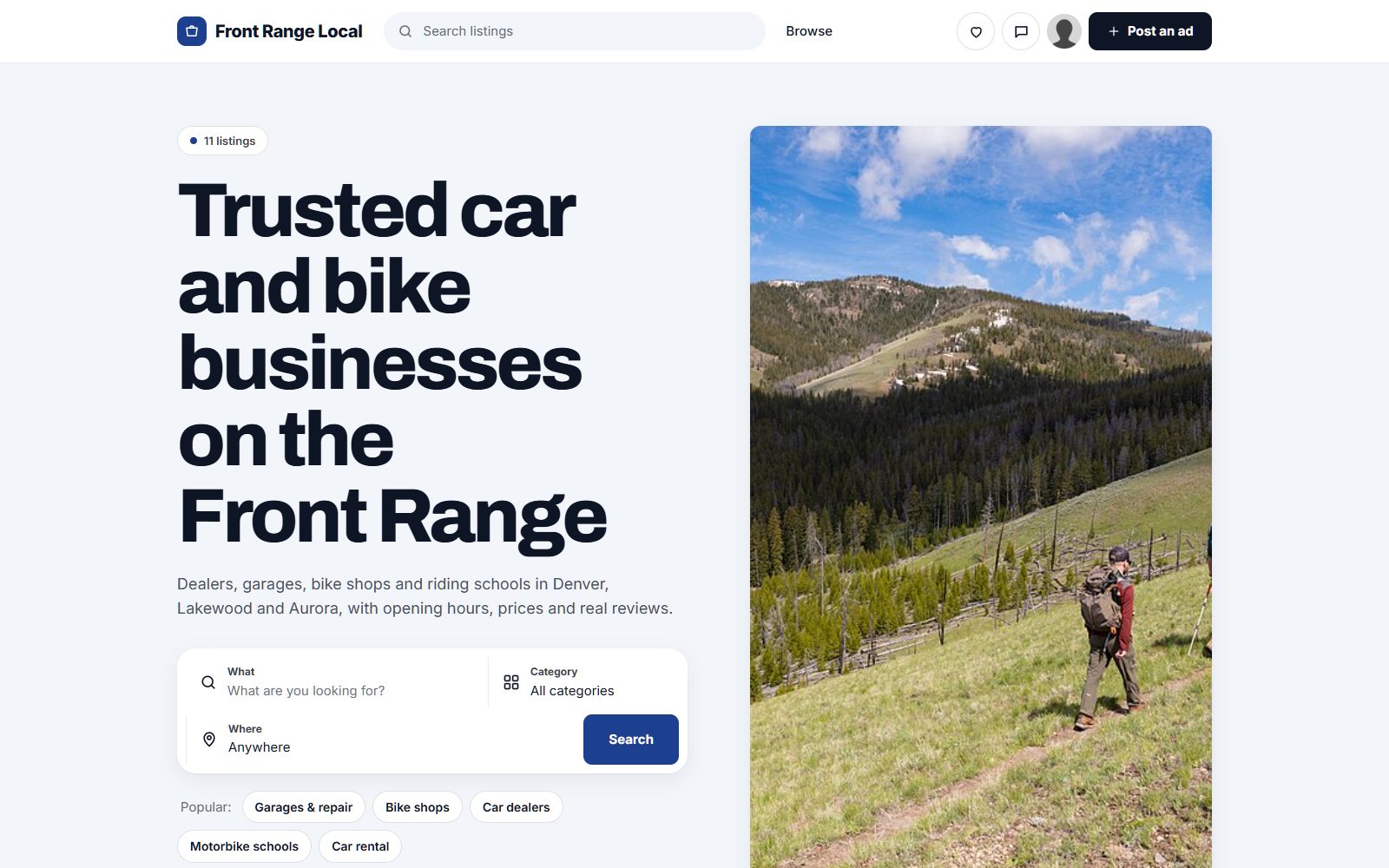
Turn the member list into the place the public goes to find a qualified professional.
Most trade associations already have a member directory. Often it is a PDF in the members area, a page of logos, or a search box in the membership software that only filters by name. The public cannot use it, and members do not see it as a benefit. Meanwhile, homeowners and buyers looking for a qualified roofer, a certified appraiser or an accredited installer go to general review sites, where membership and training mean nothing.
Who searches a member directory
- Customers who want someone accredited or bound by a code of conduct: homeowners, businesses, insurers, public buyers.
- Members looking for other members to refer work to, subcontract or partner with.
- Specifiers and procurement teams who require membership or certification in their tenders.
- Journalists and regulators who need an expert or want to know who belongs.
Why the association should own it
The association is usually the only body that can say who is a member in good standing, who holds which certification, and who has agreed to the code of ethics. That is the value no outside directory can copy. The directory becomes a reason to join and a reason to renew: a member who gets work from it does not question the dues.
Ask your members what they want first. A directory they help shape is one they will keep current.
Let the public search by service, region and credential.
Customers do not search by membership class. They search by what they need done, where, and whether the person is qualified. Make services the categories and put region, credentials and membership details in fields.
Member details people filter on
- Services or specialties, written the way customers describe them, not in internal committee language.
- Region served, by state, county or metro area, plus whether the member works nationally.
- Certifications and accreditations issued by the association, as checkboxes your staff set and check, rather than claims members make about themselves.
- Membership level: full member, associate, affiliate, student, so customers know who meets which standard.
- Member since, which signals experience and commitment.
- Languages spoken and business size where they matter for the trade.
Add a short profile text for each member and keep the association's own standards on a separate page that every member page points to in words: what membership requires and what a certification means.
| Category | Example members | Fields customers filter on |
|---|---|---|
| Building trades | Roofing contractors, electrical contractors, HVAC installers | Region served, certification held, residential or commercial |
| Professional services | Appraisers, surveyors, interpreters, auditors | Specialty, accreditation, languages |
| Manufacturing members | Producers, processors, fabricators | Products, capacity, certifications |
| Associate members | Suppliers, insurers, software vendors serving the trade | Product or service type, member discount offered |
| Training providers | Approved course providers and assessors | Courses offered, region, online or in person |
Certification and membership level work best as dropdowns and checkboxes, set by staff and shown to the public as search filters.
Use the directory to raise the value of dues and give sponsors a reason to pay.
For an association, the directory is less a business on its own than a member benefit that pays back through renewals. A basic listing should come with every membership. Extras give higher dues tiers and associate members something visible to pay for.
Ways the directory brings in money
- Listing included in dues: only members in good standing appear, which is itself a reason to join.
- Enhanced profiles and featured places for higher membership tiers or as a paid upgrade, labeled as featured.
- Quote requests from the public, sent to matching members as a member-only benefit. Some associations charge non-members nothing because non-members simply are not listed.
- Banner spaces and sponsorship for associate members, such as suppliers, insurers and software vendors who sell to your members.
- A members' classifieds board for used equipment, vacancies or subcontracting work, as an extra benefit.
Track how many quote requests each member receives. At renewal time, that number is your best argument.
| Model | Works when | Switch it on |
|---|---|---|
| Listing as a membership benefit | Customers ask the association for referrals | From launch |
| Quote requests for members | The public asks for estimates or experts | From launch, routed only to members |
| Featured places for higher tiers | Members compete for work in the same region | At the next dues review |
| Associate member banners | Suppliers want to reach your members | When the directory has steady visitors |
| Members' classifieds board | Members trade equipment or post vacancies | When members ask for it |
Load the member database you already have, then ask members to complete their pages.
Unlike most directories, you do not need to hunt for listings. You need to move the member records you already hold into a format the public can search, and then get members to add what customers care about.
Where the data comes from
- Your membership software or spreadsheet: export name, company, region, membership level, certifications and member since as a CSV file. Yclas imports listings from a CSV spreadsheet, so the records go in as they are.
- Certification records from your training or accreditation team, matched to each member.
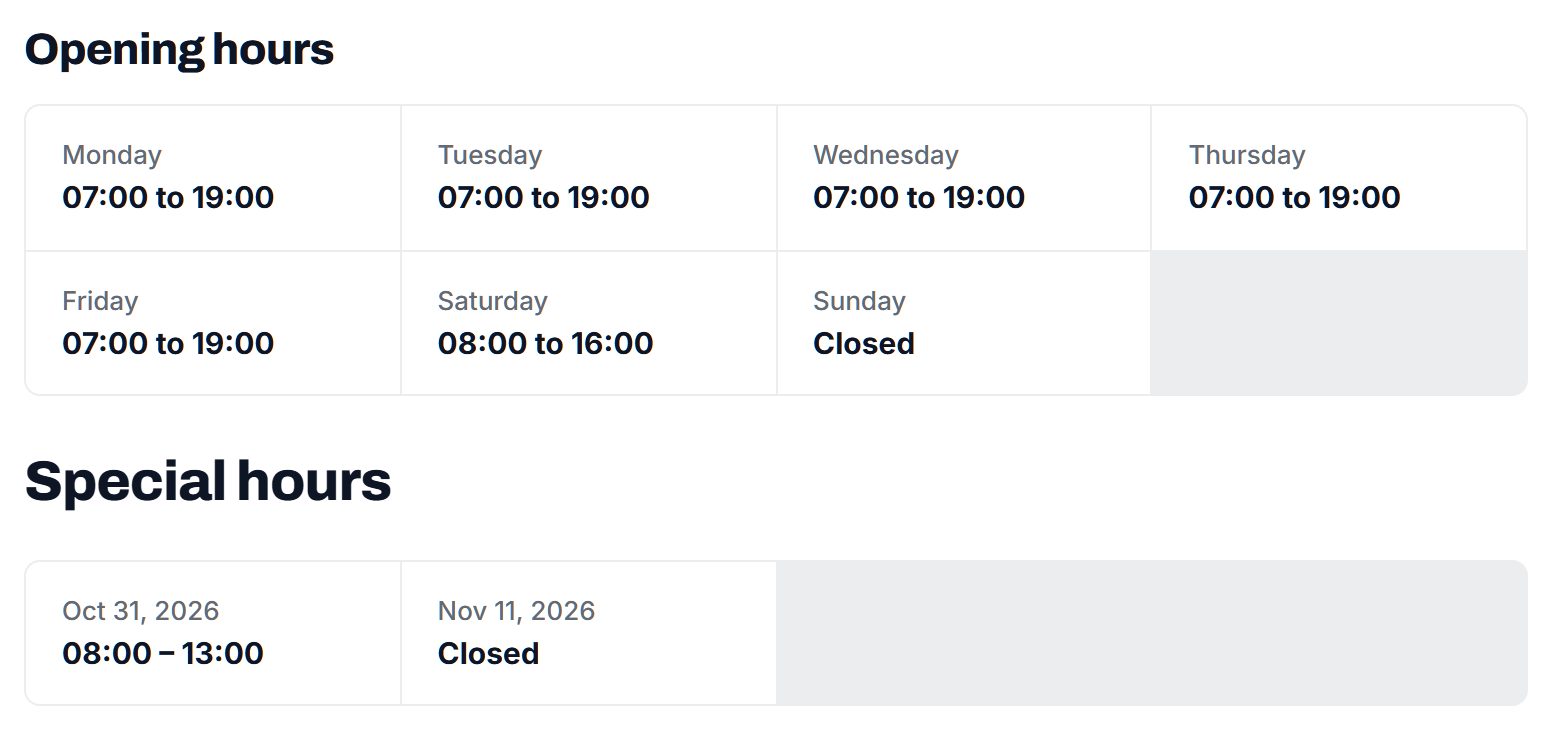
- Map data: for members with a public office or workshop, a Google Places import brings in address, phone, website and opening hours. No photos come across, so members add their own.
- The annual conference attendee list and committee rosters, to catch members missing from the main export.
Getting members to complete pages
Send each member a link to claim their page with a clear deadline before the public launch, and repeat the reminder in your newsletter. Offer to fill pages in for members who reply with a few lines of text. Members edit their services, photos and description; staff check membership level and certifications after each change.
Before publishing, confirm each member agreed to public listing of their contact details. Membership terms may not cover it.
Launch with every member listed, even if only half have completed their page. Gaps hurt more than short profiles.
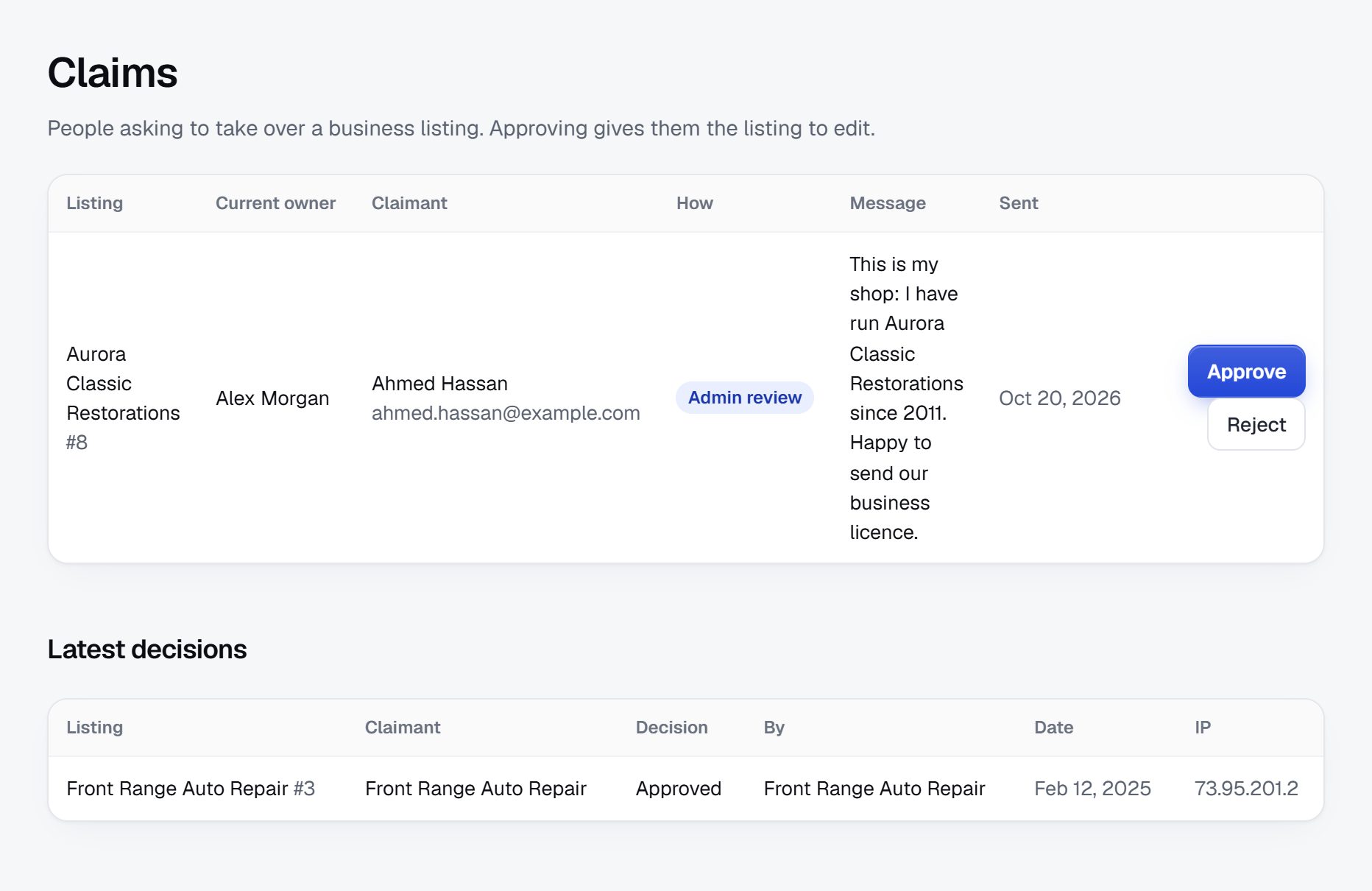
Protect what membership means: good standing, real credentials and fair use of the logo.
A member directory carries the association's name, so mistakes reflect on the association. The risks are different from those of an open directory.
Risks typical of a member directory
- Lapsed members still listed: someone stops paying but stays searchable and keeps using the member badge. Tie listings to your renewal cycle and unpublish lapsed members after a grace period.
- Misuse of the member logo by non-members on their own websites. A public directory lets customers check, so tell them to look a company up before trusting a logo.
- Credentials claimed but not held: only staff should set certifications, and staff should remove each one on the expiry date you record.
- Complaints about members: publish how customers can raise a concern and how it is handled under your code of conduct, rather than letting reviews become the complaints process.
- Competition law: associations are expected to avoid anything that looks like members agreeing on prices. Do not publish members' rates in a way that invites comparison inside the association, and check the rules where you operate with your counsel.
- Personal data: members who are sole traders may be listing their home address and personal phone. Let them choose what shows, and check the rules where you operate.
Decide whether to allow public reviews. Some associations do, with member replies; others leave reviews off and rely on their complaints process.
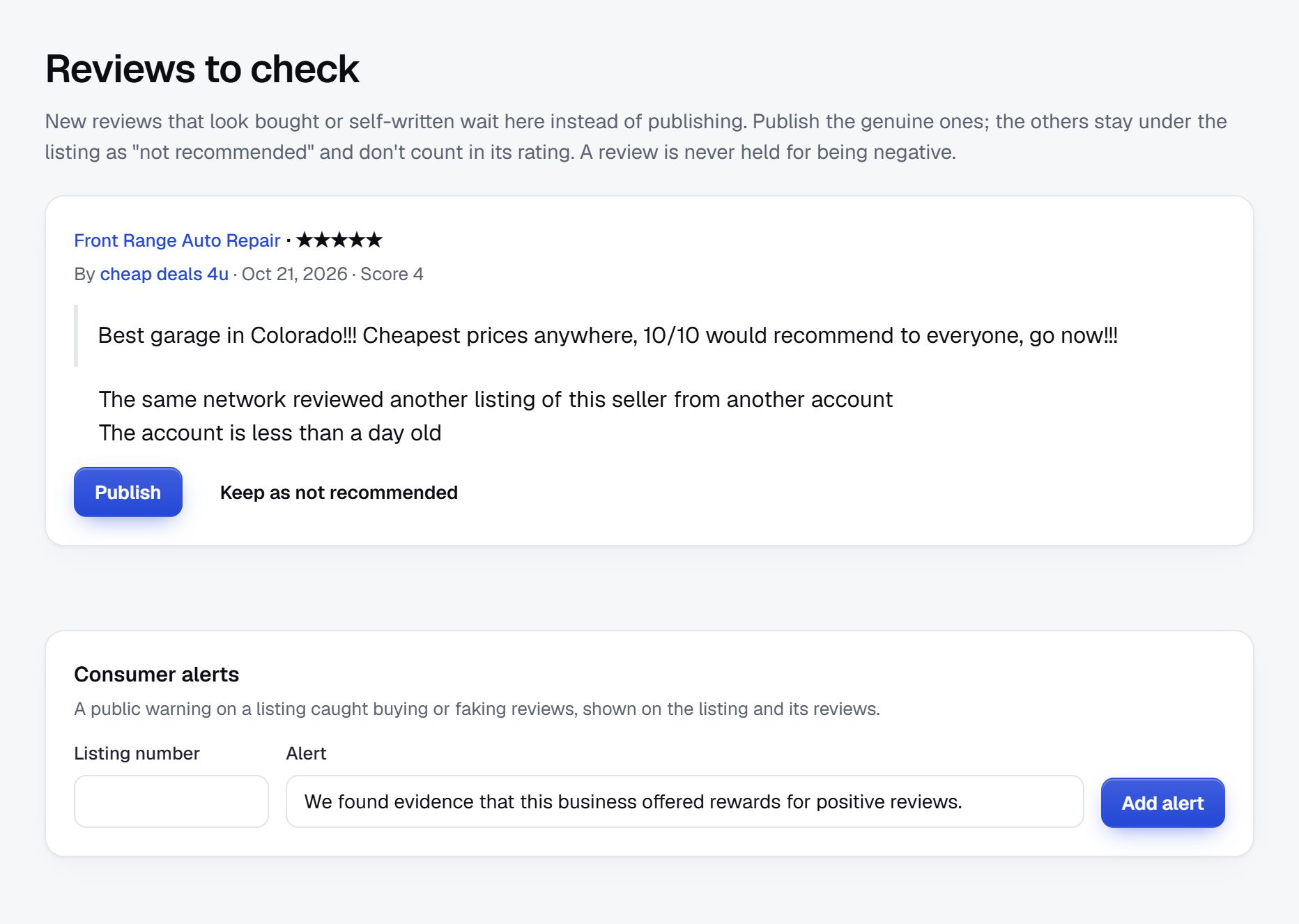
Rank for the searches customers make when membership matters to them.
Customers rarely search for the association's name. They search for a service and a quality signal, and an association directory is well placed to rank for both.
Searches to target
- "certified roofing contractor near me"
- "accredited appraiser in Georgia"
- "find a licensed electrician Columbus"
- "member of [your association] [service] [city]"
- "what does [certification] mean"
Pages to build
- Service and region pages, such as certified installers in each state or metro area.
- Certification pages explaining what each credential covers and listing who holds it.
- Member pages with services, regions and credentials written out, not just a logo.
Content ideas
- A guide to hiring in your trade: questions to ask, what to check, what a fair contract includes.
- An explainer of your code of conduct written for customers.
- Seasonal advice: storm damage checks, winter preparation, inspection deadlines, depending on the trade.
- A short page for members on how to link their own website to their directory page, which also brings you links.
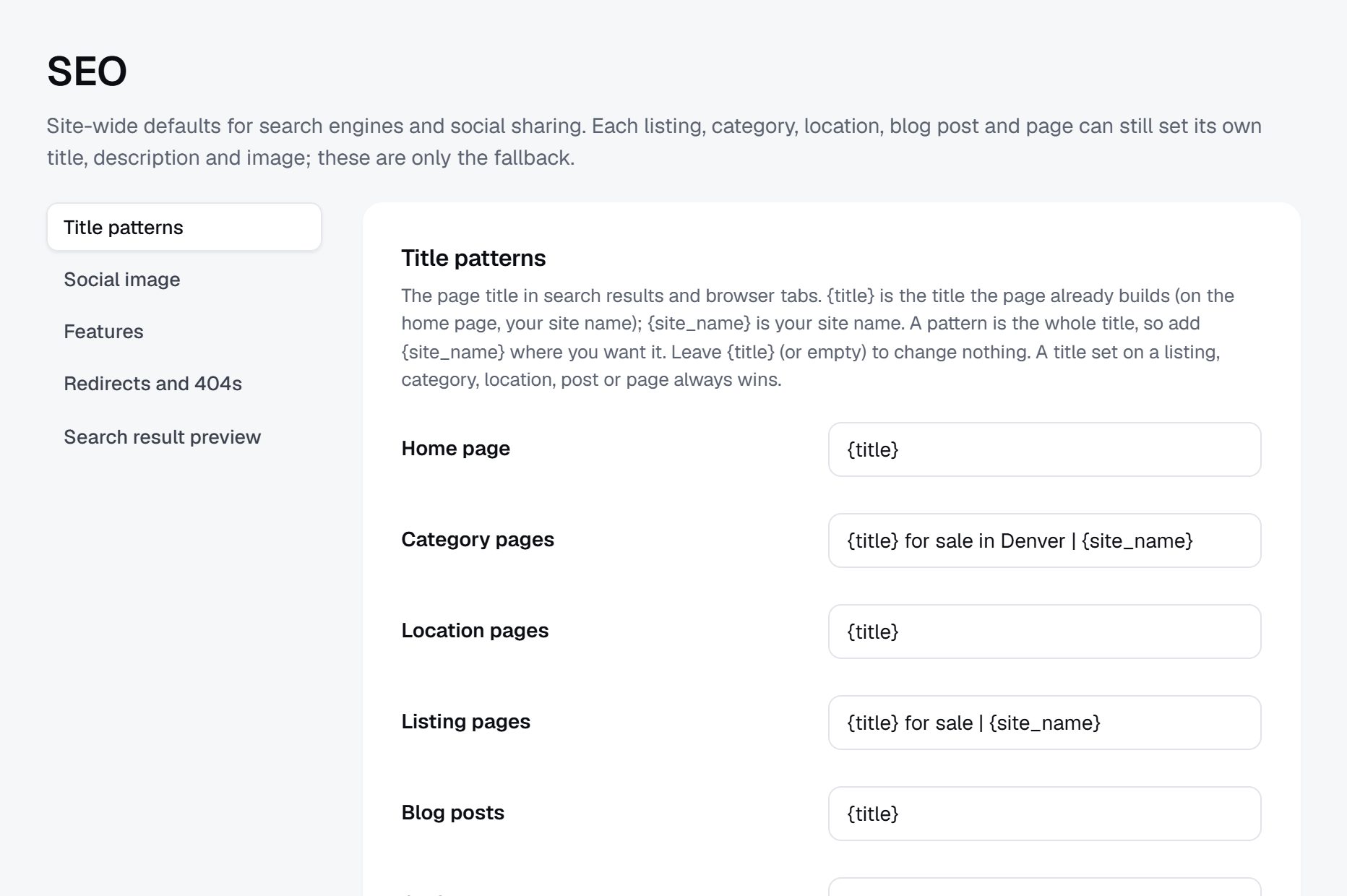
Launch at the annual conference and repeat the message at renewal time.
The annual conference is when members pay most attention to the association. Show the directory on stage, demonstrate a search a customer would make, and have a table where staff help members complete their pages on the spot. Launch to the public a few weeks later, once most pages are filled in.
Partners and channels
- Your board and committees, who should have complete pages first, as examples.
- Regional chapters, which can run their own push to get members to claim pages.
- Associate members who sponsor the launch in exchange for banner space.
- Trade press and consumer bodies who can tell customers the directory exists.
Launch checklist
- Every current member imported, lapsed members excluded.
- Certifications set by staff and checked against your records.
- Consent to publish contact details confirmed for each member.
- A process written down for renewals, lapses and expired credentials.
- A public page on what membership means and how to raise a concern.
- Quote requests tested with a few volunteer members.
Report directory results to members at renewal: visits, searches and quote requests by region.
A worked example: a member directory for a regional roofing association.
Picture a fictional association called the Two Rivers Roofing and Exteriors Association, with about 300 member firms in Oregon and southwest Washington: roofing contractors, gutter and siding installers, and the suppliers, insurers and training providers who serve them. It runs a safety training program, a workmanship code and a yearly convention. Its old directory was a PDF behind the member login, updated once a year, which homeowners never saw.
Categories
- Roofing contractors
- Residential reroofing
- Commercial low-slope roofs
- Storm and emergency repair
- Exteriors
- Gutters
- Siding and windows
- Associate members
- Material suppliers
- Insurance and bonding
- Training providers
Who it serves
Homeowners after a winter storm who want a contractor bound by a code, property managers and school districts that require certified installers in their bids, insurance adjusters looking for reliable firms, and members who subcontract work to each other in the busy months. Local building departments also point homeowners to it when they ask how to find a contractor who follows a written code.
How it started
The membership director exported the member database to a spreadsheet, matched it against the training records, and imported it with services, counties served, membership level and certifications set by staff. Members received a claim link three weeks before the convention, and staff sat at a table in the hall helping members add photos and descriptions between sessions. The public launch followed in early fall, ahead of the rainy season, when calls about leaks start. Lapsed members were left out of the import, which prompted a handful of late renewals in the first week. Board members and committee chairs completed their pages first, so the examples shown at the convention were full profiles with photos, services and counties rather than empty templates.
How it makes money
A basic page comes with every membership, and only members in good standing appear. Premium members get a featured place in their counties and a longer profile with project photos. Quote requests from homeowners go only to members, and staff share each member's count at renewal. Material suppliers and an insurance broker sponsor the storm preparation guide and the banner spaces on the county pages, which gives associate members a visible reason to keep their dues current.
The membership records already hold most of what the public needs. The work is choosing what to show.
| Member | Membership and credentials | Key details |
|---|---|---|
| Ridgeway Roof Systems, Salem, Oregon | Full member since 2009, safety training certified | Residential reroofing in metal and composition, serves Marion and Polk counties |
| Fernhill Commercial Roofing, Vancouver, Washington | Full member, low-slope installer certification | School and commercial roofs, public bid experience, crew of about 25 |
| Rainline Gutters and Siding, Eugene, Oregon | Full member since 2018 | Gutters, downspouts and siding repair, Spanish spoken |
| Cedar Mill Roofing Supply, Portland, Oregon | Associate member | Materials distributor, member discount on safety gear |
| Northwest Fall Safety Training, Tigard, Oregon | Approved training provider | Fall protection courses in English and Spanish, on site or at the training yard |
The first 90 days, from board decisions to a convention launch.
For an association, the first 90 days are mostly internal work. The data exists, but it sits in membership software, training spreadsheets and staff memory, and it was never meant to be public. The job is cleaning it, getting consent, setting rules the board agrees with, and getting members to add the customer-facing details only they can write.
Tie the plan to a moment members already attend, usually the annual conference or convention, and count back twelve weeks. Ask the board in the first two weeks to settle three questions: who appears (full members only, or associates too), whether public reviews are allowed, and what happens to lapsed members. Those answers shape everything after them, and changing them after launch upsets the members who followed the first rules.
Name one staff member as the owner of directory data. Certifications, membership levels and lapses must be updated by someone with access to the real records, on a fixed schedule, or the directory soon stops matching the truth. Put that schedule in the same policy the board approves. Also agree who answers the public: questions from customers about a member, and requests to correct a page, need an owner and a reply time, or they end up in a general inbox nobody watches.
| Weeks | Focus | Done when |
|---|---|---|
| 1-2 | Board decisions on who is listed, reviews and lapses; choose categories customers use | A one-page directory policy approved by the board |
| 3-4 | Export members, match certification records, drop lapsed members, check consent wording | A clean spreadsheet with membership level and credentials set by staff |
| 5-6 | Import members and associates, write the "what membership means" and complaints pages | Every current member has a page and both public pages are written |
| 7-8 | Send claim links with a deadline, newsletter reminders and pushes through chapters | Half of members have claimed and added services and a description |
| 9-10 | Test quote requests with volunteer members and prepare the convention demo | Test requests reach the right members by service and region |
| 11-12 | Convention launch with a help table, then the public launch and a press note | Three quarters of pages complete and the public launch announced |
Ways to build a member directory, and what an association must control.
An association's directory has needs a general directory does not. Credentials and membership levels must be set by staff, not by members. Listings must follow the renewal cycle, so lapsed members disappear on time. Members must be able to edit their own services and photos without touching the fields staff control. And the public needs a clear way to send quote requests to members only.
Building it yourself with developers fits a large association that wants the directory tied live to its membership database, so renewals and lapses update pages automatically. That is valuable, but integrations with membership software are costly to build and to keep working through upgrades.
The directory module in your membership software may already exist. Check whether its public search can filter by service and region, whether search engines can index member pages, and whether members can write their own descriptions. Many of these modules were built for members to find each other, not for the public, and it shows in the way their search results look on a phone.
A directory script or WordPress plugin on the association's website fits if you have reliable IT support. Plan for keeping it in step with renewals, which usually becomes a manual job.
A hosted builder such as Yclas imports members from a spreadsheet, lets owners claim their page, and offers custom fields as filters, quote requests and featured places for premium tiers, with staff unpublishing lapsed members after each renewal run.
| Route | Fits when | Watch out for |
|---|---|---|
| Custom integration with developers | A large association wants live sync with its membership database | Integration cost and breakage when the membership software changes |
| Membership software directory module | It already offers public search by service and region | Pages search engines cannot index and profiles members cannot write |
| Script or plugin on the association website | You have IT support and a WordPress site | Renewals and lapses turn into a manual sync |
| Hosted directory builder | Staff want a public directory running before the convention | A routine to unpublish lapsed members after each renewal run |
What a trade association directory costs to run.
The software is the smallest part of the bill. Most of the cost is your time in the first months: finding the first listings, answering questions and checking what gets posted.
The directory is usually funded from the membership budget. Expect staff time for the first import and for keeping certifications current, and a review of your membership terms by counsel if they do not yet cover public listing.
| Cost | Typical range | On Yclas |
|---|---|---|
| Domain | $10 to $20 a year | Your own, with SSL included |
| Software and hosting | $0 to $100+ a month, plus plugins and updates | Starter $19 a month, Professional $99 |
| Design | $0 to $100 for a theme, or a designer | 109 looks included |
| Payment fees | About 3% per payment | Your Stripe or PayPal fees; Yclas takes nothing |
| Business data | Free if you collect it, or a few cents per page of Google results | Paid to Google, with your key |
| Your time | 5 to 10 hours a week at the start | Finding listings, moderation, support |
Mistakes that turn a member directory into a liability.
- Writing categories in committee language. Associations sort members by section, council or membership class. Homeowners search for roof leak repair. If your categories mirror the org chart, the public cannot find anyone. Use the words customers use and keep internal labels in fields. Test the category list on a few people outside the trade before you import anyone.
- Letting members set their own credentials. Once a member can tick "certified" themselves, the directory stops proving anything, and proof is its whole value. Credentials are staff-only fields, set from your records and removed on the expiry date.
- Forgetting lapsed members. A firm that stopped paying but still appears is a complaint from every member who did pay, and a risk if the firm misbehaves under your name. Unpublish after a fixed grace period, every cycle, with no exceptions for friends of the board.
- Publishing contact details without consent. Sole traders and small firms often joined with a home address and a personal phone. Publishing those without asking can break your own membership terms and privacy rules. Ask during the claim step and default to business details only.
- Using reviews as the complaints process. A public review section is a poor place to judge a breach of your code of conduct. Keep a formal complaints route, publish how it works, and if you allow reviews, let members reply and moderate them against written rules. A member who disagrees with a review should be able to ask staff to look at it.
- Keeping the directory behind a login. Many associations show the directory only to members. Customers cannot search it and search engines cannot index it, so it brings members no work at all. Make member pages public and keep only internal details private.
- Showing prices side by side. Comparing members' rates inside an association can raise competition law questions in some places. Leave rate fields out, or check with your counsel before adding them.
- Never telling members what it did for them. A directory nobody reports on is invisible at renewal. Count visits, searches and quote requests per member, and send each member their numbers a few weeks before the dues invoice.
- Launching with empty board pages. Members look at the leaders' pages first. If the board and committee chairs have blank profiles, everyone else takes the hint and leaves theirs blank too. Ask leaders to complete their pages before the claim links go out, with photos, services and regions, so they set the standard others copy.
- One big launch and then silence. Members forget a directory that is mentioned once. Put a short directory item in every newsletter, such as a new service page or a member who won work through it, and repeat the claim reminder at each renewal.
Association terms a directory owner should know.
These terms come up in board papers, bylaws and member questions about the directory.
| Term | What it means |
|---|---|
| Member in good standing | A member whose dues are paid and who has no unresolved disciplinary action. |
| Grace period | The time after a renewal date before an unpaid member is treated as lapsed. |
| Lapsed member | A former member who did not renew and should no longer appear as a member. |
| Associate member | A supplier, insurer or service firm that joins to serve the trade rather than practice it. |
| Accreditation | Formal recognition that a firm or program meets a standard set by the association or another body. |
| Certification | A credential a person earns, usually through training and an exam, often with an expiry date. |
| Continuing education | Training members must complete to keep a credential, often counted in hours or credits. |
| Code of conduct | The rules of practice members agree to follow, sometimes called a code of ethics. |
| Chapter | A regional branch of the association with its own events and volunteers. |
| Dues tier | A membership level with its own price and benefits, often based on company size. |
| AMS | Association management system, the software that holds member records, renewals and events. |
| Good standing check | A quick lookup a customer or specifier makes to confirm a firm is a current member before hiring it. |
| Find-a-member search | The public search page where customers look up members by service and region. |
| Antitrust policy | An association's written rules that keep members from discussing prices or dividing markets, a US term for competition law. |
The same steps for a trade association directory on Yclas.
- Describe your directoryThe setup wizard writes the categories, an About page and example listings from one sentence.
- Add fieldsHours, services, areas served, prices: the details people search by, as filters.
- Fill itImport businesses from a spreadsheet or Google Places, then check them.
- Bring owners inOwners claim their page, update it and answer reviews.
- EarnSwitch on featured places, banners or memberships when visits arrive.
How much staff time does a member directory take?
The first import and cleanup take the most, usually a few days. After that it is mostly handling renewals, lapses and new certifications, which fits into the membership team's routine.
Should non-members be listed?
Usually not. Listing only members in good standing is what makes the directory a benefit of joining and a signal customers can trust.
Do we need members' consent to publish their details?
Often yes, especially for sole traders' personal contact details. Ask as part of the claim step and update your membership terms. Check the rules where you operate.
Should we allow customer reviews?
It depends on your code of conduct. Some associations allow reviews with member replies; others keep reviews off and handle concerns through a formal complaints process.
Can the directory bring in money beyond dues?
Yes: featured places for higher tiers, banner spaces for associate members, and sponsorship of the directory or its seasonal guides.
How do we keep lapsed members out?
Tie each listing to the renewal date, unpublish after a short grace period, and remove the member badge at the same time.
Will members actually update their pages?
More of them will if staff pre-fill pages from your records and members only need to add services and photos. Reminders at the conference and at renewal help.
Should associate members appear in the same directory?
Yes, in their own categories and clearly labeled as associate members. Customers looking for a contractor should not land on a supplier, but members looking for insurance or materials will use those pages, and associates are often your first sponsors. Keep their pages to products and services offered to the trade, not consumer advertising.
Can chapters run their own sections of the directory?
They can own their location pages and push local members to claim, but keep one directory and one set of rules. Separate chapter directories drift apart, and customers rarely know the chapters exist. A chapter leader can still be named on the location pages as the local contact.
What if a member is under investigation after a complaint?
Follow your code of conduct and bylaws. Many associations keep the member listed until a decision is made, then act on the outcome. Taking a page down early can be unfair to the member, so check with your counsel.
Should we list individual members or only firms?
It depends on the trade. Where credentials belong to people, such as appraisers or interpreters, list individuals and name their firm in the text. Where firms hold the membership, list firms and show certified staff in the profile. Some associations do both, with a firm page and short pages for credentialed individuals.
How do we know whether the directory is worth it?
Track public visits, searches, quote requests sent to members and how many members say they won work from it. Compare renewal rates of members who received requests with those who did not, and report both to the board each year. A short survey at renewal asking where members got new work adds the stories numbers miss.
Related pages.
The parts of Yclas this leans on.
You have the plan. Now give your members a directory worth renewing for.
Describe your site in a sentence and the setup wizard writes the categories, example listings and a look. Free for 15 days, no credit card.
Start my directory