
How to build a medical equipment classifieds website clinics can trust.
This guide covers running a classifieds site for pre-owned clinical, dental, veterinary and lab equipment: choosing a buyer type, the fields clinics and labs filter on, how the site earns money, where the first 100 listings come from, the regulatory and safety questions to settle before launch, the searches to rank for, and how to launch to one professional community.
Free for 15 days · No credit card · Plans from $19 a month

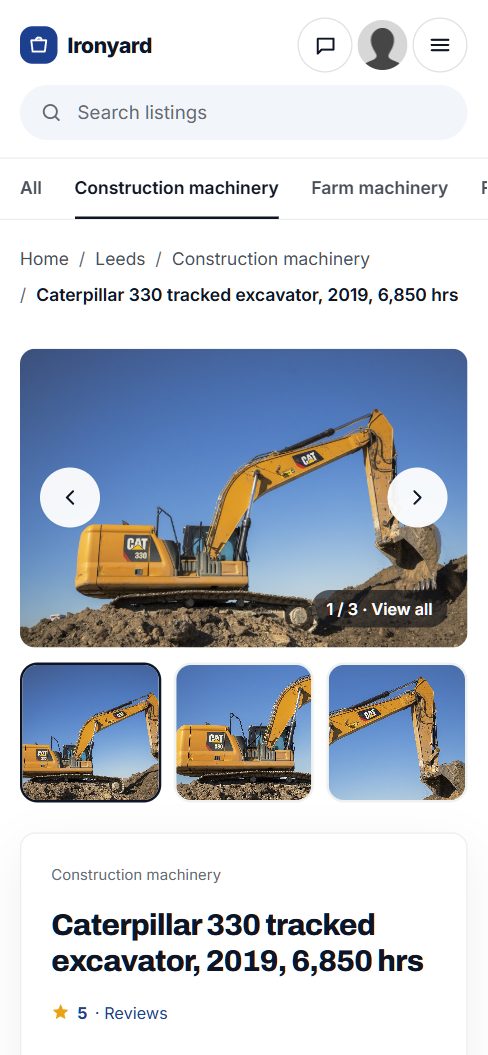
Serve the clinics, labs and practices that buy pre-owned equipment.
New clinical equipment is expensive, and much of it is replaced long before it wears out. A hospital upgrades its ultrasound machines, a dental group refits three operatories, a lab moves to a new analyzer. The old units still have years of service left for a rural clinic, a new veterinary practice, a startup lab or a training school.
General marketplaces handle this trade badly. Buyers cannot filter by modality, manufacture year or service history, and listings rarely say whether a unit was decommissioned properly or still has its probes and software licenses. Some general sites also restrict medical devices altogether. A focused site can set clear rules and ask the right questions.
Pick your buyer
- Dental practices: chairs, delivery units, autoclaves, intraoral cameras and X-ray units.
- Veterinary clinics: tables, anesthesia machines, ultrasound and lab analyzers, bought by practices that watch costs closely.
- Research and teaching labs: centrifuges, microscopes, incubators, freezers and analyzers.
- Physician offices and outpatient centers: exam tables, patient monitors, ECG units and aesthetic devices.
Where the trade happens today
Pre-owned equipment moves through refurbishers and resellers, hospital surplus and asset recovery programs, auctions of closed practices, biomedical service companies, and word of mouth inside professional groups. Talk to a few biomedical technicians before you start: they know who buys and who sells.
Pick one buyer type. A dental buyer and a lab buyer search for completely different things.
Organize by specialty and filter on model, year and service history.
Professional buyers know exactly what they want. They search by device type and manufacturer, then check the details that decide whether a unit will work for them. Keep categories to specialty and device type, and put those details in fields.
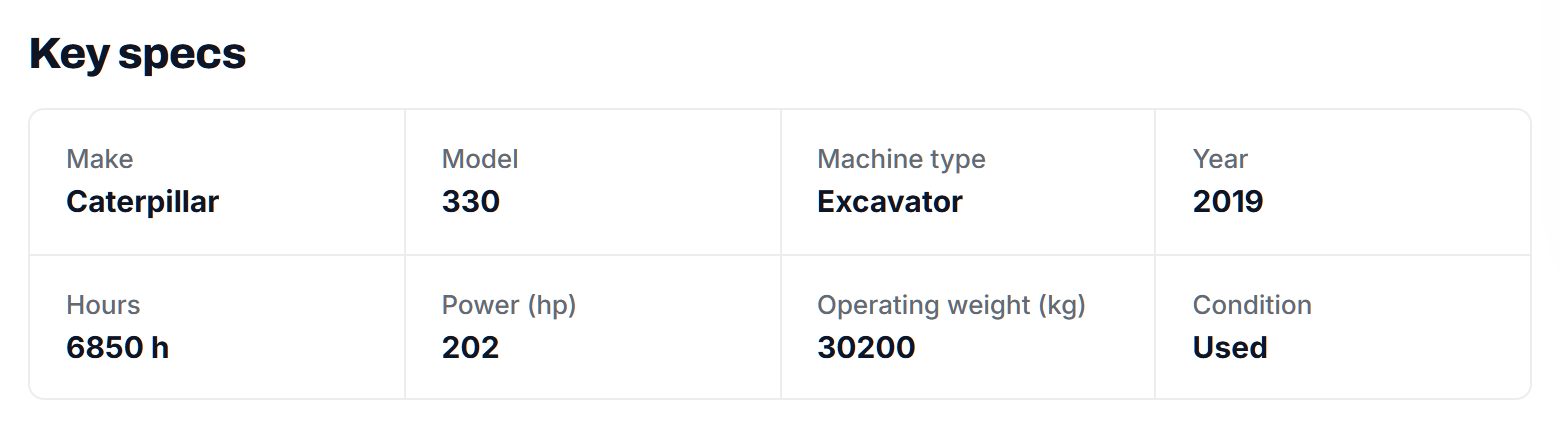
Manufacture year and condition matter more here than in most niches, because support from the manufacturer and the availability of parts depend on them. Ask for a service history dropdown (full records, partial, none) and a last calibration or preventive maintenance date. For imaging and ultrasound, ask what probes, transducers or software options are included. Add a field for what the unit needs to run: voltage, plumbing, compressed air or a dedicated room.
With Yclas custom fields each item can be a text box, number, dropdown, checkbox or date, required or optional, and shown as a search filter.
Add a quantity field too. Hospitals and labs often sell several identical units at once, and a buyer equipping three exam rooms wants to find matching sets.
| Category | Example listings | Fields buyers filter on |
|---|---|---|
| Dental | Dental chairs, delivery units, autoclaves, compressors | Manufacturer, model, year, condition, service history, voltage |
| Imaging and ultrasound | Portable and cart-based ultrasound, C-arms | Manufacturer, model, year, probes included, software version, last service date |
| Patient monitoring | Vital signs monitors, ECG units, pulse oximeters | Manufacturer, parameters measured, year, accessories, calibration date |
| Laboratory | Centrifuges, microscopes, incubators, lab freezers | Manufacturer, capacity, temperature range, year, condition |
| Veterinary | Exam and surgery tables, anesthesia machines, analyzers | Manufacturer, species use, year, condition, service history |
| Furniture and sterilization | Exam tables, procedure chairs, sterilizers, carts | Type, power or manual, condition, quantity |
Make the manufacturer, model, year and service history required: professional buyers skip listings without them.
Earn from refurbishers and resellers, not from the clinic down the street.
One-off sellers in this niche are clinics and practices clearing a room or closing. They will not pay to post until they know buyers are there, so keep their posting free at the start. The repeat sellers are refurbishers, resellers, asset recovery firms and auctioneers. They list every week and treat a good lead as worth paying for.
Memberships for these businesses are the main income: a monthly fee for unlimited listings, a seller profile and a verified badge. Professional buyers trust a reseller they can check, so the badge carries real weight here.
Banner spaces suit biomedical service companies, refurbishers, equipment financing firms and practice brokers. Pay to post can work later for high-value categories such as imaging, where one sale is worth a great deal to the seller.
Make sure your money model does not turn you into a party to the sale. Charging for listings and visibility is different from taking a share of each device sold, which may raise regulatory questions in some places.
| Model | Works when | Switch it on |
|---|---|---|
| Reseller and refurbisher memberships | Several businesses list stock every month | After two or three resellers post regularly |
| Verified seller badges | Buyers want to know the seller is a real business | From launch, for businesses that pass your checks |
| Featured listings | Practice closures need buyers before a move-out date | When the site gets steady traffic from clinics |
| Pay to post in imaging | One unit is worth a lot to the seller | When the category already gets messages |
| Banner spaces | Service, financing and brokerage firms want practice owners | When you can show how many clinics and labs visit |
Get the first 100 listings from resellers, surplus programs and service firms.
Most pre-owned medical equipment passes through businesses, which makes the first listings easier to gather than in consumer niches.
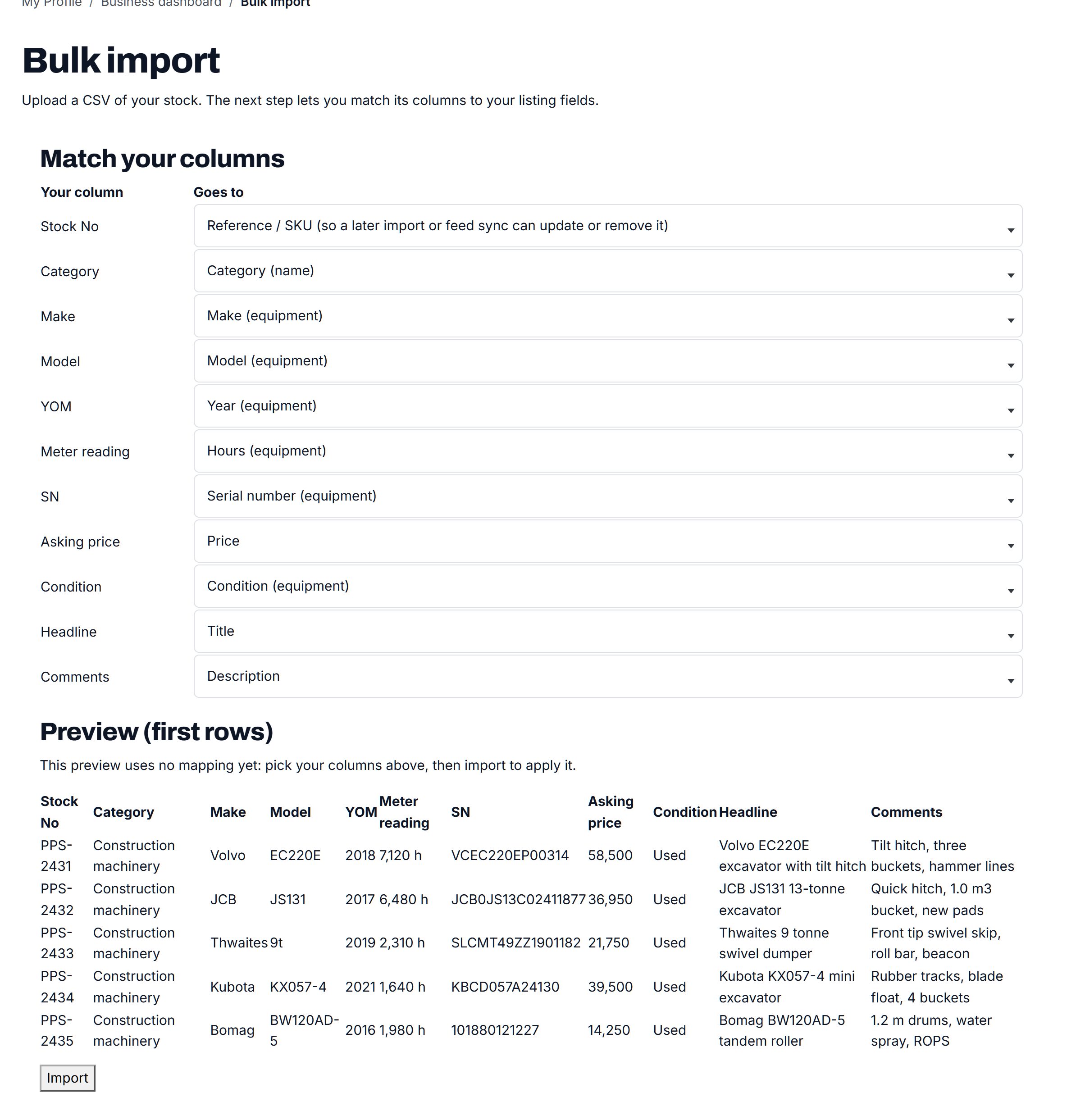
- Refurbishers and resellers. Specialist resellers of dental, veterinary or lab equipment carry large inventories, usually in a spreadsheet. Import it for them and give them a seller profile.
- Hospital and university surplus. Many hospitals and universities run surplus or asset recovery programs. Ask the surplus manager whether they would list items with you before they go to auction.
- Biomedical service companies. Field technicians service equipment across many practices and hear about upgrades first. Some also refurbish and resell.
- Practice brokers. When a dental or veterinary practice is sold or closed, equipment is often sold separately. Brokers know when.
- Professional groups and study clubs. Dental study clubs, veterinary associations and lab manager groups are where members ask who is selling what.
Ask sellers to photograph the label with the model and serial number, the screen showing hours or software version where there is one, and every accessory included. Those three photos answer most buyer questions before the first message.
Start with resellers. They supply volume, and they already know how to describe equipment for professional buyers.
Settle the regulatory questions before you list a single device.
Medical equipment is regulated, and the rules depend on the device and the country. In many places some devices may only be sold to or used by licensed professionals, some resellers need a registration or license, and radiation-emitting equipment such as X-ray units often has its own registration and disposal rules. Check the rules where you operate before launch, and consider a short review by a lawyer who knows medical device regulation.
Rules to set
- Decide which categories you allow. Many founders exclude prescription drugs, implants, single-use items and anything sterile that has been opened.
- Require sellers to state that they own the item, that it has been decommissioned and cleaned, and that no patient data remains on it.
- For devices restricted to professionals, require buyers to confirm they are a licensed practitioner or institution, and remind sellers they must do their own checks.
Risks to watch for
- Patient data left on devices. Monitors, ultrasound units and analyzers can store patient records. Remind sellers to wipe them.
- Units sold without probes, keys or licenses that are needed to run them.
- Fake listings with stock photos from manufacturer sites and a request for wire payment.
Moderation
Approve every listing, verify seller businesses before giving them a badge, and hold anything that falls outside your allowed categories. Publish a buyer guide that tells buyers to confirm service history and to have a biomedical technician inspect the unit before use.
Rank for device, manufacturer and specialty searches.
Professional buyers search with precise terms: the device type, the manufacturer and often the model number. Many add "used", "refurbished" or "pre-owned".
- "used dental chair for sale"
- "refurbished portable ultrasound machine"
- "used veterinary anesthesia machine"
- "pre-owned lab centrifuge"
- "used autoclave for dental office"
Pages to build
- Device type pages: dental chairs, ultrasound, patient monitors, centrifuges, each with its own description and buying advice.
- Manufacturer pages for the brands buyers search by name in your specialty.
- Region pages where pickup matters, such as dental chairs and lab freezers, which are heavy and need installation.
- Buying guides: what to check on a used ultrasound, refurbished versus used, questions to ask about service history.
Content ideas
Write a checklist for equipping a new practice with pre-owned equipment, a guide to decommissioning and wiping equipment before sale, and an explainer on what "refurbished" should mean. Keep medical claims out of your content: describe equipment, not treatments. These guides earn links from practice management blogs and professional forums.
Launch to one profession, through the people it already trusts.
Professional buyers do not respond to general advertising. They trust colleagues, their service technician and their professional association. Launch through those channels, one profession at a time.
First community
Pick one profession, for example dental practices in one state or veterinary clinics in one region, where you can reach the resellers and the buyers directly. Expand to the next profession once the first is working.
Timing
Practices often plan purchases around the end of their financial year and around new practice openings. Professional conferences and trade shows, such as state dental meetings and veterinary conferences, are where buyers and resellers gather. Launch a few weeks before one of them, and be there.
Partners
- Refurbishers and resellers, for stock.
- Biomedical service companies, for referrals and inspections.
- Practice brokers and financing firms.
- Professional associations and study clubs.
Launch checklist
- Allowed and banned categories written down and published.
- Required fields for manufacturer, model, year and service history.
- Seller declarations on ownership, decommissioning and data wiping.
- Verified badges for resellers who pass your checks.
- At least 100 real listings in your first profession.
- Your own domain with SSL, terms of use and a privacy policy reviewed for your region.
Get your rules right before launch. Trust is the product in this niche.
A worked example: a pre-owned dental equipment site for the plains states.
Imagine High Plains Dental Exchange, a fictional classifieds site for pre-owned dental equipment in Kansas, Nebraska and Oklahoma. Its founder worked for years as a dental equipment technician, driving between small-town practices. He saw the same pattern again and again: a retiring dentist with a full operatory nobody wanted, and a new graduate two counties away borrowing heavily to buy everything new. The technicians knew both sides, but there was no place where the chair in one town could meet the buyer in the next.
Categories
- Operatory
- Chairs, delivery units and lights
- Cabinetry and stools
- Sterilization
- Autoclaves
- Ultrasonic cleaners
- Imaging
- Intraoral X-ray units
- Panoramic units and sensors
- Utility room
- Compressors and vacuum pumps
Who it serves
Buyers are rural practices adding an operatory, new dentists opening a first office, community health clinics and dental schools stocking teaching labs. Sellers are two regional refurbishers, a dental service company that removes equipment during remodels, and practice owners who are retiring or upgrading.
How it started
Before listing anything, he wrote down what the site would not carry: no consumables, no handpieces sold as sterile, no anesthetics or medicines, and nothing a seller could not show was decommissioned. He had a lawyer read the terms and the seller declaration, and he asked his state's radiation control office what buyers of used X-ray units need to do, so the buyer guide could point to the right place.
He launched a few weeks before the state dental meeting in the spring, with two refurbishers' inventories imported and verified. At the meeting he talked to dentists close to retirement, and three of them listed their operatories within the month. The service company began mentioning the site whenever it quoted a remodel, which brought in a steady flow of chairs and cabinetry.
How it makes money
Practices post free. Refurbishers and the service company pay a monthly membership that includes a verified seller badge, which dentists look for before they call. Featured listings sell to retiring dentists with a move-out date. Banner spaces went to a practice broker and an equipment financing firm. The site charges for listings and visibility only, and never takes a share of a sale. That kept the founder out of the transaction, which both the lawyer and the resellers preferred.
Writing the rules before the first listing made it easier to get resellers and dentists to trust the site.
| Listing | Price | Key details |
|---|---|---|
| 2016 dental chair with delivery unit and light | $6,900 | Serviced in May, upholstery redone, 120V, buyer arranges installation |
| 2018 tabletop autoclave | $2,100 | Spore test log available, new door gasket, cleaned and decommissioned |
| 2015 wall-mounted intraoral X-ray unit | $2,400 | Sold to licensed practices only; buyer handles registration where required |
| Oil-free dental compressor for two operatories | $1,800 | About 2,100 hours, dryer included, service records available |
| 2013 panoramic X-ray unit | $9,500 | Software license transfer to be confirmed with the maker, removed by a technician, licensed buyers only |
The first 90 days: rules, resellers, then one profession.
Most niches can start with listings and fix the rules later. This one cannot. A single listing for a restricted device, or a monitor sold with patient records still on it, can damage the site's reputation with the very professionals you need. So the first weeks go into rules, declarations and a legal review, even though nothing is visible yet.
Next come the resellers and refurbishers, who supply most of the stock and already describe equipment the way professional buyers expect. Verify each one before giving a badge. Only then reach out to practices, and do it through the people they trust: their service technician, their study club and their state association.
Time the public launch for a professional meeting in your chosen field. Being there with a site already full of equipment, and a printed list of the rules, does more than any ad. Through the whole period, track how many listings you had to hold or reject. A high number means the rules are unclear to sellers and need rewriting. Ask the sellers whose listings you held what confused them, and fix the wording before the next wave.
| Weeks | Focus | Done when |
|---|---|---|
| 1-2 | Pick one profession and region; talk to technicians and resellers | Ten conversations held and a list of the main refurbishers in your field |
| 3-4 | Write allowed and banned categories, seller declarations and terms; arrange a legal review | Rules published and the review finished or booked |
| 5-6 | Set up categories and required fields: manufacturer, model, year, service history, calibration date | Test listings filter correctly by device type, year and service history |
| 7-8 | Verify and onboard resellers; import their inventories | Three verified resellers live with at least 70 listings between them |
| 9-10 | Reach practices through study clubs, service firms and practice brokers | 100 live listings, including at least ten from practices |
| 11 | Publish device type pages and a buying guide for one key device | Pages live for every category with listings |
| 12 | Attend a state or regional professional meeting | Rules handout distributed and new practice sellers signed up at the meeting |
Three ways to build it, and what a regulated niche demands.
What sets this niche apart is control. You need a fixed list of allowed categories, required declarations from sellers, verification before a badge, and the ability to approve every listing before it appears. Professional buyers also expect precise fields, including dates for calibration and preventive maintenance, and resellers need to load large inventories. Whatever you build on has to make strict moderation easy rather than an afterthought.
Commissioning a custom platform can make sense if you need licensing checks on buyers wired into sign-up, document uploads for service records, or workflows tailored to a hospital surplus program. Those are real needs at scale. At launch, they add cost and delay before you know which ones buyers care about.
Installing a classifieds script or a WordPress plugin on your own server gives you control over data and code. In this niche that also means you are fully responsible for security and for the personal data your users share, which deserves more care than a hobby site gets. Check that the software supports listing approval, date fields and per-category fields before committing.
A hosted builder such as Yclas gives you moderation, verified seller badges, custom fields with dates, and spreadsheet imports out of the box, and keeps the server patched for you. You give up some flexibility in how the site works underneath. For a founder whose real work is building trust with resellers and practices, that is often the sensible choice. Before opening to sellers, run a few deliberately bad listings through the approval queue and see what it catches.
| Route | Fits when | Watch out for |
|---|---|---|
| Custom platform | You need buyer license checks, document uploads or surplus workflows built in | Cost and months of delay before you learn what buyers actually use |
| Classifieds script on your server | You want full control of the code and the data | Security and data protection are entirely on you |
| WordPress plus a classifieds plugin | You already run a practice management blog on WordPress | Weak listing approval or date fields, and plugin updates to keep on top of |
| Hosted builder | You want approval, badges and date fields ready at launch | Less control over the inner workings |
What a medical equipment classifieds site costs to run.
The software is the smallest part of the bill. Most of the cost is your time in the first months: finding the first listings, answering questions and checking what gets posted.
Budget for a legal review of your terms and allowed categories, since medical device rules vary by country and state. Attending one professional conference or trade show to meet resellers is also a realistic early cost.
| Cost | Typical range | On Yclas |
|---|---|---|
| Domain | $10 to $20 a year | Your own, with SSL included |
| Software and hosting | $0 to $100+ a month, plus plugins and updates | Starter $19 a month, Professional $99 |
| Design | $0 to $100 for a theme, or a designer | 109 looks included |
| Payment fees | About 3% per payment | Your Stripe or PayPal fees; Yclas takes nothing |
| Your time | 5 to 10 hours a week at the start | Finding listings, moderation, support |
Mistakes that damage a medical equipment classifieds site.
- Opening every category on day one. Allowing anything medical invites prescription drugs, opened sterile supplies, implants and devices that may only be sold to professionals. Publish the allowed categories before launch and hold anything outside them. It is far easier to open a category later than to close one that sellers already use.
- Skipping the legal review. Device rules depend on the device and the country, and in some places on the state. A short review by a lawyer who knows medical device rules costs far less than rewriting the site after a complaint. Ask the lawyer to look at your categories, your seller declaration and your buyer confirmations together, since they work as one set of rules.
- Forgetting the data on the device. Patient monitors, ultrasound units, analyzers and imaging software can hold patient records. If sellers are never asked to wipe them, a buyer may one day find another clinic's patients on their new machine. Require a declaration that the data has been removed, and link sellers to a short guide on how to do it or who can do it for them.
- Mixing professions. A dental buyer, a veterinary buyer and a lab manager search for different things and trust different people. A site that serves all three at launch looks thin to each of them. Start with one, and add the next only when the first has steady buyers and resellers.
- Handing out badges without checks. A verified badge on a reseller who turns out to be a stranger with stock photos destroys the trust the badge was meant to build. Check the business, its address and its phone before it gets one, and remove the badge at once if reports come in.
- Taking a share of each sale without advice. Charging for listings and visibility keeps you a listing site. Taking a commission or handling payment may bring duties in some places. Get advice before you change the money model, even if resellers ask you to handle payment for them.
- Making medical claims in content. Buying guides should describe equipment, specifications and service history, not what a device does for patients. Claims about outcomes can bring regulatory trouble and add nothing for professional buyers. Leave clinical questions to the manufacturer and the buyer's own judgment.
- Treating X-ray equipment like any other item. Radiation-emitting equipment often has its own registration, installation and disposal rules. Ask sellers to flag it, and tell buyers to check with the authority where they operate before they buy.
- Allowing listings without accessories listed. An ultrasound without its probes or a unit without its software license or key may be worth a fraction of the asking price. Require sellers to list what is included and what is not, and photograph every accessory that comes with the unit.
Terms a medical equipment site founder should know.
Resellers, technicians and buyers use these terms constantly, and they should mean the same thing on your site.
| Term | What it means |
|---|---|
| OEM | The original equipment manufacturer, whose service, parts and software support often decide a used unit's value. |
| Refurbished | Inspected, repaired and tested to a stated standard, ideally with a written description of what was done. |
| Used or as-is | Sold in its current state, without refurbishment or any promise that it meets specifications. |
| PM | Preventive maintenance, the scheduled service a device should receive; buyers ask for the date of the last one. |
| Calibration | Checking and adjusting a device so its readings are accurate; many monitors and lab instruments need it regularly. |
| Biomed | A biomedical equipment technician, who installs, tests and repairs clinical equipment. |
| Decommissioning | Taking a device out of service properly: disconnecting, cleaning, removing data and documenting it. |
| Operatory | A dental treatment room, usually equipped with a chair, delivery unit, light and cabinetry. |
| Delivery unit | The dental unit that holds and powers the handpieces, air and water syringes at the chair. |
| Transducer or probe | The handheld part of an ultrasound system; each type suits different exams and they are costly to replace. |
| Spore test | A test showing that an autoclave or sterilizer actually kills microorganisms, logged on a regular schedule. |
| Restricted device | A device whose sale or use is limited to licensed practitioners under the rules where it is sold. |
| PHI | Protected health information, the US term for patient data that must be kept private. |
| License transfer | Moving software rights to a new owner; some manufacturers require a fee or approval for this. |
The same steps for a medical equipment classifieds site on Yclas.
- Describe your nicheThe setup wizard writes the categories, an About page and example listings from one sentence.
- Add fieldsSwitch on a field pack or add the fields your buyers filter on.
- Fill itImport dealer spreadsheets, invite sellers and post your own.
- Set the rulesChoose moderation, banned words and AI checks.
- Go liveChoose a plan, connect your domain, switch on paid listings when it is time.
Is it legal to run a medical equipment classifieds site?
In many places a site that lists equipment for others is allowed, but the sale of some devices is restricted to licensed professionals and some sellers need registrations. Check the rules where you operate and have a lawyer review your terms and categories.
Which items should I not allow?
Many sites exclude prescription drugs, implants, single-use and opened sterile items, and anything the rules where you operate restrict. Publish the list so sellers know before they post.
How do I check sellers are real businesses?
Verify company details and contact information before giving a verified badge, and approve every listing while the site is small.
Who are the first sellers I should approach?
Refurbishers and resellers in your chosen specialty, then hospital and university surplus programs, biomedical service companies and practice brokers.
How does a medical equipment site make money?
Memberships for resellers and refurbishers, featured listings for practice closures, and banner spaces for service, financing and brokerage firms.
Should I take a commission on sales?
Be careful. Charging for listings and visibility keeps you a listing site, while taking part in each sale may bring regulatory duties in some places. Get advice before you do it.
Can I compete with eBay and the big equipment resellers?
Yes, by focusing on one profession, asking for service history and model details, and setting clear rules. Professional buyers prefer a site that understands their equipment.
Can members of the public buy on the site?
That depends on what you allow. Many founders keep restricted devices to verified professional buyers and leave general items like furniture open to anyone. Check the rules where you operate before you decide, and make the restriction visible on each listing it applies to.
Should I allow sales to buyers in other countries?
Exporting medical devices can bring import rules, customs paperwork and registration duties at the other end. Many sites start with domestic sales only and add cross-border sales after taking advice. If you allow them, ask sellers to state which countries they will ship to.
What about home medical equipment like wheelchairs and lift chairs?
That is a different buyer, usually a family rather than a clinic. Treat it as a separate project or a clearly separate section with its own rules, rather than mixing it with clinical equipment. The fields, the sellers and the safety questions are all different.
What happens when a software license will not transfer?
Ask sellers to state the license status on every software-dependent device, and tell buyers to check transfer terms with the manufacturer before paying. A device that cannot run its software may only be worth its parts.
Do I need a privacy policy if I never see patient data?
Yes. Your site still collects names, emails and business details from users, and privacy rules apply to that. Have your policy reviewed for the regions you serve. Remind users in your posting rules never to put patient details in a listing or a message.
Related pages.
The parts of Yclas this leans on.
You have the plan. Now build your medical equipment site.
Describe your site in a sentence and the setup wizard writes the categories, example listings and a look. Free for 15 days, no credit card.
Start my classifieds site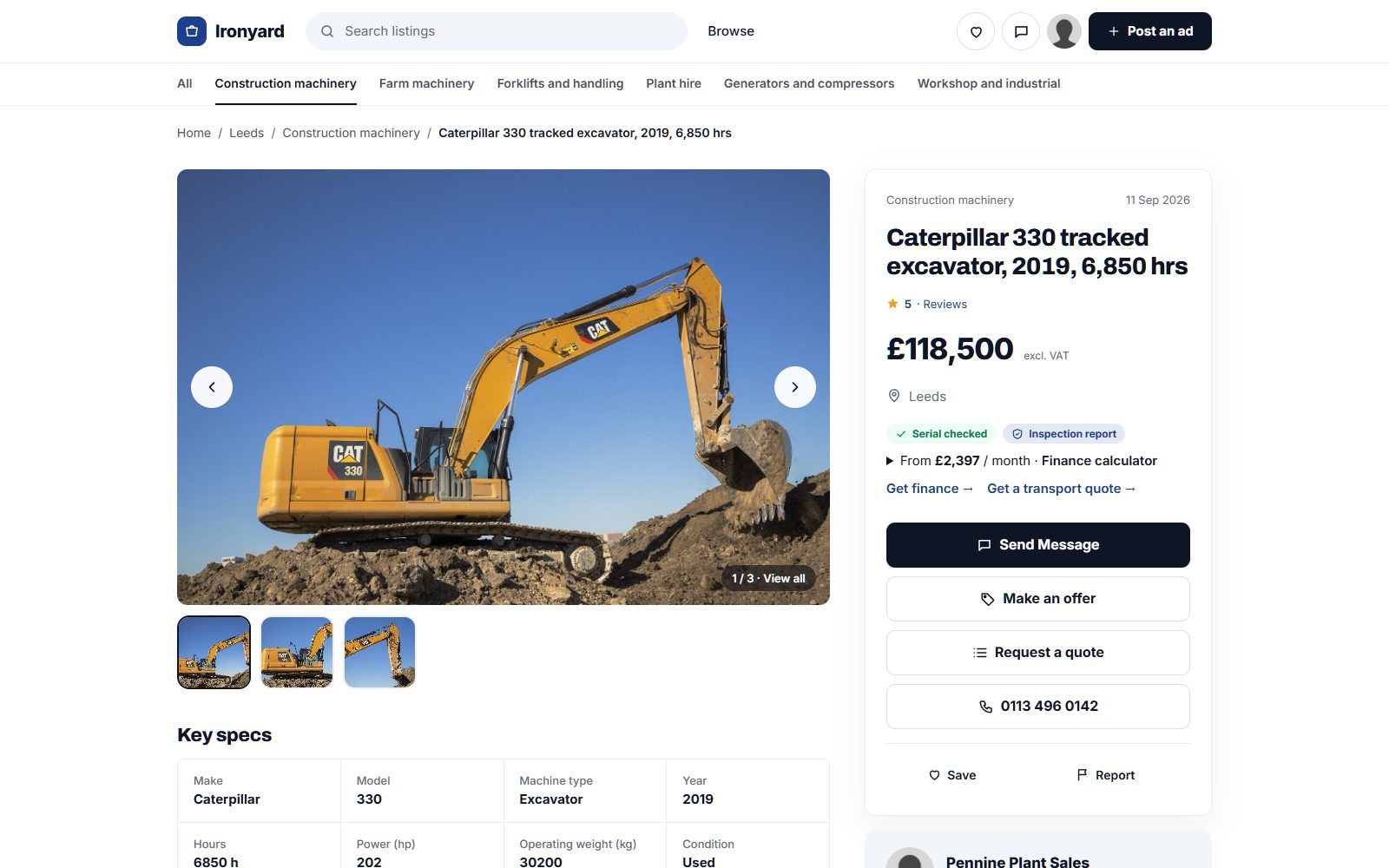
Photo credits
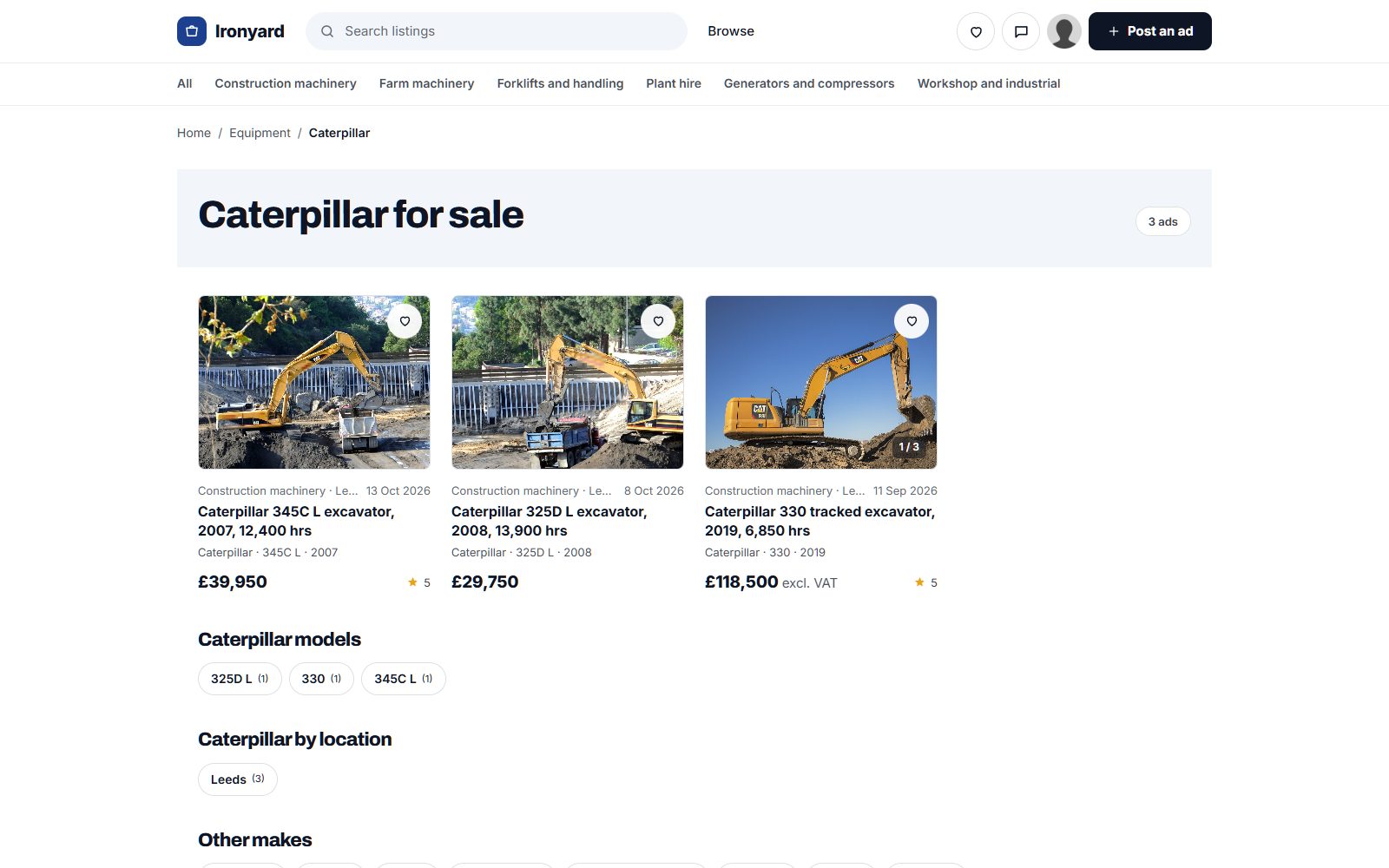
The screenshots show demo sites with made-up sellers. Their photos come from Wikimedia Commons, some cropped or with signs and plates blurred; these ones are under Creative Commons licences:
- Caterpillar 330 excavator on a pile of dirt by Matthew T Rader, CC BY-SA 4.0
- Excavator, Sany, 2021 Changsha International Construction Equipment Exhibition, Picture2 by Huangdan2060, CC BY 3.0
- JCB backhoe loader with hydraulic breaker, 2019 Szigetszentmiklós by Globetrotter19, CC BY-SA 3.0
- Polaris ATV Winch (53034864566) by Tony Webster, CC BY 2.0
- Round baler 3070 by Flominator, CC BY-SA 3.0
- Heavy equipment 2022 by Lowcarb23, CC BY-SA 4.0