
How to build an electronics classifieds website where buyers know what they are getting.
This guide covers how to build an electronics classifieds website for used phones, laptops, consoles, tablets and audio gear: the angle and buyers to serve, the specs people filter on, how the site earns, where the first listings come from, locked and stolen devices, the searches to rank for, and a launch timed to product releases and the school year.
Free for 15 days · No credit card · Plans from $19 a month
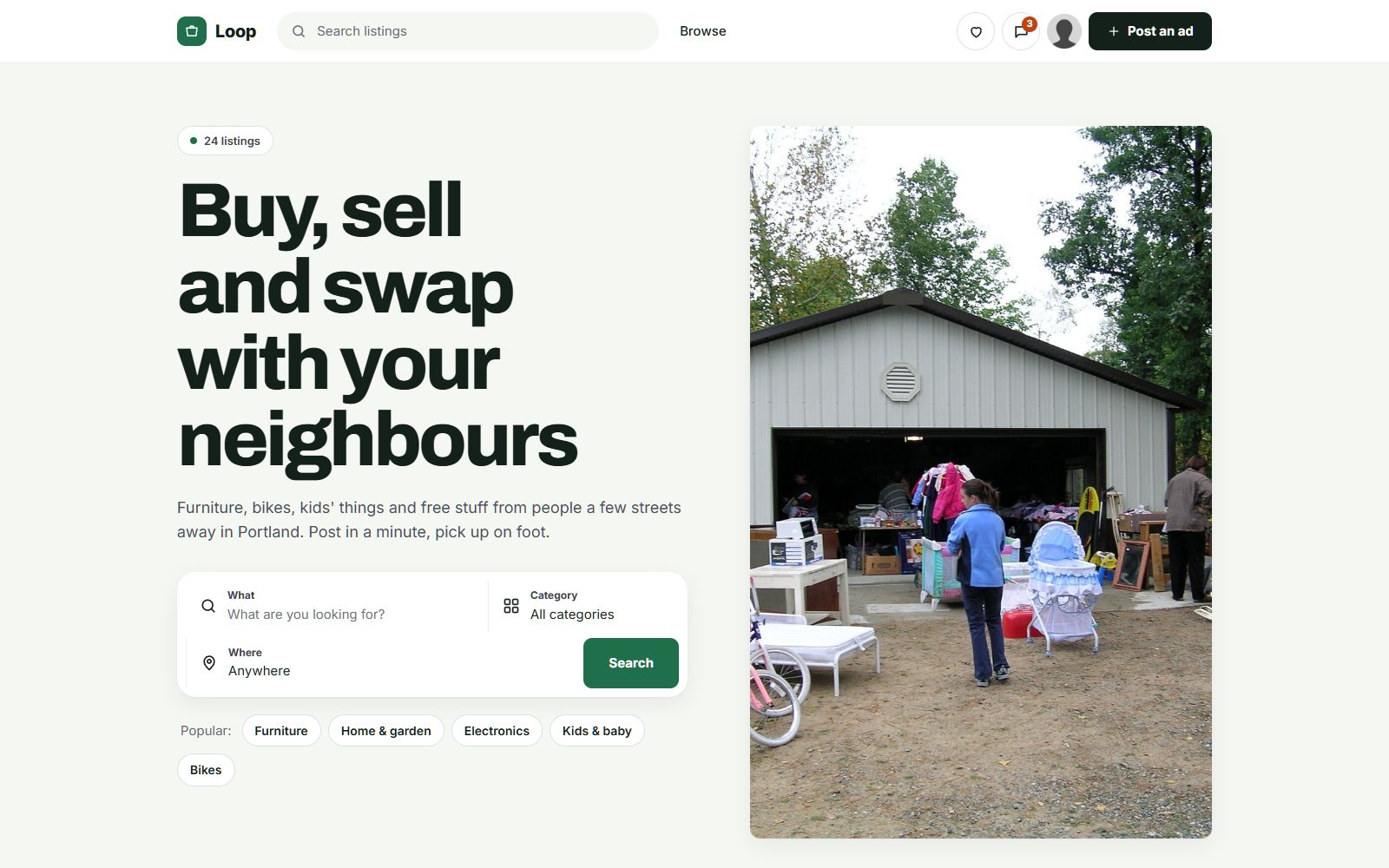
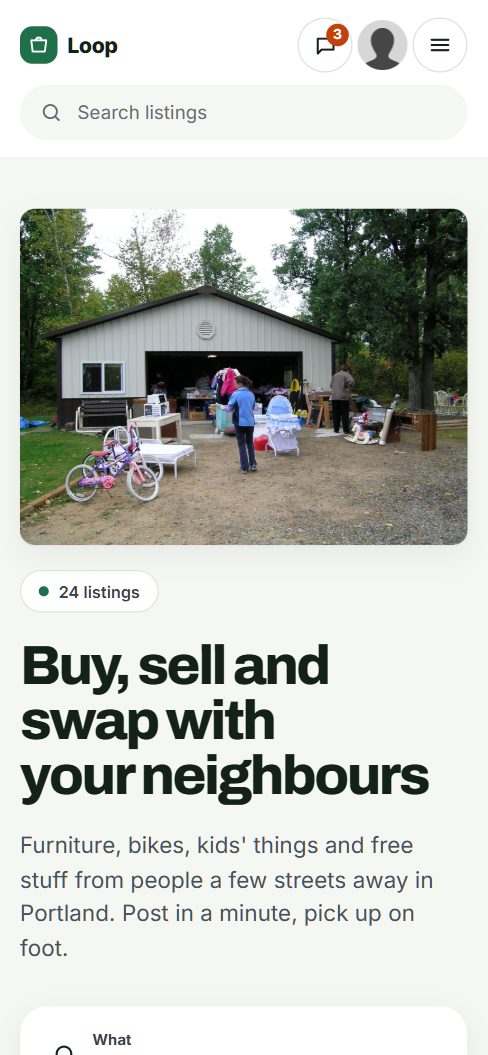
Win on specs and trust, not on volume.
Used electronics are everywhere, which is exactly the problem. On a general site a buyer looking for an unlocked phone with 256GB and good battery health has to open fifty listings to find two, and still cannot tell which one is locked to an account. A focused site wins by asking the right questions up front and by keeping out the locked, stolen and fake devices that make buyers nervous.
Who uses the site
- Budget buyers who want a working phone or laptop for much less than new.
- Students and parents shopping for laptops and tablets before the school year.
- Gamers buying and selling consoles, games, controllers and PC parts.
- Upgraders who sell last year's phone or laptop as soon as the new one arrives.
- Repair shops and refurbishers who buy broken devices, fix them and resell them.
Choosing the angle
You can go wide in one city, covering phones, computers, gaming and audio, or go narrow across a region: gaming only, Apple devices only, or refurbished business laptops. Narrow sites build expertise faster; local sites make meeting in person easy, which removes most shipping fraud.
Today this trade happens on Facebook Marketplace, Craigslist and eBay, in gaming and PC building groups, in trade-in programs run by carriers and retailers, and at repair shops with a shelf of refurbished stock.
In electronics, the site that checks for locks and stolen devices earns the trust the big sites lack.
Ask for the specs buyers compare and the checks they worry about.
Electronics buyers compare numbers: storage, memory, screen size, battery health. They also worry about things they cannot see in a photo. Fields should cover both, and they should differ by category.
Fields that build confidence
- Storage and memory as dropdowns, so buyers can filter to 128GB or 16GB of RAM in one click.
- Unlocked or carrier locked for phones and tablets, with the carrier named when locked.
- Account removed: a required checkbox confirming the device is signed out of the owner's account and reset. A device still tied to an account is close to useless to the buyer.
- Battery health as a percentage for phones and laptops, where the device shows it.
- Condition grade: like new, good, fair, or for parts, with a short note on scratches and dead pixels.
- Original receipt available, which reassures buyers that the device was bought, not stolen.
Ask for a photo of the device switched on and showing its settings screen. It proves it works and shows the model and storage.
| Category | Example listings | Fields buyers filter on |
|---|---|---|
| Phones | iPhones, Android phones, foldables | Brand, model, storage, unlocked or carrier, battery health, account removed |
| Laptops and computers | Laptops, desktops, all-in-ones, monitors | Processor, RAM, storage, screen size, operating system, battery cycle count |
| Tablets and e-readers | iPads, Android tablets, e-readers | Model, storage, Wi-Fi or cellular, pen included |
| Gaming | Consoles, handhelds, games, controllers, VR headsets | Console model, storage, region, controllers included, games included |
| PC parts | Graphics cards, processors, memory, power supplies | Model, generation, used for mining or not, warranty left |
| Audio and TV | Headphones, speakers, soundbars, TVs | Brand, screen size, wired or wireless, wall mount included |
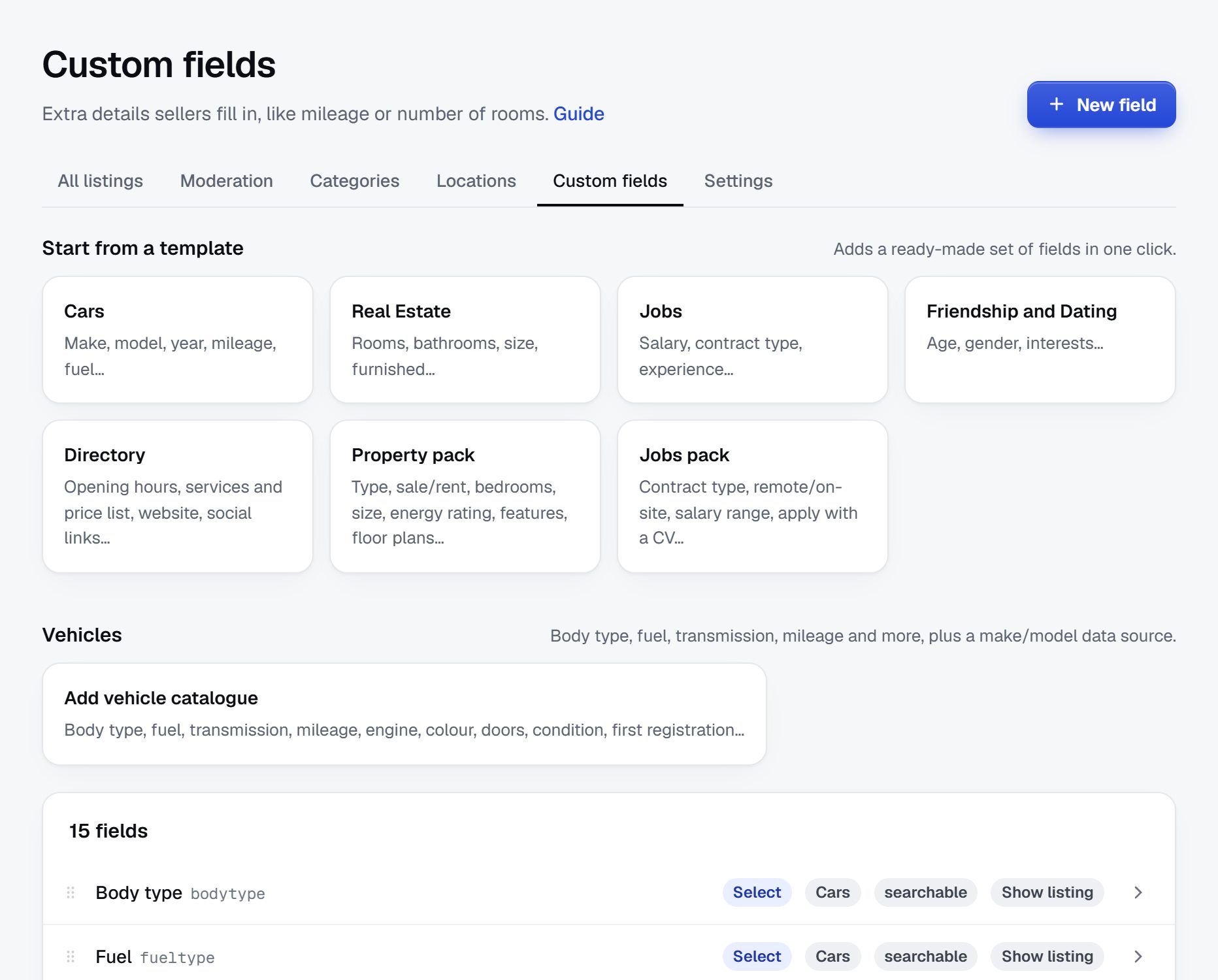
In Yclas, custom fields can be text, numbers, dropdowns, checkboxes or dates, required or optional, and shown as search filters.
Free for people clearing a drawer, paid for refurbishers and shops.
Private sellers with an old phone or a console they no longer play will not pay to post, and you need them to fill the site. Keep personal posting free. The money in electronics comes from the businesses that sell used devices every week and from sellers who want a faster sale before prices drop.
- Featured listings and bumps work for phones, gaming laptops and new-generation consoles, where prices fall each month and sellers want to sell quickly.
- Memberships for refurbishers and repair shops suit businesses that list dozens of devices and want a seller profile with reviews.
- Banner spaces fit screen repair, data recovery, computer repair and electronics recyclers.
- Pay to post in high-value categories such as laptops and graphics cards, once buyers are steady there.
If refurbishers want to sell beyond your city, buyers can pay on the site with Stripe and you keep a commission per sale on the Marketplace plan, with a cart and shipping set per seller. That only makes sense once trusted sellers are shipping regularly.
| Model | Works when | Switch it on |
|---|---|---|
| Featured listings and bumps | Prices drop monthly and sellers want speed | A few hundred active listings |
| Refurbisher memberships | Shops list many devices every week | When two or three refurbishers post regularly |
| Banner spaces | Repair and recycling businesses want local customers | When you can show local visitor numbers |
| Pay to post in laptops and GPUs | Buyers come to the site for those categories | Once those categories have steady demand |
| Commission on shipped sales | Refurbishers sell across a region | Marketplace plan, after sellers have reviews |
Fill the site through repair shops, offices and students.
Almost everyone has an old device in a drawer, but they rarely sell it until someone asks. The first 100 listings come from businesses with stock plus people prompted at the right moment.
Where to find them
- Phone and computer repair shops. Most have refurbished devices for sale and few visitors to sell them to. Offer to put their stock online from a spreadsheet.
- Refurbishers of business laptops. They buy office laptops when leases end and sell them in batches, ideal for a full laptop category.
- Offices and schools replacing computers, monitors and tablets, which often just need the old ones gone.
- Students at the end of the school year, selling monitors, consoles and laptops before moving out.
- Gaming and PC building groups, where members sell parts after every upgrade.
- Pawn and second-hand shops with electronics on display.
Make posting fast. With Yclas, a seller can take a photo of a phone or laptop and let AI fill in the title, description, category and price for them to check, then add the storage, battery health and lock status.
Ask early sellers about the account lock and battery health from day one. It sets the tone for every listing that follows.
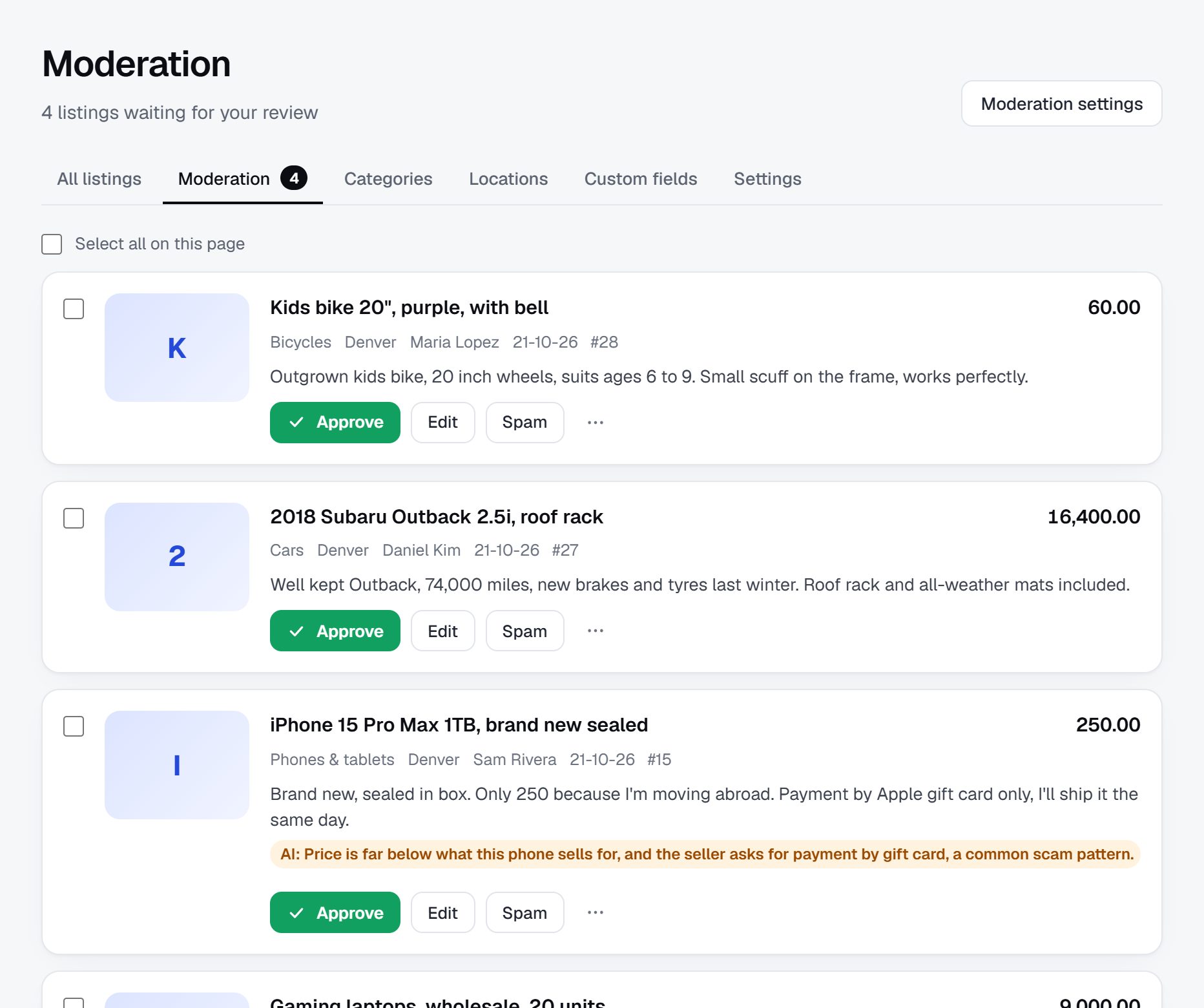
Keep out stolen, locked and fake devices.
Electronics are the most common target of classifieds fraud because they are small, valuable and easy to fake. A few rules remove most of the risk.
Common problems
- Stolen phones. Phones reported stolen can be blocked by carriers using their IMEI number, which makes them worthless to the buyer. Tell buyers to check the IMEI with their carrier or a blacklist checker before paying.
- Account-locked devices. A phone, tablet or laptop still tied to the previous owner's account cannot be set up by a new one. Buyers should see the device reset to its setup screen before handing over money.
- Counterfeits. Fake earbuds, chargers and phones look real in photos. Prices well below the usual range are the main warning sign.
- Box only and photo only listings, where the buyer pays for an empty box or a picture of the device.
- Swapped parts, such as a cheap replacement screen or battery not mentioned in the listing.
- Shipping and overpayment scams, where a buyer sends too much and asks for the difference back.
Rules to set
Approve listings by hand at first, let AI hold suspicious listings for review, ban phrases tied to shipping scams, and verify repair shops and refurbishers. Publish a buyer guide: meet in a public place or a police station safe exchange area, check the IMEI, see the device reset, and test the screen, cameras and ports. Remind sellers to wipe their data. For selling refurbished goods and disposing of batteries, check the rules where you operate.
Rank for exact models, storage sizes and the word unlocked.
Electronics searches are very specific: model, storage, color, and whether the device is unlocked. People also search for how to check a device before buying, which is a chance to be useful and earn trust.
Searches to target
- "used iPhone 13 unlocked 128GB"
- "refurbished ThinkPad for sale"
- "used PS5 near me"
- "used gaming laptop Houston"
- "used graphics card for sale"
- "how to check if a phone is stolen"
Pages to build
- Model pages for the most traded phones, consoles and laptops, listing every current listing for that model.
- Category and city pages for buyers who want to meet the seller.
- Checking guides: how to check an IMEI, how to make sure a device is signed out of its account, how to read battery health on a phone or laptop.
- Price guides from your own sold listings, updated when a new model launches and old prices move.
Content ideas
Phone and console launches set the calendar. A page on selling last year's model, published the week a new one is announced, catches upgraders at the moment they decide to sell.
Launch in one city around a product release or the school year.
Electronics have predictable peaks. Major phone launches, often in the fall, bring a wave of upgraders selling the previous model. Late summer brings students and parents shopping for laptops and tablets. The holidays bring console and gaming demand, and January brings people selling gifts they did not want.
Launch plan
- Pick one city and reach 100 listings across phones, laptops and gaming before announcing the site.
- Sign up two or three repair shops or refurbishers and import their stock.
- Approach a local office or school that is replacing computers and list the batch.
- Time your first promotion to a major phone or console launch, aimed at people selling their old device.
- Post in local gaming and PC building groups with a link to the matching category.
Checklist
- A domain of your own with SSL, and a headline saying it is for used devices in your city.
- Storage, lock status, account removed and battery health fields as filters.
- Posting rules on stolen devices, counterfeits and data wiping.
- A buyer guide on checking IMEI numbers and account locks.
- Saved searches with email alerts, so a buyer waiting for a particular laptop hears first.
A worked example: a used device market for a college region.
Here is a fictional site, Triangle Device Swap, serving Raleigh, Durham, Chapel Hill and the suburbs between them in North Carolina. It is invented, but the region suits the model well: several large universities, a big office workforce that refreshes laptops on a cycle, and a steady stream of people moving in and out every summer.
Categories at launch
- Phones
- iPhone
- Android
- For parts
- Laptops and computers
- Mac
- Windows
- Chromebooks
- Gaming
- Consoles and handhelds
- PC parts
- Tablets and e-readers
- Audio and TV
The For parts category is there on purpose. Cracked and dead phones have real buyers in repair shops and tinkerers, and giving them a home keeps broken devices out of the main listings.
Who it serves
Students are the largest group of buyers and sellers, with peaks at the start and end of each term. The second group is budget buyers looking for a working phone or laptop well below the new price. Behind them sit three local refurbishers and a repair shop, which post refurbished business laptops and phones every week, and a large gaming community that trades consoles and graphics cards after each upgrade. Office workers fill in the gaps with monitors, docks and keyboards from home office setups they no longer need.
How it started
The founder ran a phone repair stall and saw buyers burned by locked phones bought online. She started the site with her own refurbished stock and a rule that every phone listing must show the IMEI and confirm the account is removed. Two refurbishers joined after she offered to import their spreadsheets. A student union newsletter mentioned the site at the end of the spring term, and the laptop category filled within two weeks of move-out.
How it makes money
Students and private sellers post for free. The refurbishers and the repair shop pay for seller memberships with verified badges and reviews, which matters a great deal in a niche where buyers fear fakes. Featured listings sell well around phone launches and in late summer, when laptops move fastest. A data recovery business and an electronics recycler rent banner spaces. Commission on shipped sales is planned for later, on the Marketplace plan, once refurbishers want to sell across the state.
These listings are fictional, but they show the facts a buyer needs before agreeing to meet.
| Listing | Price | Key details |
|---|---|---|
| iPhone 13, 128GB, unlocked | $330 | Battery health 86%, reset to setup screen, IMEI in photos |
| Refurbished 14-inch business laptop | $280 | 16GB RAM, 512GB SSD, verified refurbisher, shop's own 90-day warranty |
| PlayStation 5, disc edition | $360 | Two controllers, account signed out, meet near campus |
| Mid-range graphics card, 8GB | $190 | Never used for mining, original box, tested in seller's PC |
| Noise-canceling headphones | $120 | Receipt available, new ear pads, case included |
The first 90 days, from empty site to trusted local market.
Electronics move fast. A phone loses value every month and a console sells within days if the price is right, so an electronics site has to show fresh listings from the first week. Use the first 90 days to build a base of trusted sellers who post often, then add private sellers at the moments they are most likely to sell.
Weeks one to four are about rules and structure. Decide what every listing must show, set up the lock, account and battery fields, write the buyer guide on checking an IMEI, and bring in the refurbishers and repair shops whose stock gives you depth. Weeks five to eight are about volume: students, offices replacing computers and gaming groups. Weeks nine to twelve are about habit and trust: reviews after each sale, saved searches for popular models, and your first price guide.
Time the plan to the calendar if you can. Starting in early summer lets you catch end-of-term sellers and back-to-school buyers in the same 90 days. Starting in late summer lets you end the period on a phone launch and the holiday season. Either way, keep moderation tight for the whole period: one stolen phone that gets through in the first month can cost you the trust you are trying to build.
| Weeks | Focus | Done when |
|---|---|---|
| 1-2 | Fields for storage, lock status, account removed and battery health; posting rules | A phone, a laptop and a console each list with the right required fields |
| 3-4 | Refurbishers and repair shops, imported from their spreadsheets | Three businesses live with verified badges |
| 5-6 | Offices and schools replacing computers | One batch of business laptops or monitors listed |
| 7-8 | Students at term end, gaming and PC building groups | 100 live listings, none missing lock or account status |
| 9-10 | Buyer guide on IMEI checks and account locks, shared in local groups | Guide published and linked from every phone listing |
| 11-12 | Reviews, saved searches and the first price guide | 25 reviews left and a price guide for the five most listed models |
Three routes to an electronics classifieds site.
The software behind an electronics site has to enforce rules that most niches can skip. Some fields must be required checkboxes, such as account removed, so a seller cannot post without answering. Storage and memory need to be dropdowns or numbers that filter cleanly. Moderation has to catch the patterns of this niche: new accounts with several identical phones, prices far below the usual range, phrases tied to shipping scams. Refurbishers need verified profiles and a way to load fifty laptops at once.
Building your own platform with developers lets you add things like an automatic IMEI check against a paid database or a grading tool for refurbishers. Expect a long build and permanent maintenance, and you still have to build moderation, alerts and spam control from scratch.
Installing a classifieds script or a WordPress plugin on your own server keeps costs down at first. Check carefully that it supports required fields per category and that its spam protection is up to the attention electronics listings draw from scammers. Updates and security are your job, and an electronics site is a bigger target than most.
A hosted builder such as Yclas gives you required fields per category, AI that holds suspicious listings for review, verified seller badges and spreadsheet import, so you can spend your time on refurbishers and students. You accept the platform's limits in return, so test it with a real refurbisher spreadsheet and a few tricky phone listings before you commit.
Because fraud is the main threat in this niche, judge each route first by its moderation tools and only then by its features.
| Route | Fits when | Watch out for |
|---|---|---|
| Custom build | You want built-in IMEI checks or refurbisher grading tools | High cost, slow launch, and fraud controls you must build yourself |
| Script or WordPress plugin | You can run and secure your own server | Weak spam controls, missing required fields, security updates |
| Hosted builder | You need required fields, moderation and import working now | You rely on the platform's features and its roadmap |
| Hosted builder with checkout | Refurbishers ship across a region and buyers want to pay online | Marketplace plan only; add it after sellers have reviews |
What an electronics classifieds site costs to run.
The software is the smallest part of the bill. Most of the cost is your time in the first months: finding the first listings, answering questions and checking what gets posted.
Beyond the platform and a domain, budget for flyers at repair shops and campuses and for time spent reviewing listings, since electronics attract more fraud than most categories. If you allow shipped sales with payment on the site, include payment fees and the time needed to handle disputes and returns.
| Cost | Typical range | On Yclas |
|---|---|---|
| Domain | $10 to $20 a year | Your own, with SSL included |
| Software and hosting | $0 to $100+ a month, plus plugins and updates | Starter $19 a month, Professional $99 |
| Design | $0 to $100 for a theme, or a designer | 109 looks included |
| Payment fees | About 3% per payment | Your Stripe or PayPal fees; Yclas takes nothing |
| Your time | 5 to 10 hours a week at the start | Finding listings, moderation, support |
Mistakes that ruin an electronics classifieds site.
- Making lock and account status optional. If sellers can skip it, the ones with locked phones will. Make carrier lock and account removed required on every phone, tablet and laptop, and remove listings that answer falsely. A buyer who meets a seller and finds the phone locked will never come back.
- Letting buyers pay strangers before seeing the device. Shipping deals with direct payment are where most electronics fraud happens. Keep the site local at first, tell buyers to meet and test before paying, and only add shipped sales with payment on the site once sellers have reviews.
- Ignoring price drops. A phone priced at launch value three months later sits unsold and makes the site look expensive. Remind sellers when listings are old and publish price guides so they price close to the market.
- Letting refurbishers flood the site. One business posting the same laptop forty times buries private sellers. Ask them to post one listing per model with the quantity in the description, and move their stock under their seller profile.
- Skipping the data wiping advice. A seller who hands over a phone with photos and accounts still on it can blame the site afterwards. Put a short wiping and sign-out checklist on the posting page.
- Using one generic form for every device. Asking a headphone seller for battery cycle count, or a phone seller for screen size in inches only, makes forms feel careless. Set fields per category.
- Accepting counterfeit accessories. Fake chargers and earbuds look real in photos and some are unsafe. Ban listings that cannot show the box, receipt or serial, and act on reports at once.
- Mixing broken devices with working ones. A cracked phone listed among working ones wastes buyers' time. Give damaged devices a For parts category so repair shops can find them and everyone else can skip them.
- Launching in a quiet month. Electronics demand peaks around phone launches, the start of the school year and the holidays. Opening in a dead month means your first visitors find little to buy and little reason to return.
- Trusting a photo of the box. Box-only and photo-only scams rely on a picture that shows packaging, not the device. Require at least one photo of the device switched on, ideally showing its settings screen with model and storage, and reject listings that cannot provide one.
- Keeping quiet about safe meeting places. High-value phones and consoles attract robberies set up through fake buyers. Many police stations offer safe exchange areas in their lobbies or parking lots. Find the ones near you, list them in your buyer guide, and suggest them in every reply about meeting.
Electronics terms every founder should know.
Buyers, sellers and refurbishers use these terms constantly, so your fields, rules and buyer guides should use them the same way.
| Term | What it means |
|---|---|
| IMEI | The unique number of a phone's cellular radio, used by carriers to identify and block devices. |
| Blacklisted | A phone reported lost, stolen or unpaid, which carriers refuse to connect to their network. |
| Carrier locked | A phone that only works with one carrier until that carrier releases it. |
| Activation lock | A protection that ties an Apple device to the owner's account until they sign out. |
| FRP | Factory reset protection on Android, which asks for the previous Google account after a reset. |
| Factory reset | Erasing a device back to its setup screen, which every seller should do before handing it over. |
| Battery health | The battery's remaining capacity compared with new, shown on many phones and laptops. |
| Cycle count | How many full charge cycles a laptop battery has been through. |
| Refurbished | A used device that has been checked, repaired where needed and cleaned before resale. |
| Grade A, B or C | Refurbisher shorthand for cosmetic condition, from nearly flawless to visibly worn. |
| OEM part | A part made by or for the original maker, as opposed to a cheaper aftermarket copy. |
| Mining card | A graphics card used to mine cryptocurrency, often run hard around the clock. |
| Region locked | Games or consoles set up to work only with content from one part of the world. |
| Bricked | A device that will not start or cannot be set up, often after a failed update or a lock. |
The same steps for an electronics classifieds site on Yclas.
- Describe your nicheThe setup wizard writes the categories, an About page and example listings from one sentence.
- Add fieldsSwitch on a field pack or add the fields your buyers filter on.
- Fill itImport dealer spreadsheets, invite sellers and post your own.
- Set the rulesChoose moderation, banned words and AI checks.
- Go liveChoose a plan, connect your domain, switch on paid listings when it is time.
What does it cost to get an electronics classifieds site going?
The outlay is small: a hosted platform, a domain and some local promotion around campuses and repair shops. Expect to spend more of your time than money, mostly on moderation and on signing up refurbishers.
How can I compete with Facebook Marketplace and eBay?
By being the place where devices come with the facts buyers need: lock status, battery health, storage and a reset confirmed. Buyers tired of locked and fake devices will pay attention to a site that screens for them.
How do I keep stolen phones off the site?
Tell buyers to check the IMEI before paying, require sellers to confirm the device is signed out and reset, and remove listings quickly when a theft is reported. Keep reports on file in case police ask.
Do I need any licenses to run an electronics site?
Running classifieds usually does not, but rules on reselling used goods, refurbished products and battery disposal differ by place. Check the rules where you operate, especially if you plan to take payments.
Where will my first sellers come from?
Repair shops and refurbishers with stock, offices and schools replacing computers, students at the end of the year, and local gaming and PC building groups.
How does an electronics site make money?
Featured listings and bumps for phones and laptops, memberships for refurbishers and repair shops, and banner spaces for repair and recycling businesses. Commission on shipped sales is possible later on the Marketplace plan.
Should I focus on one type of device?
A narrow site, such as gaming or business laptops, builds a reputation faster. A broad local site gets more everyday listings. Choose the one where you can reach sellers first.
Should I allow broken devices and phones sold for parts?
Yes, in a separate For parts category with a required note on what is wrong. Repair shops and hobbyists buy them, and keeping them apart protects buyers looking for working devices. Ask sellers whether the device powers on and whether it is still tied to an account, because that changes what it is worth for parts.
Can refurbishers offer warranties through the site?
They can describe their own warranty in each listing, and buyers deal with them directly if something fails. Make clear in your rules that the warranty is the seller's promise, not yours. Ask refurbishers to put the warranty length and what it covers in the listing text, so buyers can compare offers.
What should I tell sellers about wiping their data?
Give them a short checklist: back up, sign out of every account, remove the SIM and memory card, and reset to factory settings. A seller who does this protects both their own data and the buyer's ability to set up the device.
How do I stop one refurbisher listing the same model dozens of times?
Set a rule of one listing per model and condition, with quantity in the text, and let their seller profile show the full stock. Remove repeats during moderation until the habit sticks.
Is it worth covering smart watches and smart home gadgets?
Add them once phones, laptops and gaming are busy. Watches have the same account lock problems as phones, so ask for the same reset and account removed confirmation before they go live. Fitness trackers and earbuds also attract fakes, so the same rules on boxes, receipts and serial numbers apply.
Related pages.
The parts of Yclas this leans on.
You have the plan. Now build your electronics site.
Describe your site in a sentence and the setup wizard writes the categories, example listings and a look. Free for 15 days, no credit card.
Start my classifieds site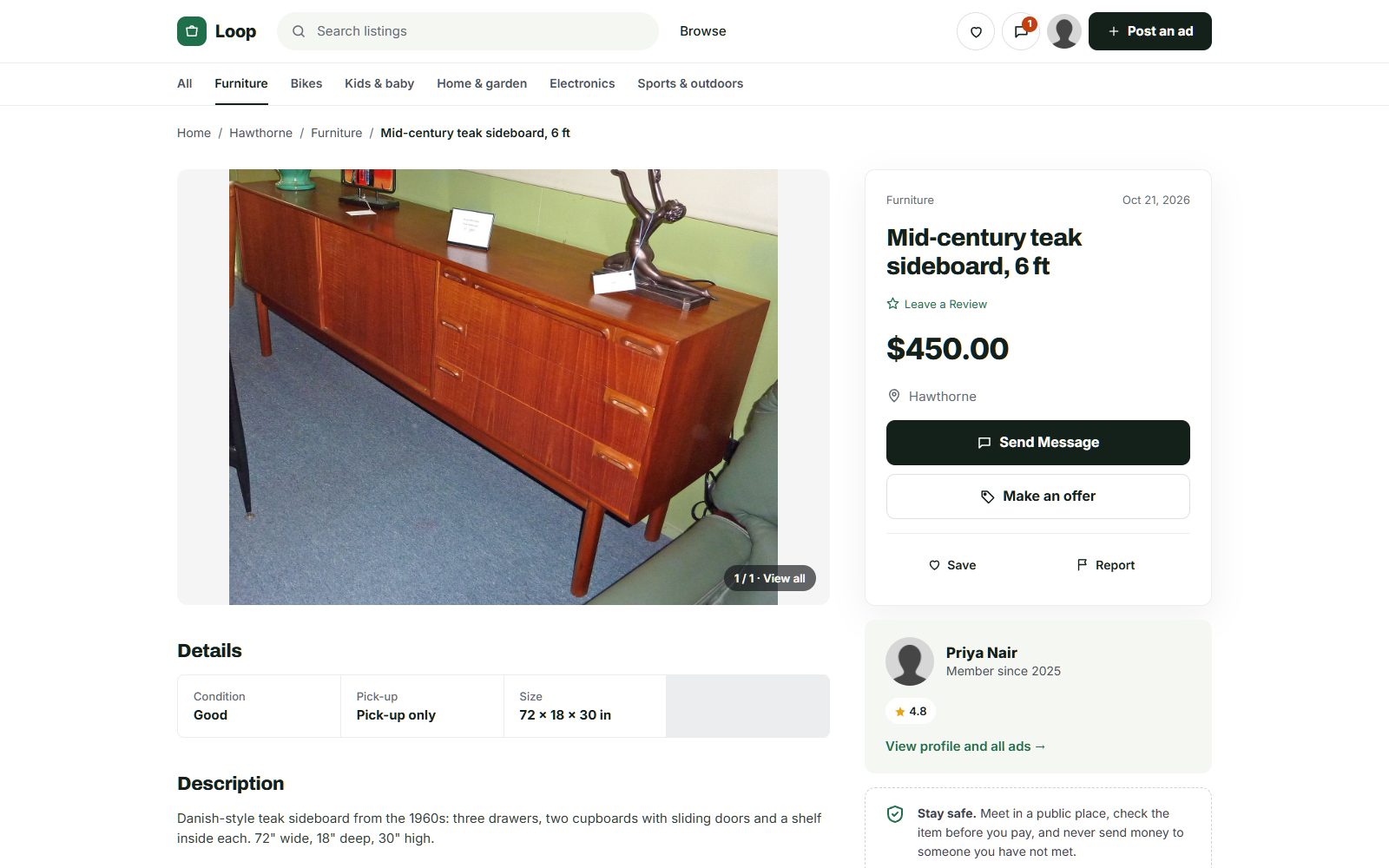
Photo credits
The screenshots show demo sites with made-up sellers. Their photos come from Wikimedia Commons, some cropped or with signs and plates blurred; these ones are under Creative Commons licences:
- McIntosh Teak Sideboard Circa 1960s, CC BY-SA 4.0
- Persian Rug Khorrasan 1, CC BY 2.0
- Fameg bentwood chairs of Poland 01, CC BY-SA 4.0
- View of the "Lost Dining Table and Chairs" in Eltham Palace - geograph.org.uk - 5797282, CC BY-SA 2.0
- Anglepoise Original 1227 Giant Floor Lamp, CC BY-SA 4.0
- Wooden Balance Bike for Kids oak frame with flame red tires, CC BY-SA 4.0
- Baby Crib (49935766018), CC BY 2.0
- Seth Thomas tambour mantel clock ca. 1930, CC BY-SA 4.0
- Rack of rock climbing gear at Horsethief Butte in a Mazamas class, CC BY 4.0
- Sideboard Teak 5 Door Rosando Furniture, CC BY-SA 4.0
- Teak 'Fresco' Sideboard by G Plan angled view, CC BY-SA 4.0