
How to build a faith community classifieds website members can rely on.
This guide is for people who want to run a buy, sell and help board for one congregation or one city's faith community: things to sell or give away, help offered and asked for, members' businesses, rooms and jobs. It covers the scope, fields, how the board covers its costs, the first listings, privacy and fraud risks, search and a launch with the leadership's support.
Free for 15 days · No credit card · Plans from $19 a month
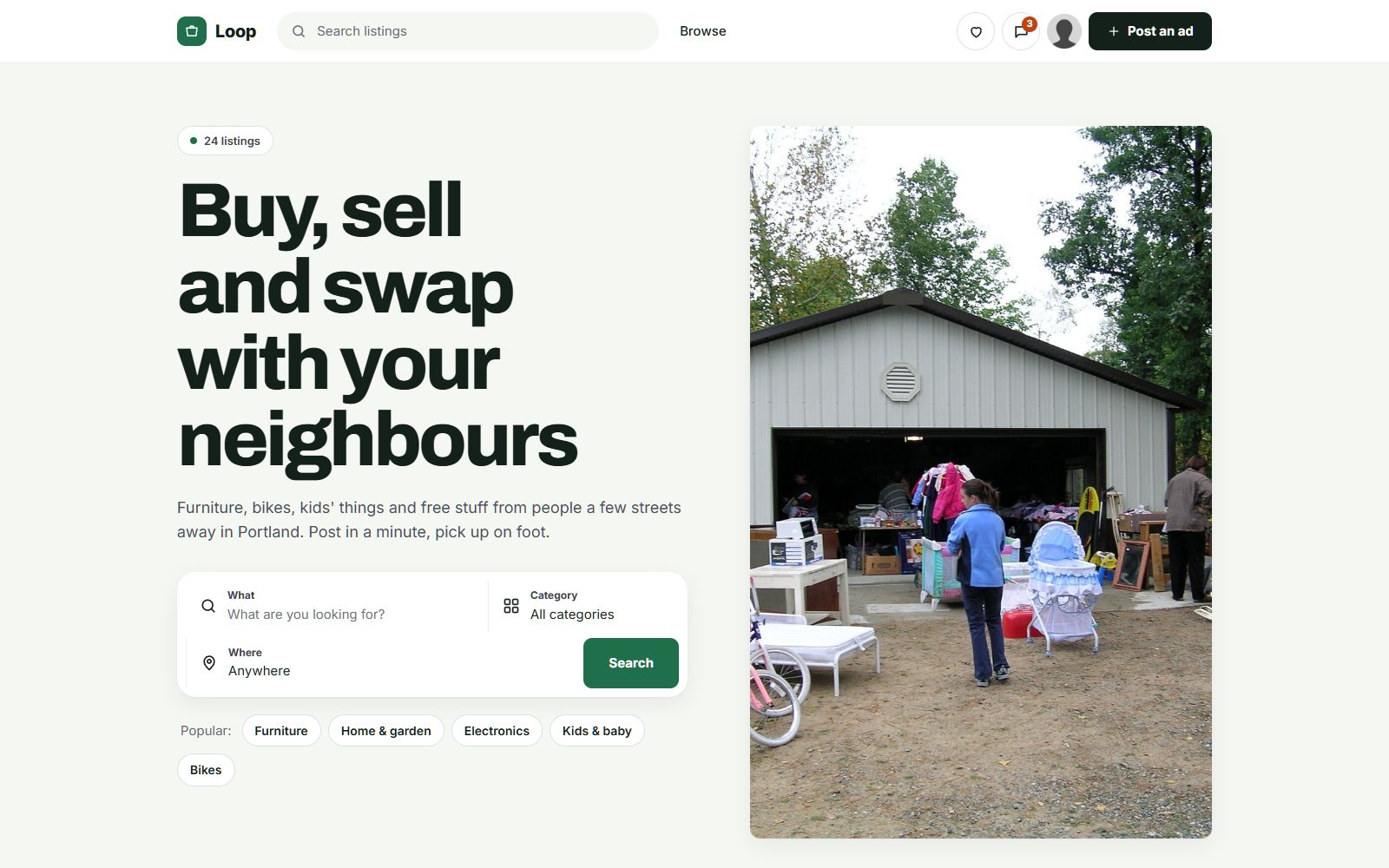
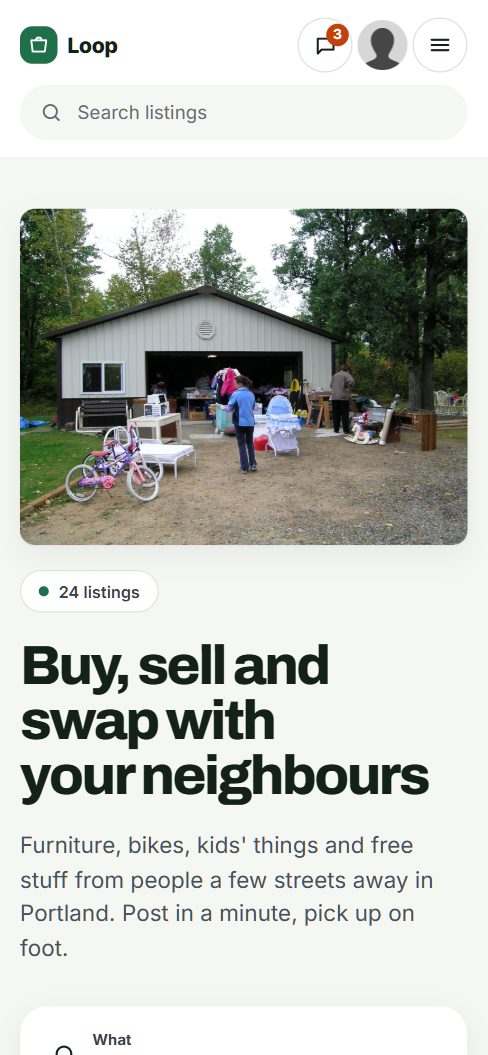
A congregation already trades and helps, it just does it in the bulletin.
Every active congregation has an informal market. A family passes on a crib, a retired member sells a car, someone needs a ride to the hospital, a member who runs a plumbing business gets work by word of mouth, and a newcomer asks who has a room to rent. Today this happens in the bulletin, in announcements after services, in a group chat and on a cork board in the hall.
A board for the community keeps all of that in one place, between people who share a congregation and some trust. That trust is why members prefer it to a general marketplace, where they have no idea who they are meeting.
Choosing the scope
- One congregation: a large church, synagogue, mosque or temple with hundreds of active families.
- One city's community: several congregations of the same tradition, which share schools, shops and events.
- A wider network: a diocese, a denomination's region or a national community, later, once one place works.
Who uses it
- Families buying and selling children's things, furniture and cars.
- Older members downsizing, and those who need help with errands or rides.
- Members with businesses: contractors, caterers, tutors, accountants.
- Newcomers to the community looking for housing and work.
Start with the leadership's blessing and one community. A board seen as an outsider's business will not be shared from the pulpit.
Mix buy and sell with giving, helping and members' services.
A faith community board is more than a marketplace. Many listings are free, some are requests rather than offers, and some need details that only matter inside the community.
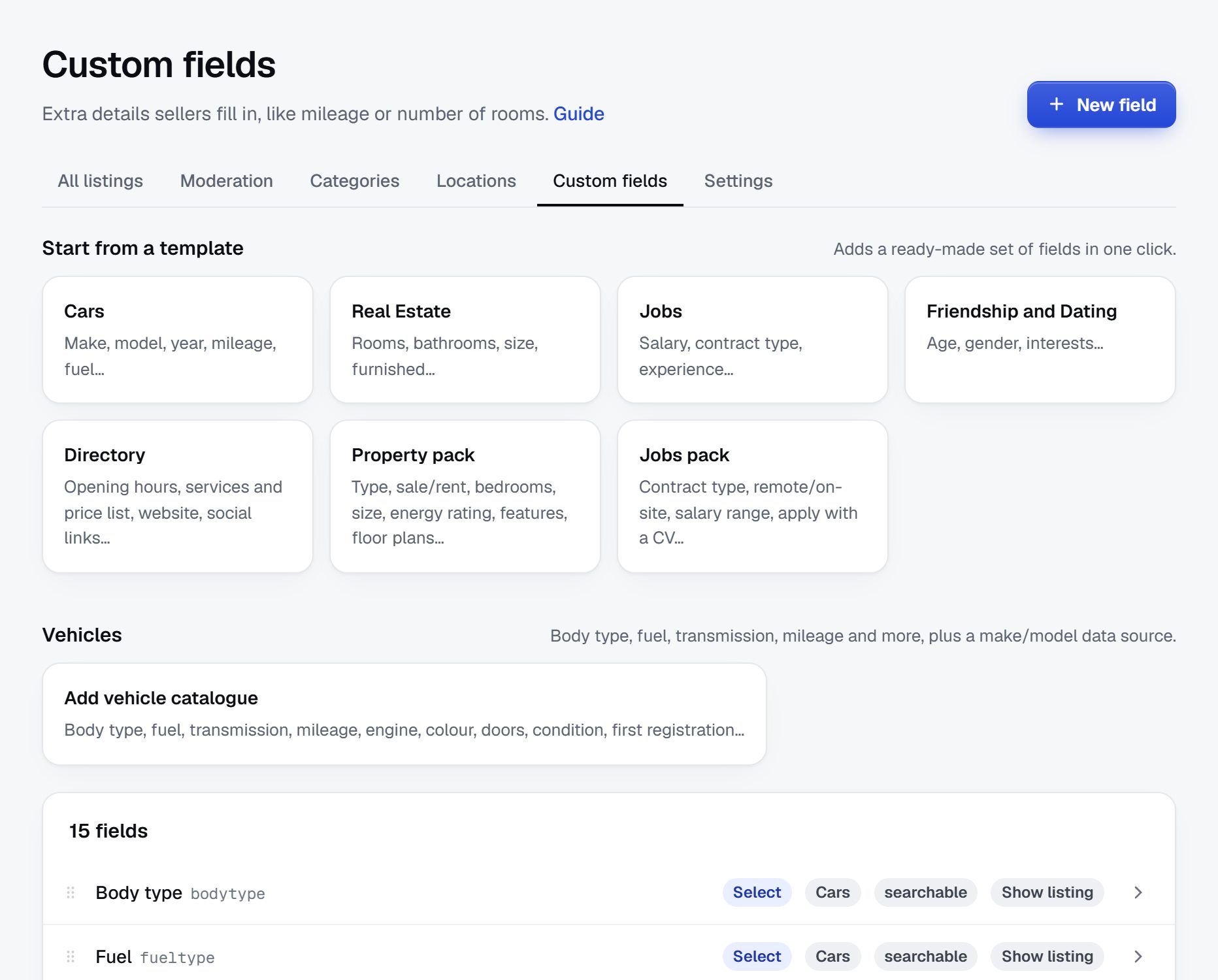
- Listing type as a dropdown: for sale, free to a good home, wanted, help offered, help needed.
- Congregation as a dropdown, if the board serves several.
- Contact hours as a text field. Members who keep a day of rest, such as a Sabbath, may not answer messages that day.
- Pickup area as a location, using the neighborhoods where members live.
- Occasion as a dropdown for celebration items: wedding, baptism, bar or bat mitzvah, Eid, first communion.
- Dietary standard for food and catering services, such as kosher or halal, where that matters to the community.
Keep help requests separate from sales, and decide who may post them. Some communities prefer that a pastoral team or a volunteer committee posts requests on a member's behalf.
| Category | Example listings | Fields members filter on |
|---|---|---|
| Free and give away | Cribs, books, kitchen items, outgrown clothes | Listing type, pickup area, contact hours |
| For sale | Furniture, cars, appliances, bikes | Price, condition, pickup area |
| Celebrations | Wedding dresses, decorations, holiday items, formal wear | Occasion, size, price or free |
| Help offered and needed | Rides, meals for new parents, moving help, visits | Help type, area, date |
| Members' businesses | Contractors, caterers, tutors, accountants, cleaners | Service, area, dietary standard |
| Rooms and housing | Rooms with members, apartments near the congregation | Rent, area, available from |
| Jobs | Roles at member businesses, childcare, school positions | Hours, area, start date |
Cover the costs from members' businesses, not from members giving away a crib.
Many faith community boards are not meant to make a profit. Their goal is to serve members and cover their own running costs. Whatever your aim, free posting for members should stay the rule, and giving away or asking for help should never cost anything.
The natural paying group is members who run businesses. A caterer, a contractor or a tutor already relies on the community for work and is usually glad to support a board that sends members their way. A modest yearly membership for businesses, and a few banner spaces for local firms that serve the community, can cover the site.
If the board belongs to a congregation, check with its leadership and its treasurer how income should be handled. Rules for nonprofits and religious organizations on commercial activity vary, so check the rules where you operate. If you run it independently, say so plainly and keep your accounts open to questions.
Members post free. Members' businesses support the board and get seen.
| Model | Works when | Switch it on |
|---|---|---|
| Memberships for members' businesses | Several members run businesses that serve the community | Once the board has regular visitors |
| Banner spaces | Local shops, funeral homes, schools and caterers serve the community | When you can show monthly visitors |
| Featured listings | Popular categories get crowded | Only when members ask for more visibility |
| Pay to post in Jobs or Housing | Employers and landlords outside the community want to reach it | Later, and only with the leadership's agreement |
Fill the board from the bulletin, the ministries and the rummage sale.
A congregation is easy to reach and hard to rush. Members trust what the leadership and their own groups recommend, so the first listings come through people they already know.
- The bulletin and newsletter. Move the classifieds that already appear there onto the site, with the members' permission, and print the site address instead.
- Ministries and groups. Young families groups trade baby gear, seniors groups downsize, youth groups need sponsors for trips. Ask each group's leader to post first.
- The rummage sale. Items too large to sell on the day, such as furniture and appliances, can go on the site instead.
- Members' businesses. Invite every member business you know of to create a seller profile with photos and contact hours.
- The welcome team. Newcomers who need housing and furniture are the people most grateful for the site.
Many members are older and post rarely. Offer to post for them, and keep the posting form short. In Yclas, the setup wizard writes the categories, an About page and example listings from one sentence, so you can spend your time with members instead of building the site.
Guard members' privacy and watch for scams that use the community's name.
A faith community board runs on trust, which is also what scammers try to borrow. Plan for the risks before the first problem appears.
Risks to expect
- Leader impersonation. Messages that claim to come from a pastor, rabbi or imam and ask a member to buy gift cards or send money urgently. This is a common scam in congregations of every faith.
- Fake help requests. Someone outside the community posting a hardship story to collect money.
- Oversharing. Members posting a sick relative's condition, an address of an elderly member who lives alone, or children's names with photos.
- Disputes. A sale gone wrong between members can spill into community life.
Rules that keep it safe
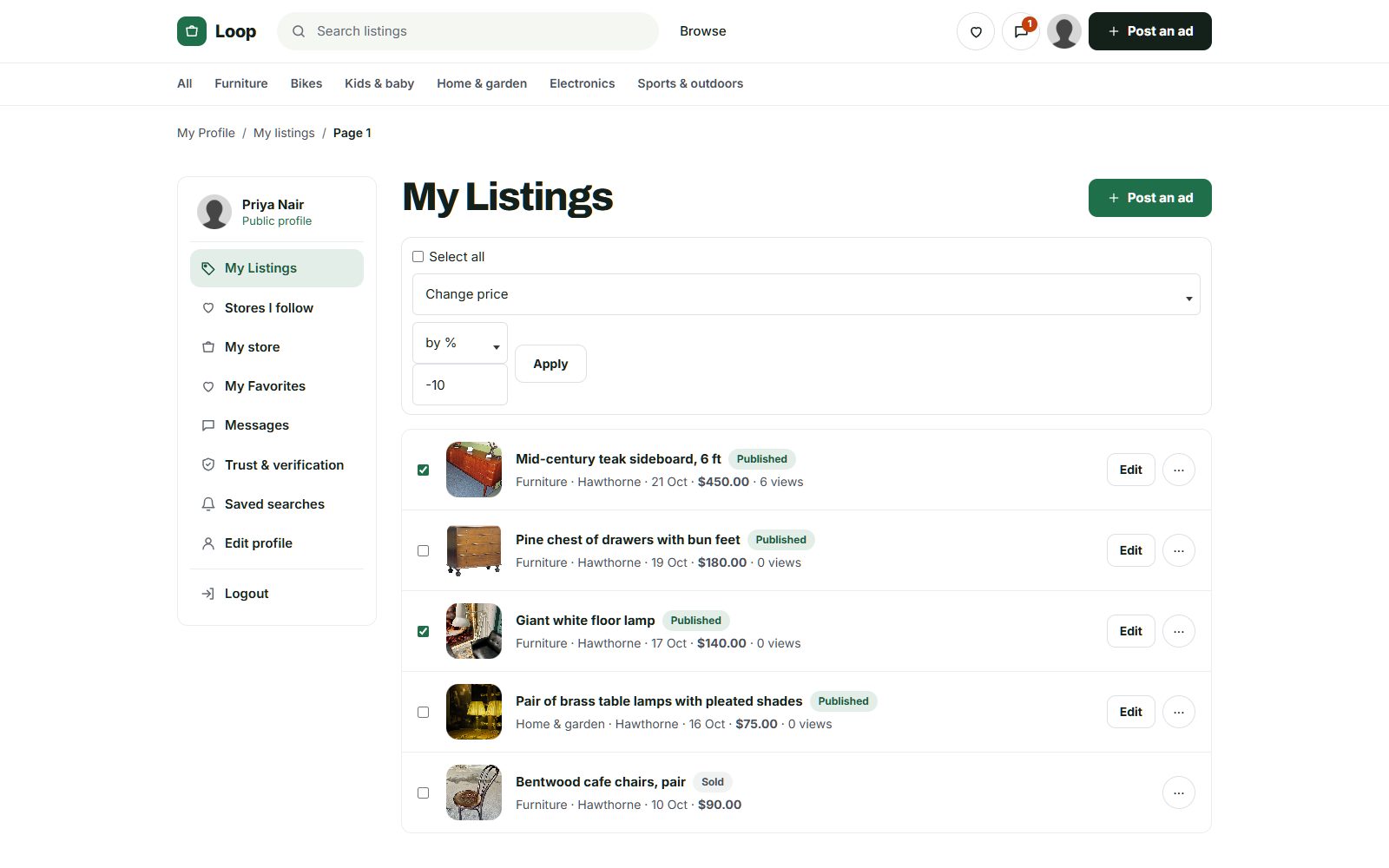
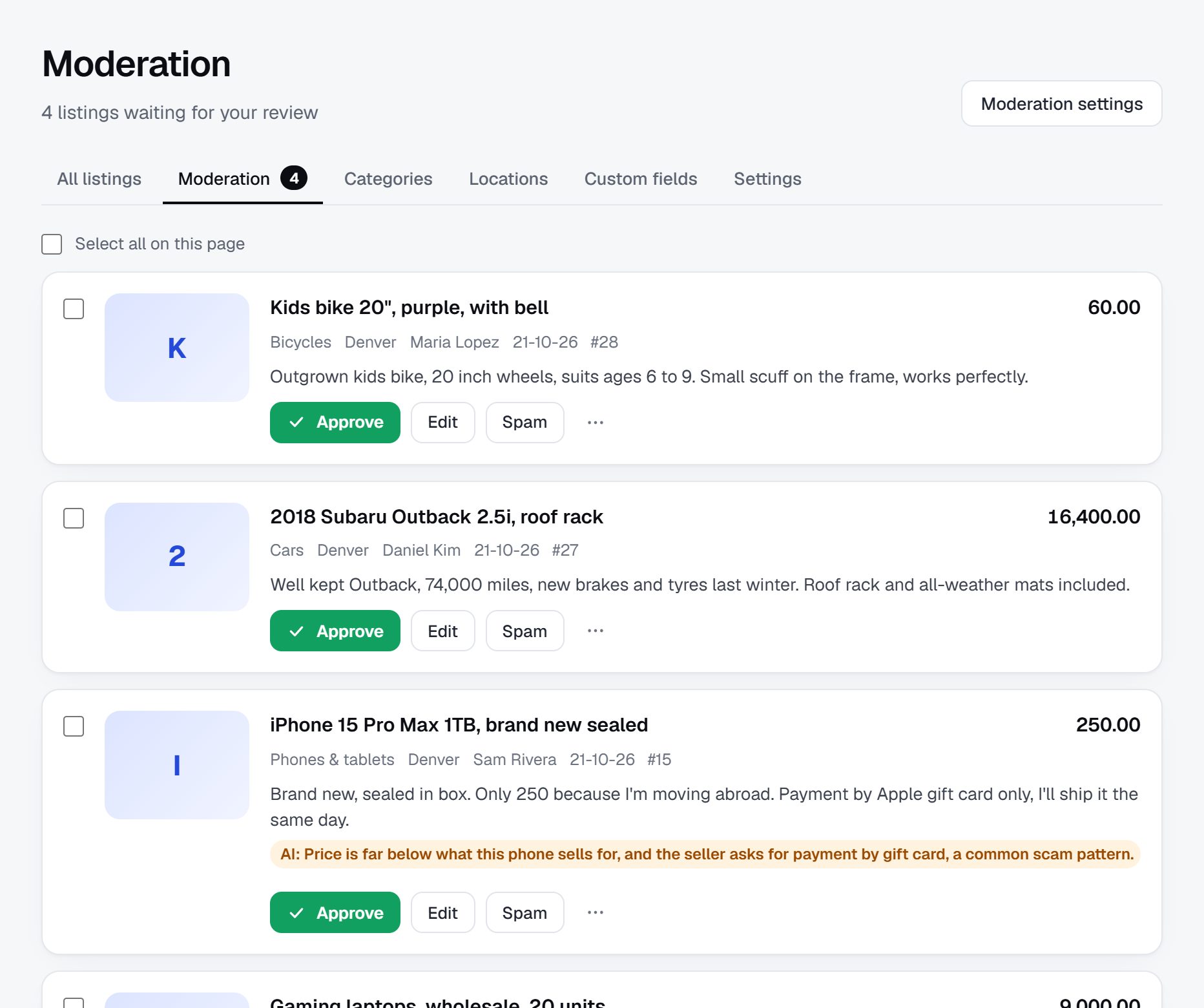
- Approve every listing, at least in help requests and housing.
- Route requests for money through the congregation's existing assistance fund or committee, never through public listings.
- Give a verified badge only to members someone in the community can vouch for.
- Ask members not to post home addresses, medical details or children's names, and to meet in daylight or at the congregation's building.
- Tell members plainly that leaders will never ask for gift cards through the site.
Name one or two volunteers as moderators, and agree with the leadership on how disputes are handled. Data protection rules apply to member information, so check the rules where you operate.
Members arrive by word of mouth, and search brings the newcomers.
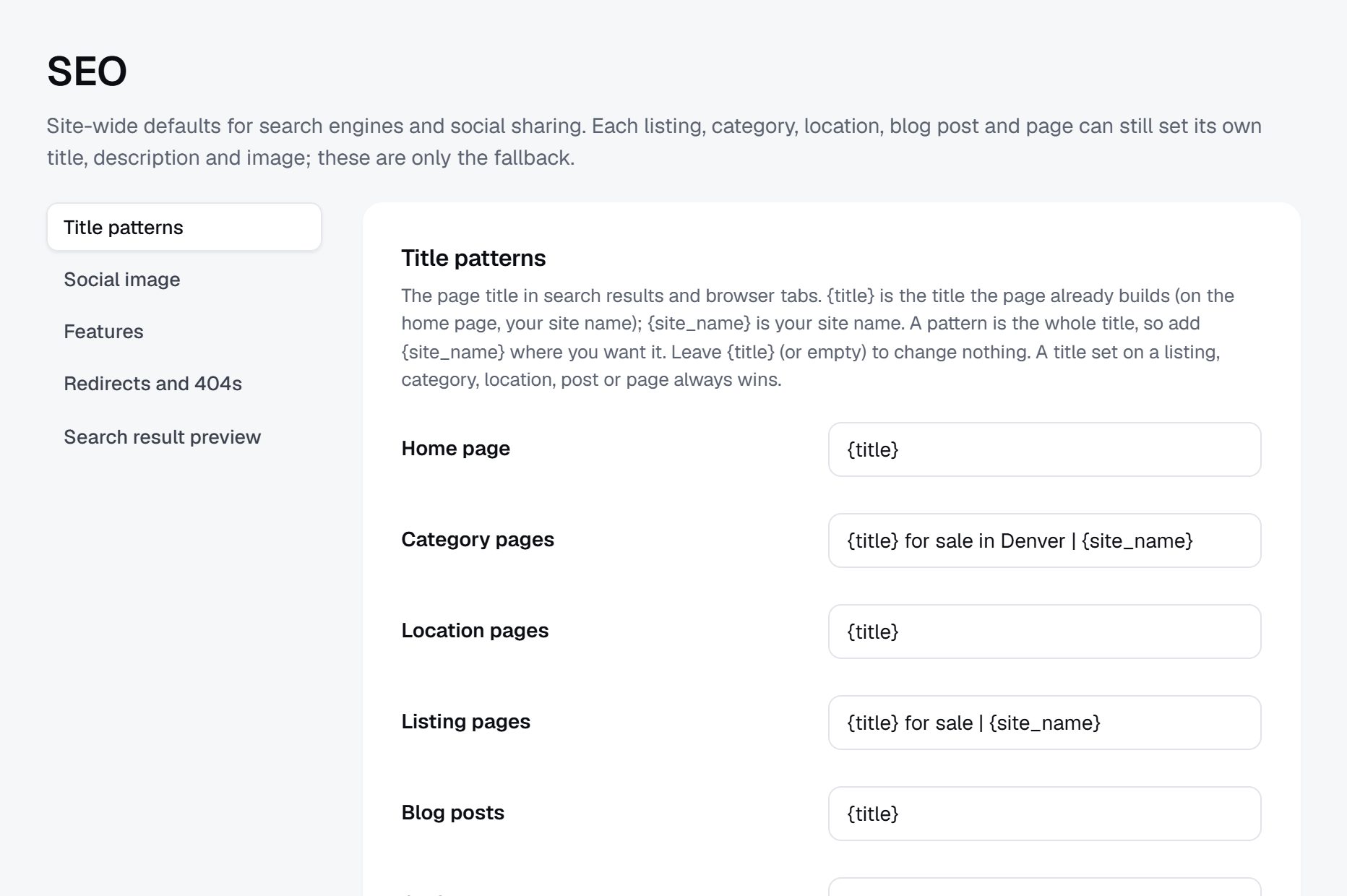
Most visitors to a congregation board come from the bulletin, the newsletter and announcements. Search matters for two groups: people moving to the area who look for a community before they arrive, and members' businesses that customers search for.
- "kosher caterer Teaneck"
- "Christian contractor near me"
- "halal butcher Dearborn"
- "room for rent near the mosque"
- "church rummage sale this weekend"
Pages to build
- A members' business page per service, such as caterers, contractors, tutors and cleaners, titled with the area.
- A newcomers page: where members live, how to find housing, how to get involved.
- A giving page that explains how free items and help requests work.
- Seasonal pages before big holidays, for decorations, food services and celebration items.
Keep personal listings simple and short, and put the search effort into the business pages and the newcomer guide. Those are the pages people outside the congregation look for, and they bring in the newcomers who later become members.
Launch with the leadership's support, at a season when people give.
A community board succeeds when the leadership mentions it and members see others use it. Ask for that support first, and show the leaders the posting rules and the privacy safeguards before anyone else sees the site.
Pick a moment that fits the community's year. Spring cleaning before a major holiday, the weeks before back-to-school, or a season of giving all bring out items to pass on. Avoid launching during the busiest holy days, when leaders and volunteers have no time.
Partners worth asking
- The clergy and lay leaders, for an announcement and a line in the bulletin.
- Ministry and group leaders, who post first and encourage their members.
- The welcome team and the assistance committee.
- Members' businesses, as the first supporters.
Launch checklist
- Agreement from the leadership on rules, privacy and who moderates.
- At least 100 real listings, including free items, members' businesses and a few help offers.
- Posting rules, a privacy note and a scam warning about leader impersonation.
- A home page headline that names the community, using the name the leadership agreed to.
- The site address in the bulletin, the newsletter and on the hall notice board.
A worked example: Common Table Exchange, Grand Rapids, Michigan.
Common Table Exchange is a fictional board shared by nine Protestant churches on the west side of Grand Rapids, Michigan, invented to show how a community board runs once it is set up. The churches already shared a food pantry and a summer camp, and their members lived in the same neighborhoods, so one board for all of them made more sense than nine small ones. It serves young families, older members who are downsizing, members with trades and small businesses, and newcomers who join one of the churches after moving to the city.
Categories
- Free and give away
- For sale
- Furniture and home
- Kids and baby
- Cars
- Help offered and needed
- Rides and errands
- Meals
- Members' businesses
- Rooms and housing
How it started
A retired church secretary noticed that the bulletin's small classified corner had grown to a full page, with items that sold in a day sitting there for a month. She took the idea to the pastors' monthly breakfast, where the leaders agreed on three things before any work began: help requests would be posted only by each church's care team, requests for money would go to the shared assistance fund instead, and every listing would be approved by a volunteer before it appeared.
She set up a congregation field so members could filter to their own church, and listed what was in the bulletin with each member's permission. The youth groups posted their fundraiser car wash, two members' businesses created profiles, and the welcome teams began giving newcomers a card with the site address. The spring rummage sale moved its large furniture to the board and sold most of it before the day of the sale. A member who drives a pickup now offers moving help every month as a standing help listing.
How it makes money
It does not aim to make a profit. Members post free, and giving away or asking for help is always free. Members who run businesses pay a modest yearly membership that keeps their listings visible and shows a verified badge. A funeral home and a Christian bookstore hold the two banner spaces. The income covers the site and the printing, and anything left goes to the shared assistance fund, which the churches' treasurers agreed in writing. Each year the moderators report to the pastors' breakfast on what was given, sold and asked for, which keeps the leaders behind the board.
| Listing | Price | Key details |
|---|---|---|
| Crib with mattress | Free to a good home | Pickup on the west side, contact on weekday evenings |
| Dinners for a family with a new baby | Help needed | Three dinners a week for two weeks, posted by the care team |
| Wedding dress, size 10 | $120 | Worn once, altered, occasion: wedding |
| Plumbing repairs from a member business | From $85 per visit | Licensed, serves the west side, verified by the church office |
| Room for rent in an older member's home | $500 per month | Quiet house near two of the churches, available from June |
The first 90 days: from the leadership meeting to the first season of giving.
A community board moves at the pace of the community. Decisions go through leaders, committees and sometimes a board, and the first weeks of the plan are given to that on purpose. A board launched without agreement on privacy, help requests and money will be stopped the first time something goes wrong.
Choose a launch date that fits the year: a few weeks before a spring cleanout, the end of the school year, or the start of a season of giving. Then count back twelve weeks, and share the dates with the office so the bulletin space is booked ahead. Avoid ending the plan during the busiest holy days, when clergy and volunteers have no time to mention a new website.
The work in the middle of the plan is quiet: moving the bulletin's classifieds online, asking ministry leaders to post first and helping older members put up their first listing. A board with listings from people members know is the one they come back to. Keep a list of the members you helped to post, and check in with them after a week: their first sale or gift is the story they will tell others after services.
| Weeks | Focus | Done when |
|---|---|---|
| 1-2 | Meet the leadership and agree on scope, the name, moderation, help requests and money | A short written agreement exists and names at least two moderators |
| 3-4 | Set up the categories, listing type, congregation and contact hours fields, and the privacy note | A test listing can be filtered by type and congregation, and the privacy note is published |
| 5-6 | Move the bulletin's current classifieds onto the site with members' permission | Every willing bulletin advertiser has a listing on the site |
| 7-8 | Ask ministry and group leaders to post first, and invite members' businesses | Five ministries and ten members' businesses have posted |
| 9-10 | Write the giving page, the newcomers page and the scam warning about leader impersonation | All three pages are live and linked from the home page |
| 11 | Help older members post, and train the welcome team to hand out the site address | 100 real listings are live, including free items and help offers |
| 12 | Launch with an announcement at services and a line in the bulletin | The address has appeared in the bulletin and at least one announcement |
Three ways to build a community board, with volunteers in mind.
A faith community board is usually run by volunteers, on a small budget, for members who range from teenagers to people in their nineties. The tools must be easy for a new volunteer to pick up when the first one steps back, and they must handle members' details with care.
Asking a developer to build it, perhaps a member who offers their time, can produce exactly the board the community wants. The risk is what happens a year later, when that member moves away or loses interest and nobody else understands the code. Agree in writing who will maintain it before the first line is written.
Adding a classifieds plugin to the congregation's existing website, often built on WordPress, keeps everything in one place. It works if someone already looks after that site and is willing to handle plugin updates, spam and backups. Check that a problem with the board cannot take the main website down on a Sunday morning.
A hosted builder keeps the hosting, updates and backups off the volunteers' plate. Moderators approve listings and answer reports from a control panel, and a new volunteer can learn it in an afternoon. The trade is less control over the code and a monthly cost that someone must approve. Bring the cost to the finance committee with a plan for covering it from business memberships, so the board does not depend on a single donor.
Whichever route you choose, write down who holds the admin logins and the domain. Many congregation websites have been lost when the only volunteer who knew the password left. Put the domain in the congregation's name, not a volunteer's, and keep a sealed note of the logins with the office or the treasurer.
| Route | Fits when | Watch out for |
|---|---|---|
| Custom build by a member or developer | A skilled member will commit to maintaining it for years | The board stalls when that one person steps away |
| Plugin on the congregation's website | Someone already maintains the site and its updates | Spam, plugin conflicts and the main site going down with the board |
| Hosted builder | Volunteers change often and need something simple | A monthly cost to approve and less control over the code |
| Shared board for several congregations | Nearby congregations already share programs or schools | Agreeing on rules, money and moderation across all of them |
What a faith community classifieds site costs to run.
The software is the smallest part of the bill. Most of the cost is your time in the first months: finding the first listings, answering questions and checking what gets posted.
A congregation board's costs are mostly the software and a domain; printing is often free through the existing bulletin. If the board belongs to the congregation, budget a little volunteer time each week for moderation rather than any paid staff.
| Cost | Typical range | On Yclas |
|---|---|---|
| Domain | $10 to $20 a year | Your own, with SSL included |
| Software and hosting | $0 to $100+ a month, plus plugins and updates | Starter $19 a month, Professional $99 |
| Design | $0 to $100 for a theme, or a designer | 109 looks included |
| Payment fees | About 3% per payment | Your Stripe or PayPal fees; Yclas takes nothing |
| Your time | 5 to 10 hours a week at the start | Finding listings, moderation, support |
Mistakes that make a community board lose members' trust.
- Launching before the leadership agrees. A board that appears without the clergy's knowledge looks like an outsider's business, and members will hesitate to use it. Bring the rules and the privacy safeguards to the leaders first, and launch only with their support.
- Allowing public requests for money. Hardship stories posted for everyone to see invite scammers and embarrass the people who need real help. Route money through the existing assistance fund or care committee, and say so on the giving page. Remove any listing that asks for money, kindly, and send the person the name of someone on the committee.
- Posting for members without asking. Moving a bulletin ad online, or listing an older member's furniture with their address in the photos, can feel like a breach of trust. Ask each person first, and check photos for addresses, faces of children and private details.
- Letting disputes play out in public. A sale gone wrong between two members can follow them into services and committee meetings. Handle complaints privately, with the moderator and, where needed, a lay leader, and never through public comments.
- Launching during the busiest holy days. Clergy and volunteers have no time then, and members are focused elsewhere. Pick a quieter season, and use the holy days later for seasonal pages.
- Selling banners that clash with the community's values. An advertiser who would never be welcome in the building should not be on its board. Agree a short list of welcome business types with the leadership, and refer anything unusual to them.
- Leaving everything to one volunteer. One person approving every listing burns out within a year. Name at least two moderators, share the admin access with the leadership and write down how the board runs.
- Hiding all of it behind a login. If newcomers cannot see anything before joining, they never find the board through search. Keep personal details private, but let the business pages and the newcomers guide be public.
- Mixing giving and selling without labels. When a free crib sits next to a crib for sale with no clear marking, members feel awkward asking and givers get price questions. Make listing type a required field, show it on every listing, and let members filter to free items only.
- Never saying thank you. A community board runs on goodwill, and volunteers and givers notice when nobody mentions their work. Share a short note in the bulletin now and then about what the board made possible, such as how many families furnished a home through it, without naming anyone who asked for help.
Community terms a founder should know.
The words vary by tradition, and a board that uses its community's own terms correctly feels like it belongs there.
| Term | What it means |
|---|---|
| Bulletin | The printed or emailed weekly sheet with announcements for a congregation. |
| Ministry | An organized group within a church that serves a purpose, such as youth, music or care for the sick. |
| Lay leader | A member who is not clergy but holds a leading role in the congregation. |
| Care team | Volunteers who organize visits, meals and help for members going through illness or loss. |
| Benevolence fund | Money a church sets aside to help members or neighbors in financial need. |
| Meal train | A schedule of members bringing meals to a family after a birth, illness or death. |
| Rummage sale | A sale of donated household items to raise money for the congregation. |
| Gemach | A Jewish community lending service for items such as wedding dresses, baby gear or medical equipment, usually free. |
| Zakat | The yearly charitable giving that is a religious obligation for Muslims who can afford it. |
| Sabbath | A weekly day of rest, such as Shabbat from Friday evening to Saturday evening, when many members will not answer messages. |
| Kosher certification | A mark from a supervising agency confirming that food or a caterer follows Jewish dietary law. |
| Halal certification | A mark confirming that food or a business follows Islamic dietary rules. |
| Parish | A local church community, often within a diocese that groups many parishes. |
| Vouching | A trusted member confirming that someone is known to the community, often used before giving a verified badge. |
The same steps for a faith community classifieds site on Yclas.
- Describe your nicheThe setup wizard writes the categories, an About page and example listings from one sentence.
- Add fieldsSwitch on a field pack or add the fields your buyers filter on.
- Fill itImport dealer spreadsheets, invite sellers and post your own.
- Set the rulesChoose moderation, banned words and AI checks.
- Go liveChoose a plan, connect your domain, switch on paid listings when it is time.
Do we need the leadership's approval?
If you want the board to carry the congregation's name or be announced at services, yes. Even an independent board for a wider community works much better with leaders who mention it.
How much does a congregation board cost to run?
Usually only hosting, a domain and some volunteer hours each week. Printing the address in the existing bulletin and newsletter costs nothing extra.
Should the board be open to everyone or only members?
Most start open to read but ask posters to agree to the community's rules, and approve each listing. Decide with the leadership who may post help requests and who may sell.
How do we handle requests for money?
Do not allow them as public listings. Send members who need financial help to the congregation's assistance fund or committee, which already knows how to handle them.
Can members' businesses advertise?
Yes, and they are the natural source of income: a modest membership or banner pays the costs. Agree with the leadership which kinds of business are welcome.
What legal points should we think about?
Data protection for member information, rules on commercial activity by religious nonprofits and anti-discrimination rules on housing and job ads all apply. Check the rules where you operate.
Can several congregations share one board?
Yes, and it often works better, because there are more items and more businesses. Give each congregation its own field or location so members can filter to their own.
Can we run the board from our existing congregation website?
You can link to it from the website and use a matching name and look, or add a plugin if someone maintains the site. Either way, keep the board's rules and privacy note one click from every page.
Should people outside the community be able to buy?
Many boards let anyone browse and buy but ask sellers to agree to the community's rules. It brings more buyers for members' items and lets newcomers see the community before they visit. Keep help requests visible only in the way the leadership agreed, since they are personal.
Who should moderate the board?
Two or three trusted volunteers agreed by the leadership, with a lay leader to turn to for disputes. Moderators should know the community well enough to recognize a name that does not belong. Rotate the role every year or two, so nobody carries it alone for too long.
How do we handle items from a member's estate?
Let the family or the person handling the estate post them, and keep the listing simple and respectful. Avoid naming the deceased member unless the family asks you to. Many families prefer to give some items to members for free, so let them mix free and for-sale listings in one estate.
Can congregations of different faiths share one board?
It can work for a neighborhood or a city interfaith group, especially for giving and help. Agree on shared rules first, and use a field for each community so members can filter to their own. Respect differences in contact hours, dietary standards and holy days, and keep a moderator from each community. Shared projects, such as a winter coat drive or furniture for refugee families, are a good first reason to work together.
Related pages.
The parts of Yclas this leans on.
Your community already shares. Give it one place to do it.
Describe your site in a sentence and the setup wizard writes the categories, example listings and a look. Free for 15 days, no credit card.
Start my classifieds site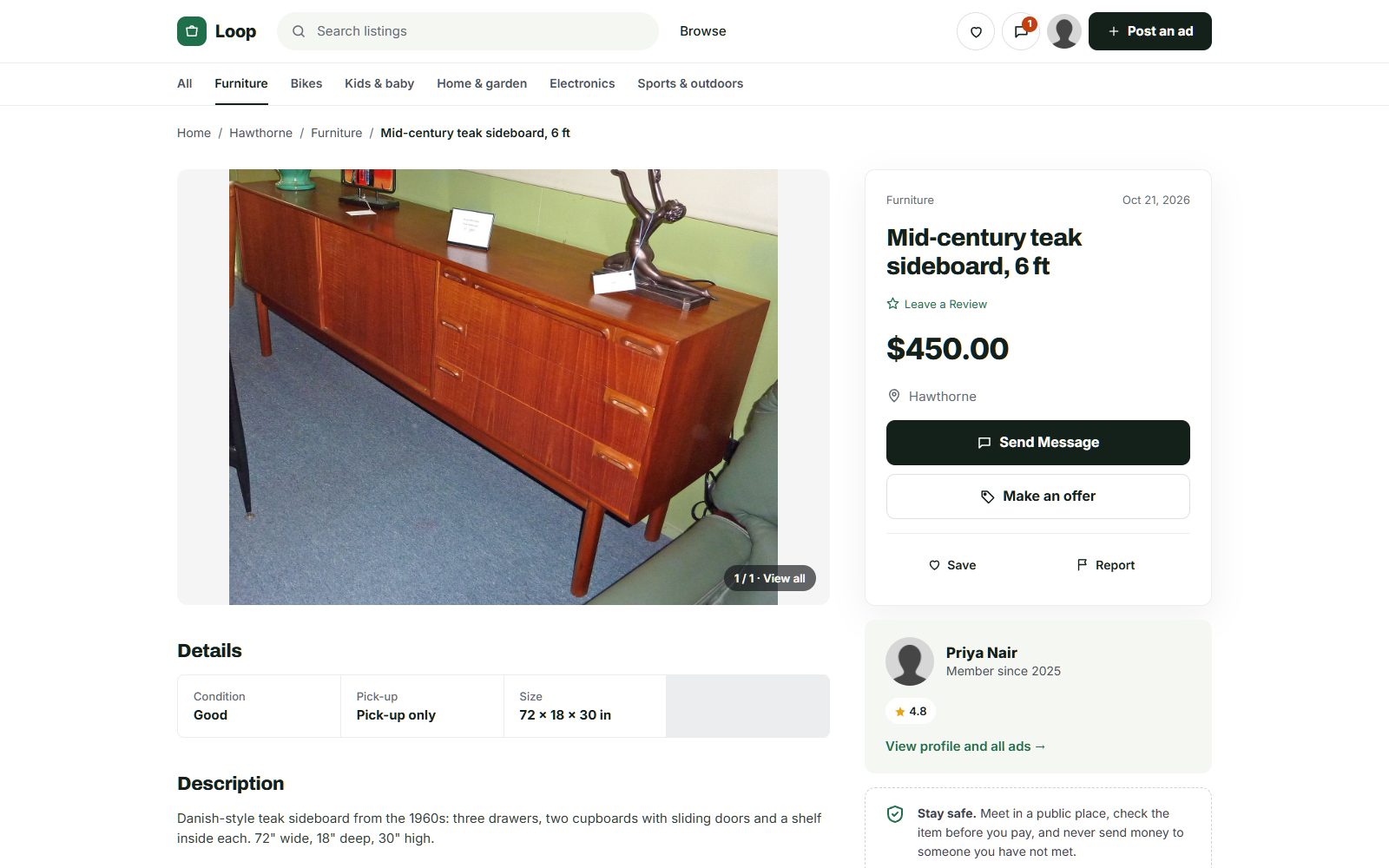
Photo credits
The screenshots show demo sites with made-up sellers. Their photos come from Wikimedia Commons, some cropped or with signs and plates blurred; these ones are under Creative Commons licences:
- McIntosh Teak Sideboard Circa 1960s, CC BY-SA 4.0
- Persian Rug Khorrasan 1, CC BY 2.0
- Fameg bentwood chairs of Poland 01, CC BY-SA 4.0
- View of the "Lost Dining Table and Chairs" in Eltham Palace - geograph.org.uk - 5797282, CC BY-SA 2.0
- Anglepoise Original 1227 Giant Floor Lamp, CC BY-SA 4.0
- Wooden Balance Bike for Kids oak frame with flame red tires, CC BY-SA 4.0
- Baby Crib (49935766018), CC BY 2.0
- Seth Thomas tambour mantel clock ca. 1930, CC BY-SA 4.0
- Rack of rock climbing gear at Horsethief Butte in a Mazamas class, CC BY 4.0
- Sideboard Teak 5 Door Rosando Furniture, CC BY-SA 4.0
- Teak 'Fresco' Sideboard by G Plan angled view, CC BY-SA 4.0